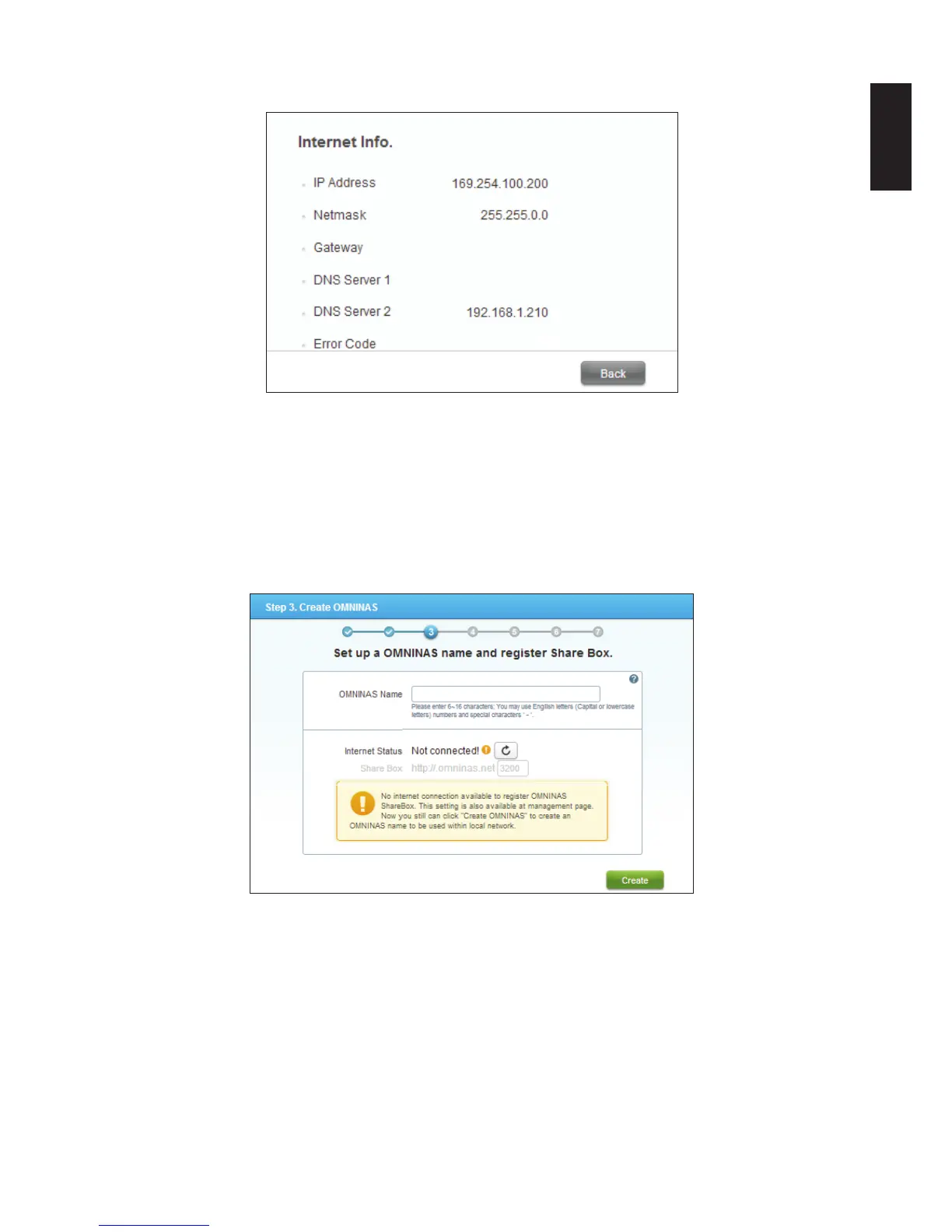
Click Back to return to the previous menu.
Internet Info.
The following prompt displays. Without an Internet connection, the OMNINAS Share Box
function can not be registered at this time.
If you are connected to a DHCP router but still receive this error message, take a screen
shot and provide the message to your router administrator or to the Shuttle Service Center.
Once the network settings are correctly congured, the Share Box function can be set up
through the web interface.
Set up OMNINAS Name
8. Enter the name to designate your OMNINAS and click Create to continue the process with-
out registering Share box.
The Share Media Files prompt follows. You can turn on the Media Server and iTunes Serv-
er at this time to share your les.
Note:
It is not necessary to register Media server at this time. You can setup the function through
the browser interface.



 To Next Page