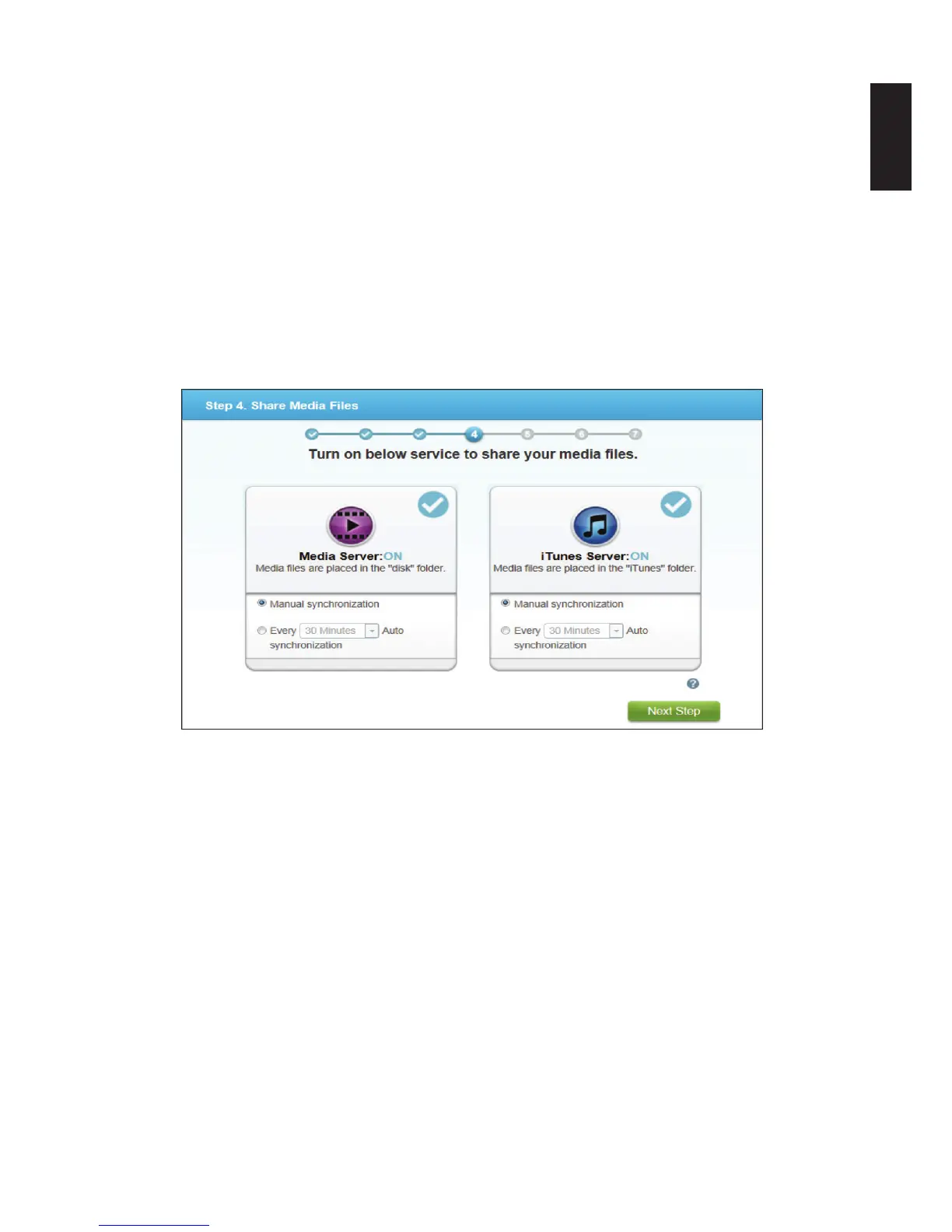
9. In the Media Server option, click the option OFF. The setting switches to ON and a syn-
chronization option displays.
10. Select from the following to set the sync options:
Manual: select this to synchronize manually.
Every: select a specic period of time for automaic synchronization.
11. In the iTunes Server option, click the option OFF. The setting switches to ON and a syn-
chronization option displays.
12. Select from the following to set the sync options:
Manual: select this to synchronize manually.
Every: select a specic period of time for automaic synchronization.
13. Click Next Step to continue.
Share Media Files Prompt



 To Next Page