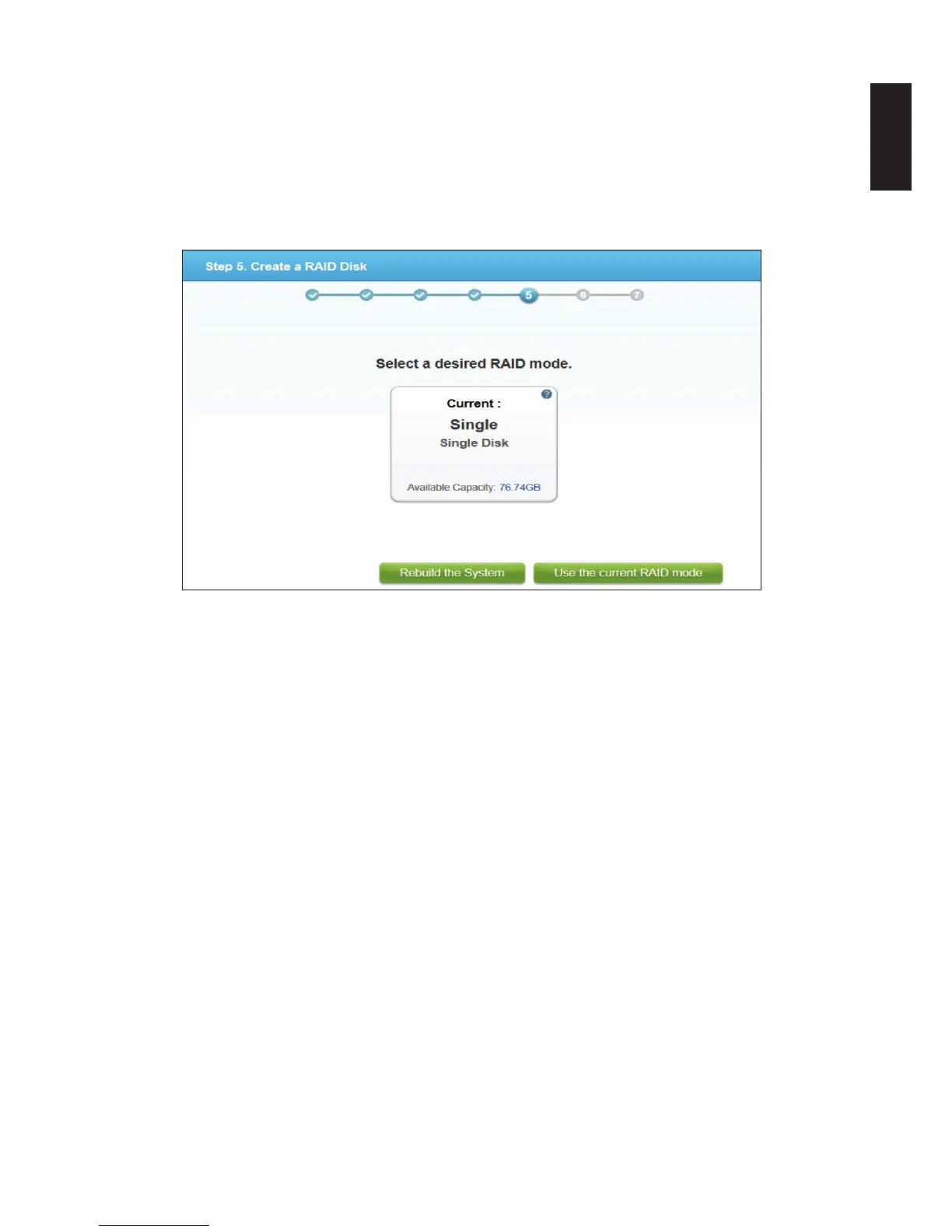
The RAID disk function opens and displays compatible disk-array options.
In the RAID mode screen, you can select to build a new RAID array or select the Current
RAID mode to maintain the previously congured le system.
IMPORTANT:
By choosing the current RAID mode the original data on the disk drives is preserved. How-
ever, the user and folder lists as well as existing settings are deleted.
Step5. Create a RAID Disk Screen
Note:
The time required to rebuild a system is dependent on the RAID type selected and the size
of hard drives.
If you are unsure of the disk-array to use, select Use the current RAID mode (default).
14. Click on a RAID mode setting to continue.
15. The User Account setting displays. In the user account eld, enter a new account name to
add.
16. In the User Password eld, enter a password associated with the account name above.
It is advisable to use a strong 8-character or longer password that uses a combination of
Upper, Lower and special characters to increase the security protection for your OMNINAS.



 To Next Page