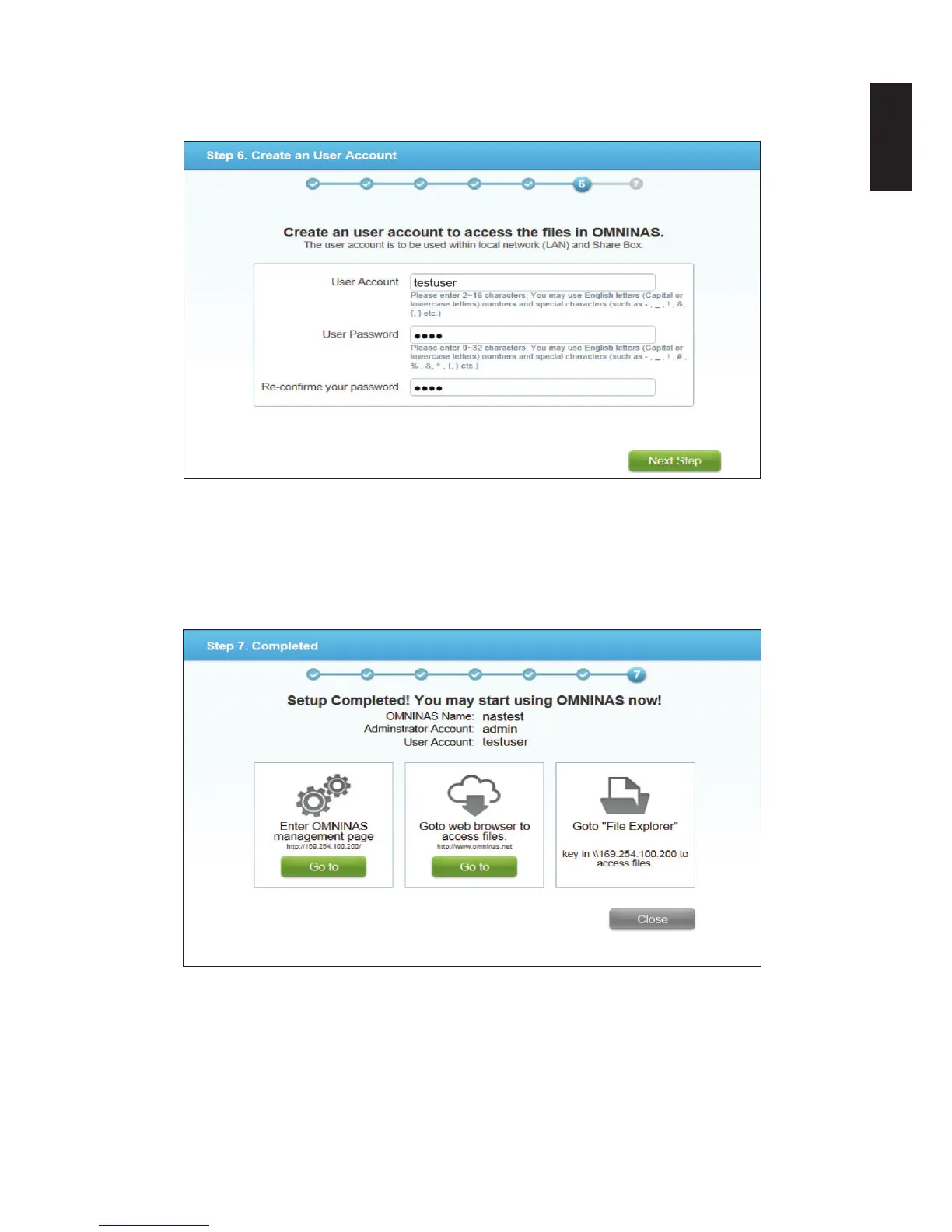
17. Enter the same password in the Reconrm your password eld.
18. Click Next Step to continue.
Create a User Account Prompt
The setup of your OMNINAS device is complete. The Complete prompt displays.
The OMNINAS name as congured is displayed as well as the name of the administrator
and user accounts. It is recommended to write down and keep the setup information for
quick reference.
Completed Prompt



 To Next Page