From the Completed prompt you can select from the following:
Enter the OMNINAS management page: the device’s internal IP
address displays (default: http://169.254.100.200).
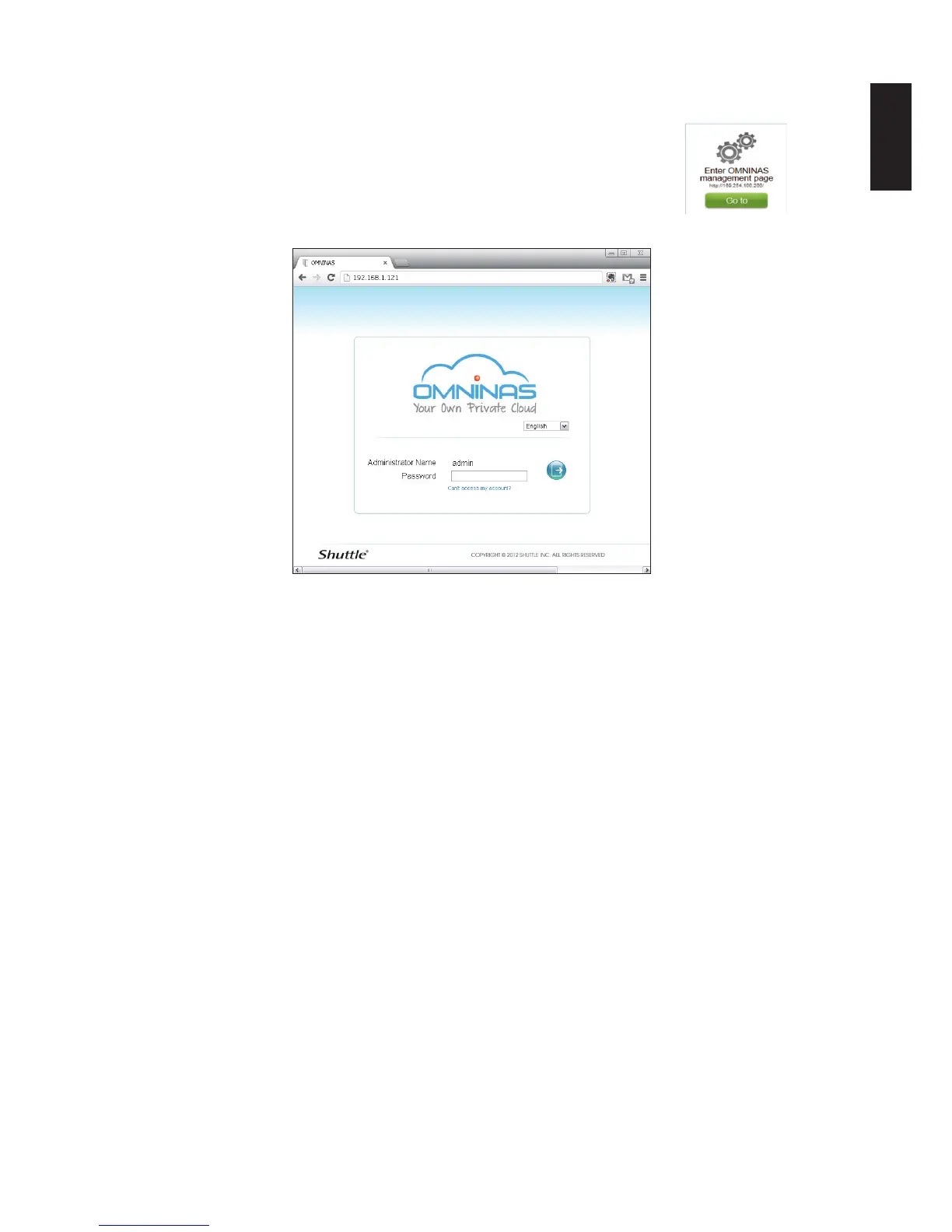
1. Click Go to and the Management login prompt displays.
Management Login
2. In the login prompt, enter the admin password as dened in Step 4 of the OMNINAS
Wizard.



 To Next Page