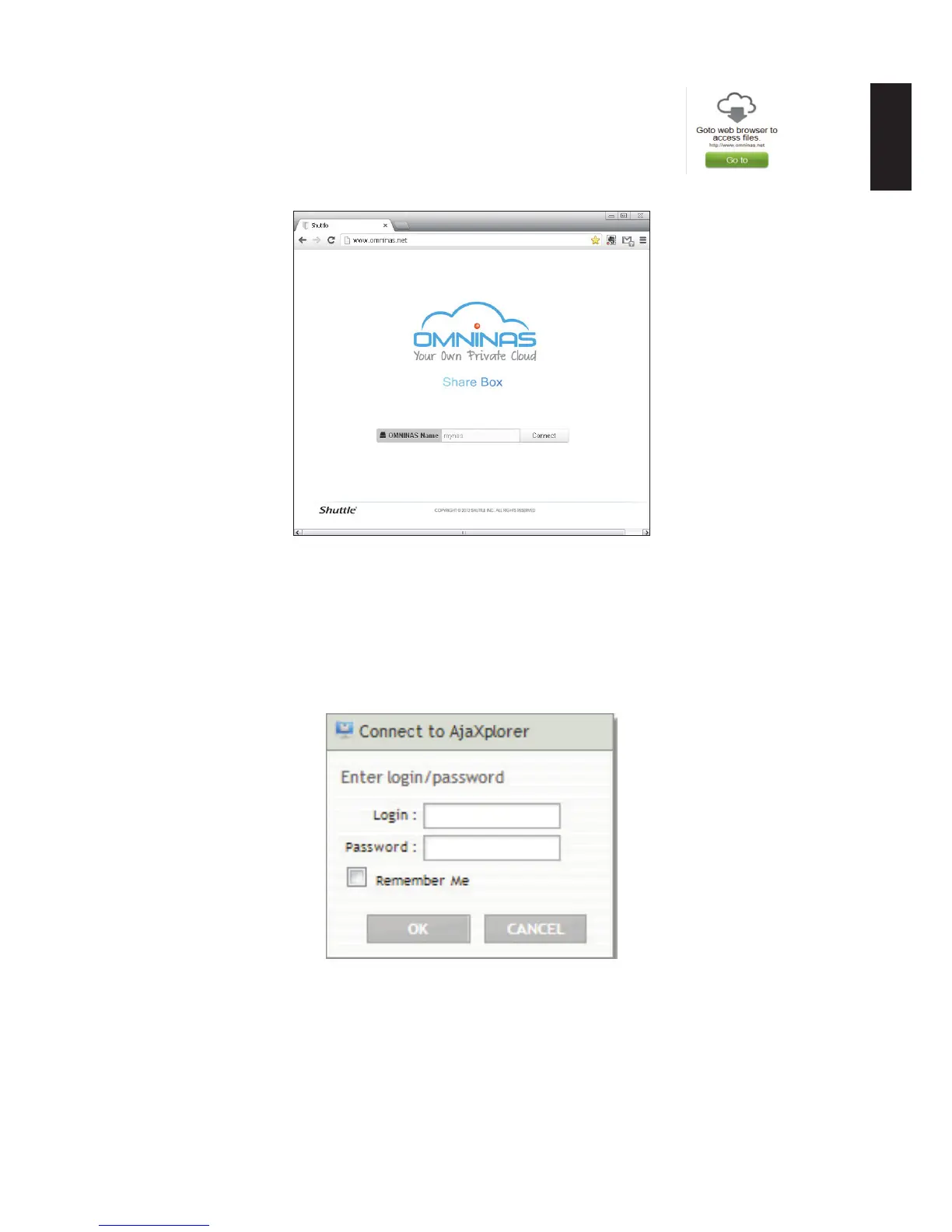
Open a web browser to access Share Box les: the Share Box IP
address displays.
1. Click Go to and the Share Box login prompt displays.
Share Box Login
2. In the login prompt, enter the admin password as dened in page 2-16, step 3 of
OMNINAS Wizard setup screen.
3. After connecting to your OMNINAS device, the user login prompt displays.
4. Type the user name and password of a dene user account as dened in page 2-20,
step 6 of OMNINAS Wizard setup screen.
Share Box User Login



 To Next Page