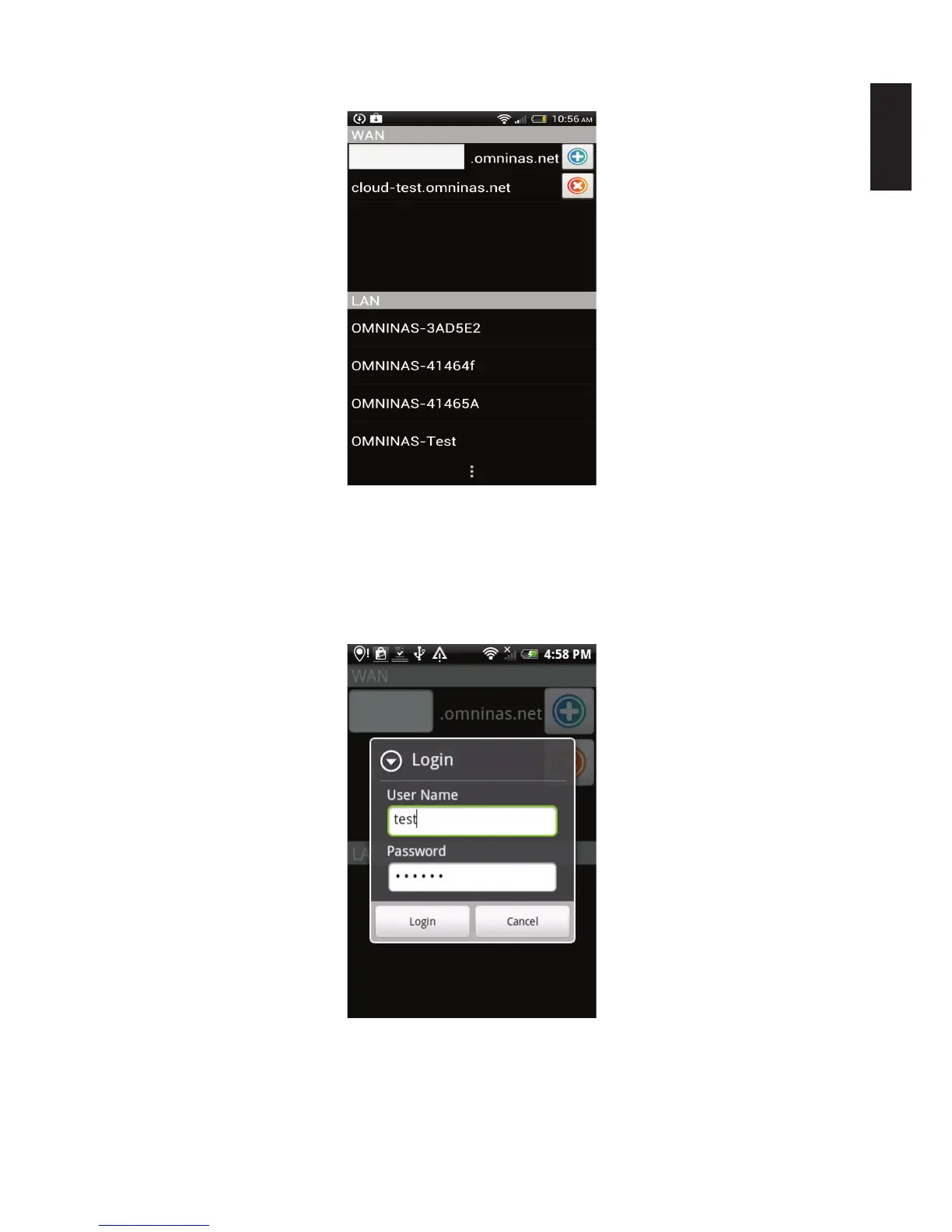
The Connection screen displays.
LAN Connection Screen
2. Under LAN, select a device from the available list. This is the Host Name as dene in
Settings.
3. The Login screen displays. Enter the user name and password as dened in the Share.
4. Click Login to continue or Cancel to return to the previous menu.
LAN Login
The LAN connection is established. Your device is remotely connected to your Android
phone. See Main Menus.



 To Next Page