2. In the Device Name eld, type in the host name as set in the Share Box setting. See Share
Box.
For this example, the host name is: testkd21.
Note:
It is not necessary to enter the extension omninas.net in the host name eld.
Note:
If you enter error host name/password over 4 times. The Share Box will lock your entry with
error message. Please check your host name/password then enter it again after 10 min-
utes.
3. Click Connect to continue.
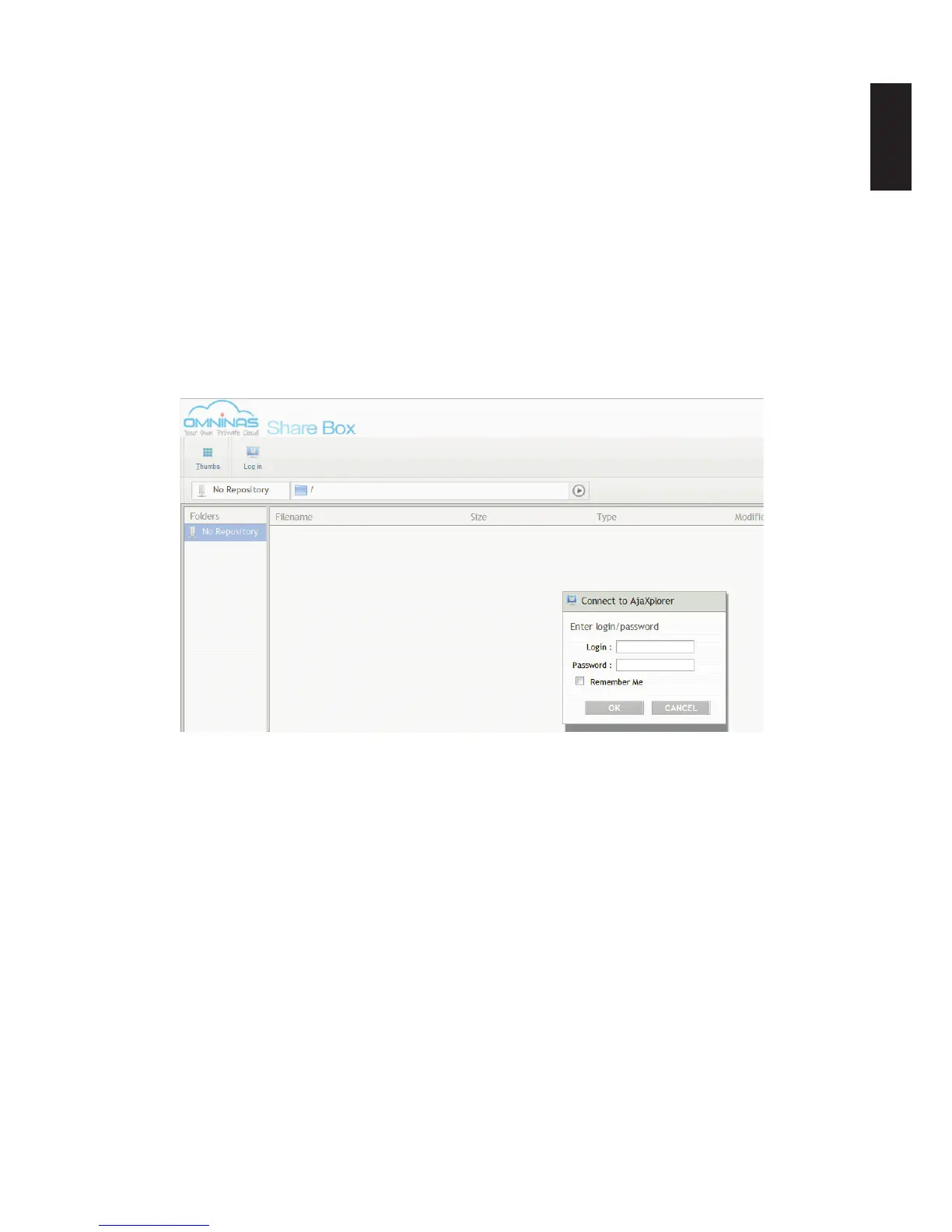
The Share Box connection page displays, see the following gure.
Share Box Login Screen
4. Enter the Login and Password of a prole dened in Share Management.
See Adding Users.
Additionally, you can login to Share Box by typing in the hostname and assigned port num-
ber, see following example:
[hostname].omninas.net:[port number] (Whereas the information in [ ] represents your de-
vice settings.



 To Next Page