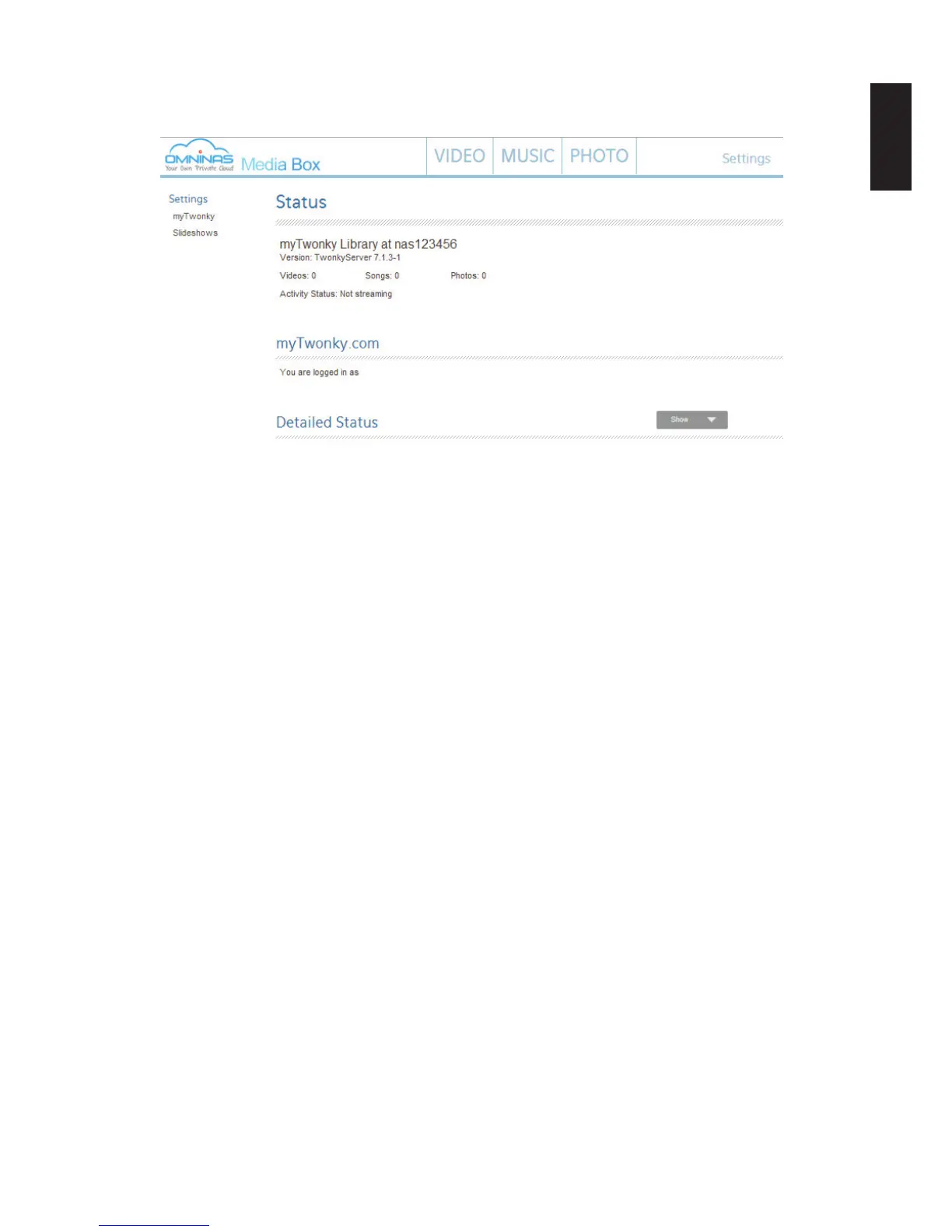
4. Click Media Box to open a browser window and display your active OMNINAS Media
Server.
Media Server on Twonky Server
Note:
Before starting, make sure port 9010 is opened and forwarded to your router before ena-
bling the Twonky service.
Consult your router’s manual for more information on the port forwarding section.
To disable the Media Server:
1. In Media Server, click the Media Server tab.
2. In the Media Server option, select Stop to disable the Media Server function.
3. Click Save to complete the setup.



 To Next Page