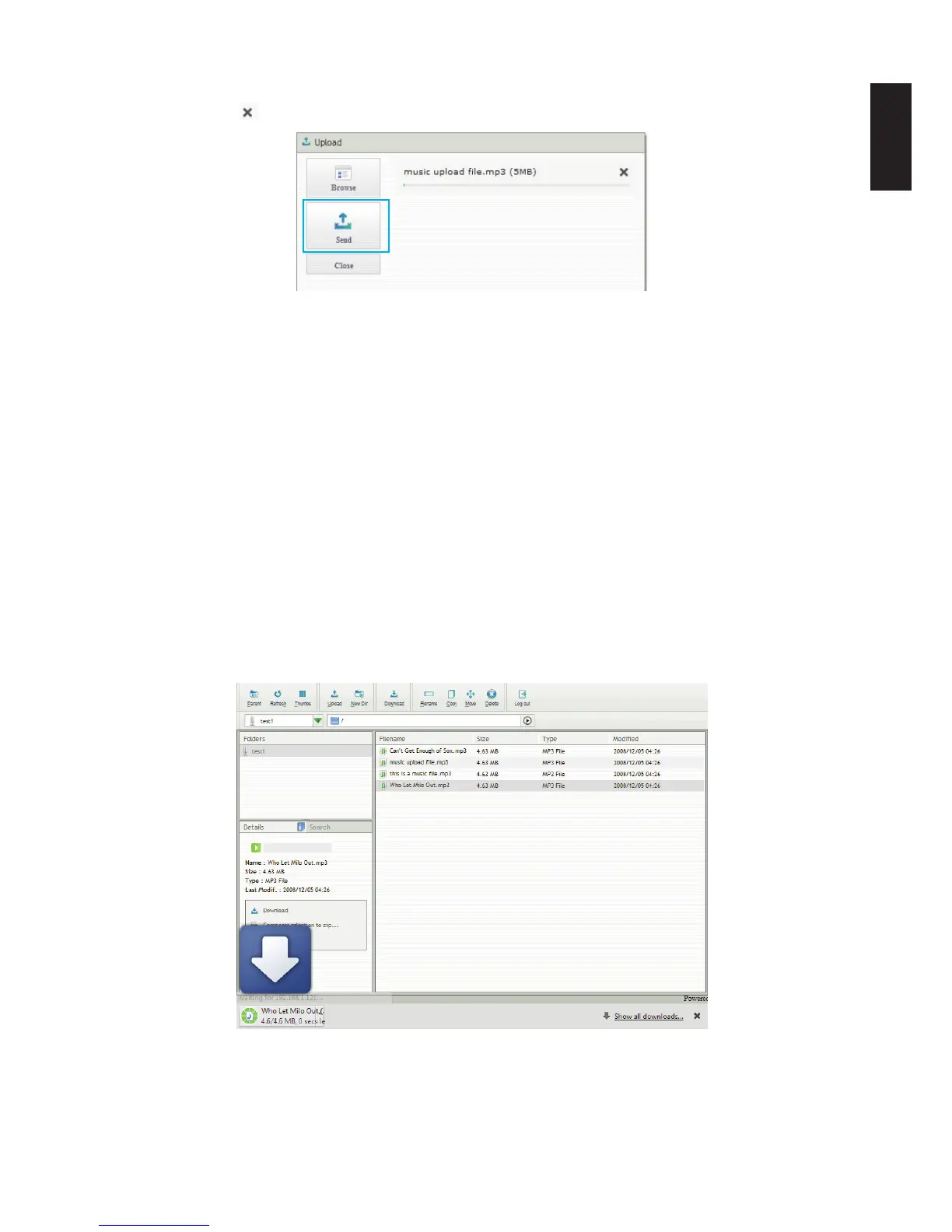
6. The Upload screen appears, click Send to nish the upload process. Alternatively, click the
Cancel icon
to cancel the download.
Completing the Upload
Downloading Files
This section provides information on how to download a le to your server using the Share Box
function.
1. Log into the Share Box server, see Accessing Share Box.
2. In Folders, select the source folder containing the les to download.
3. In the le list, select the source le.
4. In the main menu, select Download to start the downloading.
Downloading starts and the le is downloading to the designated folder on your PC.
Completing the Download Process



 To Next Page