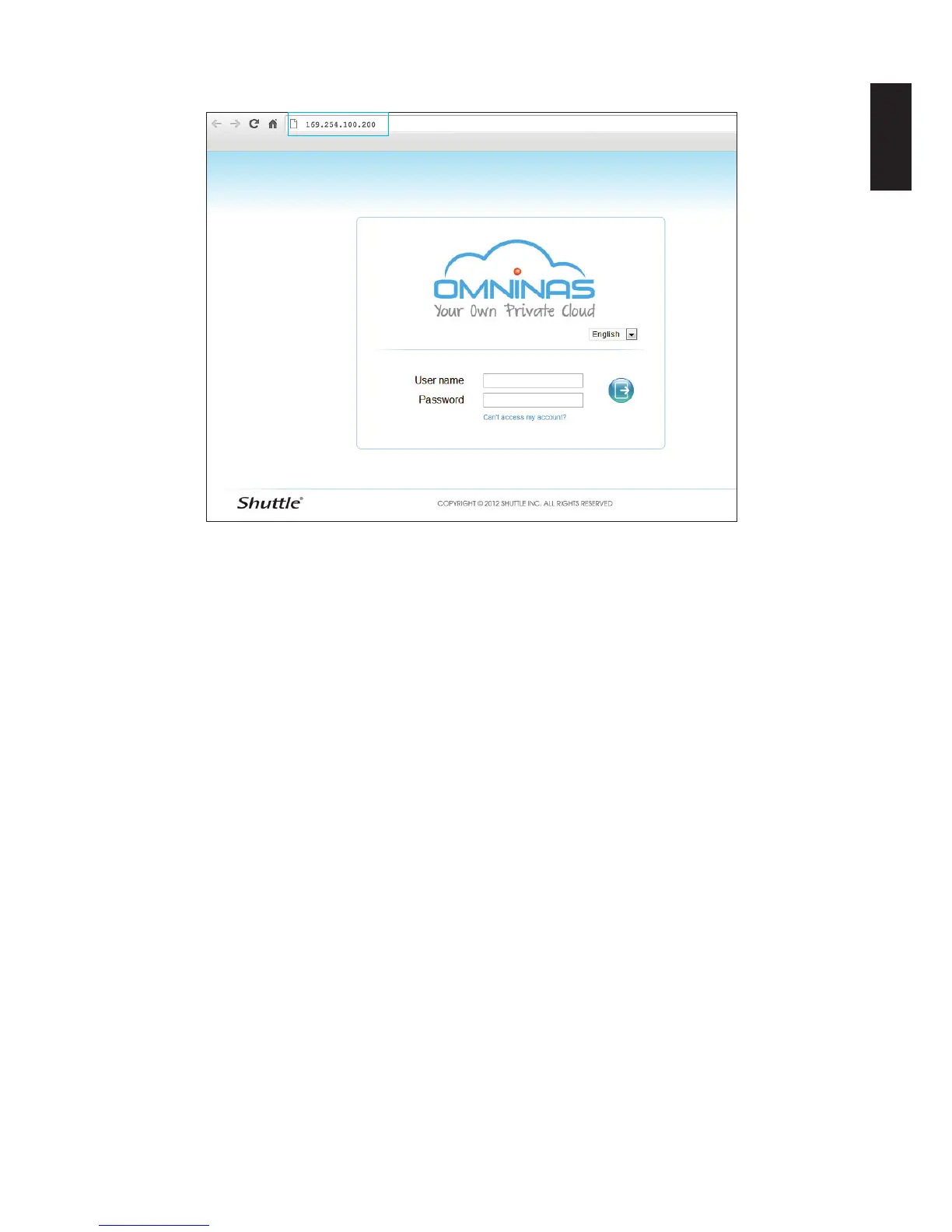
3. In the address bar, type in the OMNINAS default IP address.
Connecting Directly through a Web Browser
4. Enter the username to login and congure the OMNINAS.
Default
Username: admin
Password: ******
Note:
If the OMNINAS is not congured to use DHCP, the default IP address is
http://169.254.100.200. Make sure the OMNINAS and the computer connected to it are
under the same subnet.
If the hard drives are not, yet, congured, the OMNINAS Wizard screen displays. You must
congure the disks before continuing.



 To Next Page