5. Click Connect to establish the shortcut.
Note:
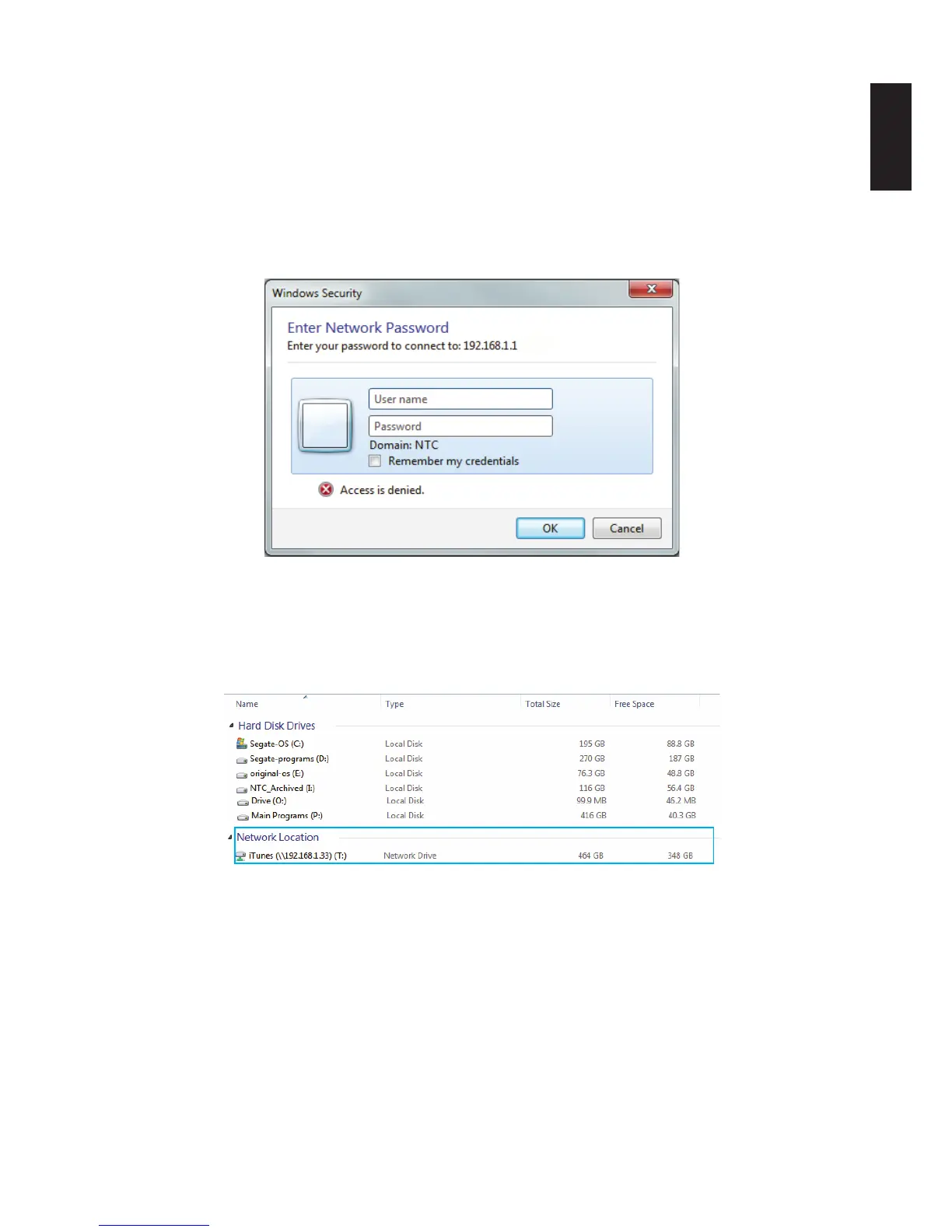
Mapping private folders requires an additional authentication step. See the following guid-
ance:
• Click Connect to open the authentication login screen.
• Enter the user name and password of a user authorized to access the folder (Share->User
List).
Entering Network Password
• Authorization is complete and an explorer window displays.
The mapped drive is now available on your computer.
6. To access and manage your mapped folders, open the drive through the shortcut.
Mapped Individual Folder
Note:
If your network is under a domain server, mapping internal folders may require network ac-
cess and permission.



 To Next Page