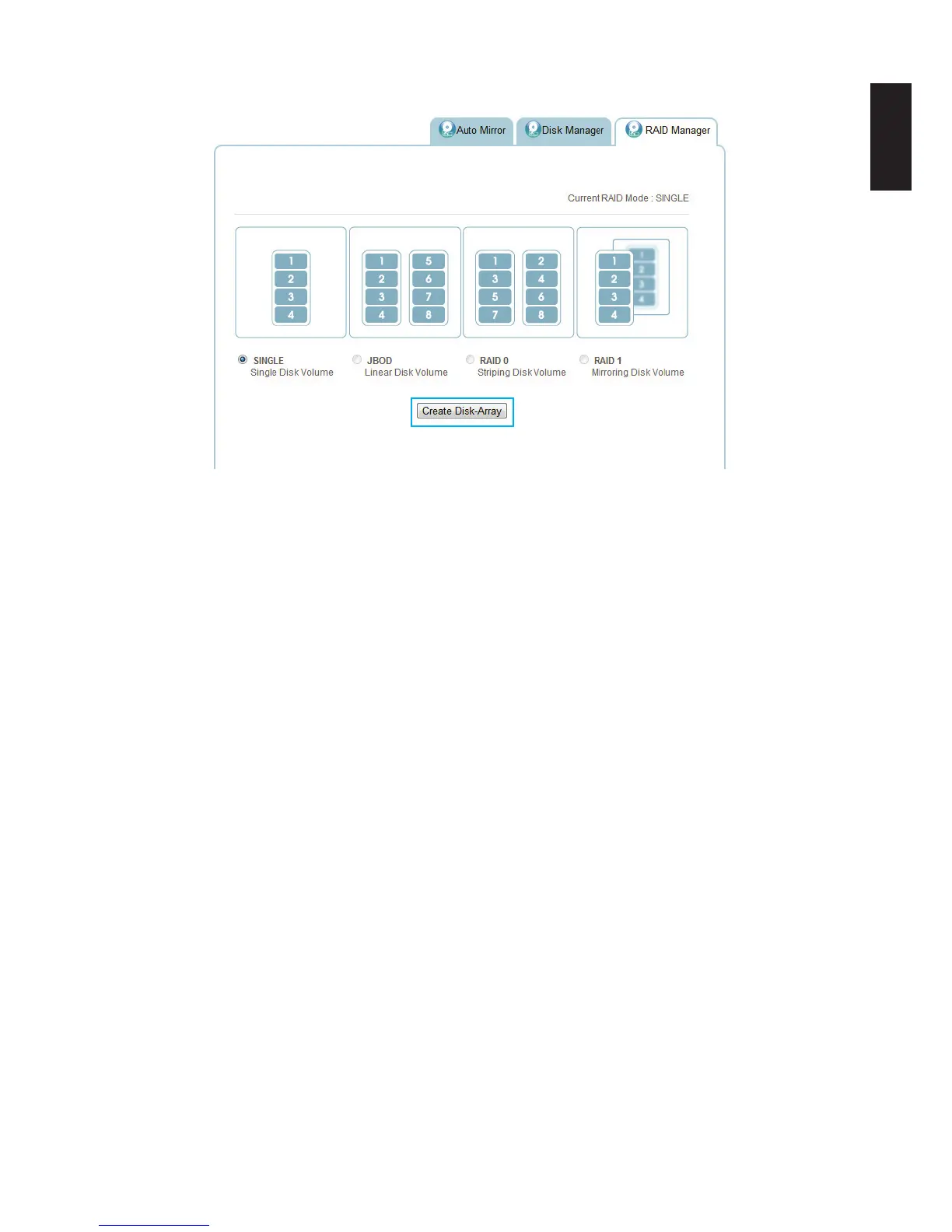
3. Click Create Disk-Array.
Creating a RAID Mode
4. A prompt displays, press OK to continue.
5. A prompt displays to conrm the rebuild process, click OK to continue.
The time to rebuild varies depending on RAID Array and HDD size.
When it is complete, the Home screen displays.
6. Log in to enter the interface.



 To Next Page