Function blocks
2.1 Function blocks - input and output types, structure
SIMOCODE pro - Parameterize
Operating Manual, 04/2017, A5E40507630002A/RS-AA/001
13
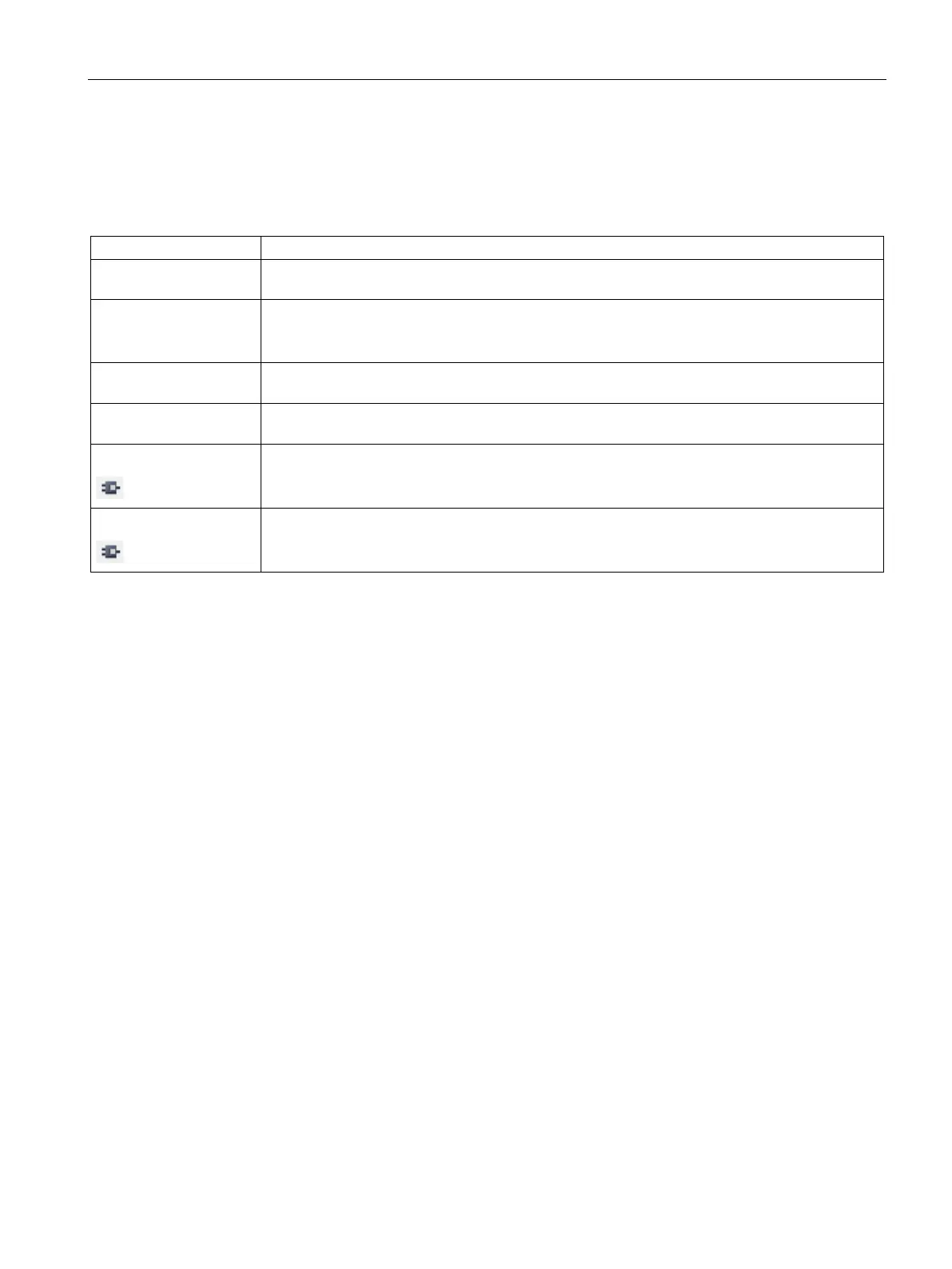
The following table shows the possible output types of the internal function blocks of
SIMOCODE pro:
Table 2- 2 Output types of the internal function blocks of SIMOCODE pro
Sockets (binary) Function blocks in the basic units may have binary sockets. These sockets are assigned to
binary plugs in the software. They are relevant for parameterization, e.g. with SIMOCODE ES.
Sockets (analog) Function blocks in the basic units may have analog sockets. These sockets are assigned to
analog plugs in the software. They are relevant for parameterization, e.g. with SIMOCODE ES.
Example: 2-byte word, max. current I_max.
Screw terminals Screw terminals are outside, e.g. "BU Output" function block. The contactors, for example, are
Message data to the
e. g from SIMOCODE pro to the DP master
Binary terminal block
Internal binary signals (binary sockets) that are not assigned to a function block (fault, status,
other), e.g. "Status - Device o. k. (in the CFC editor)
Analog terminal block
Internal analog signals (analog sockets) that are not assigned to a function block, e.g. "Phase
Unbalance" (in the CFC editor).







 To Next Page