SIGLENT
108 SDS2000X User Manual
5. Press Condition and select the trigger condition by the Universal Knob:
If you select ID condition:
a. Press ID softkey and set its value by turning the Universal Knob.
If you select ID+DATA condition:
a. Press ID softkey and set its value by turning the Universal Knob.
b. Press DATA1 softkey and set its value by turning the Universal Knob.
c. Press DATA2 softkey and set its value by turning the Universal Knob.
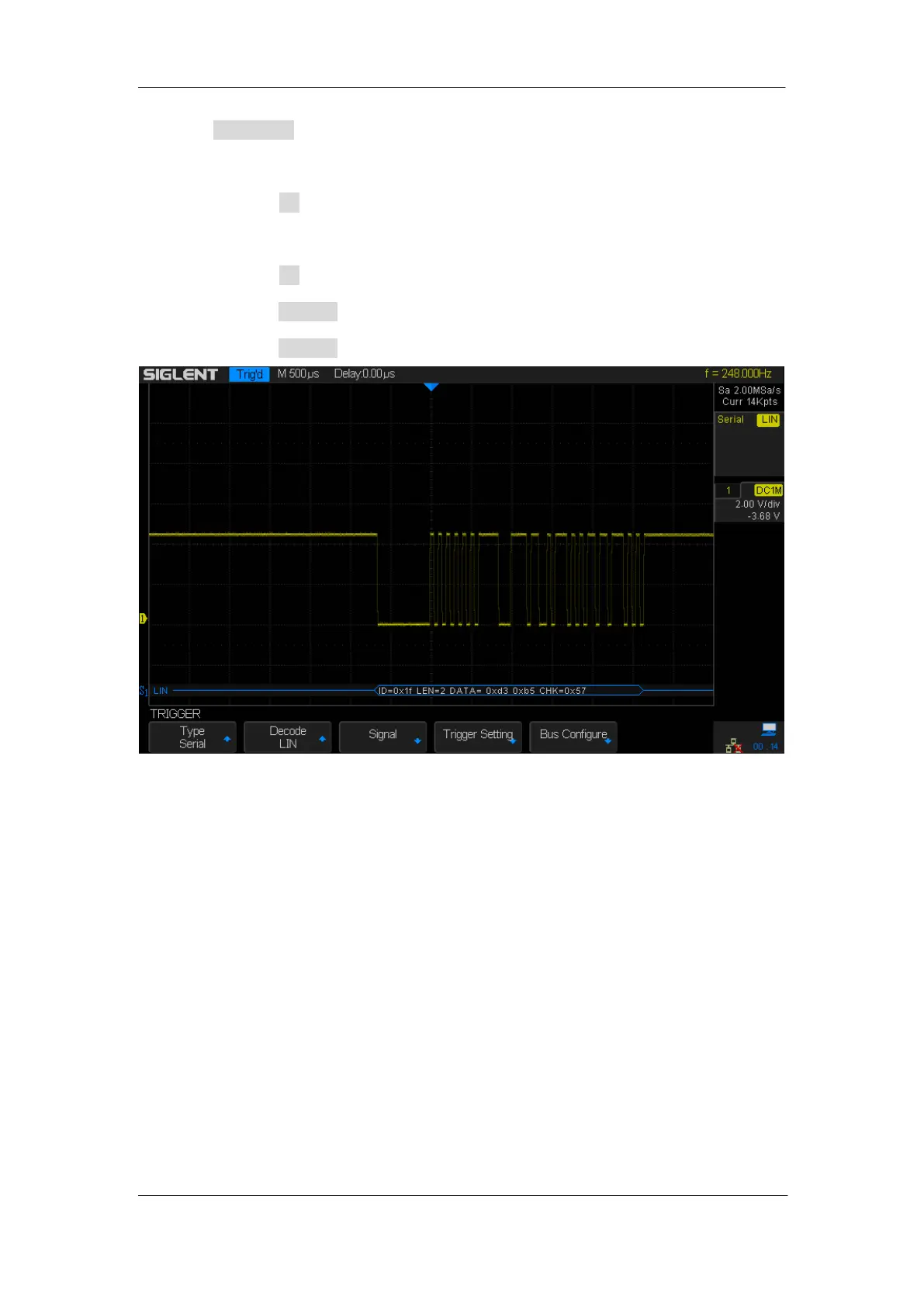
Figure 56: LIN Trigger










 To Next Page