SIGLENT
SDS2000X User Manual 211
To Set Output Load
11. Press the Wave Gen button on the front panel to enter the WAVEFORM function
menu.
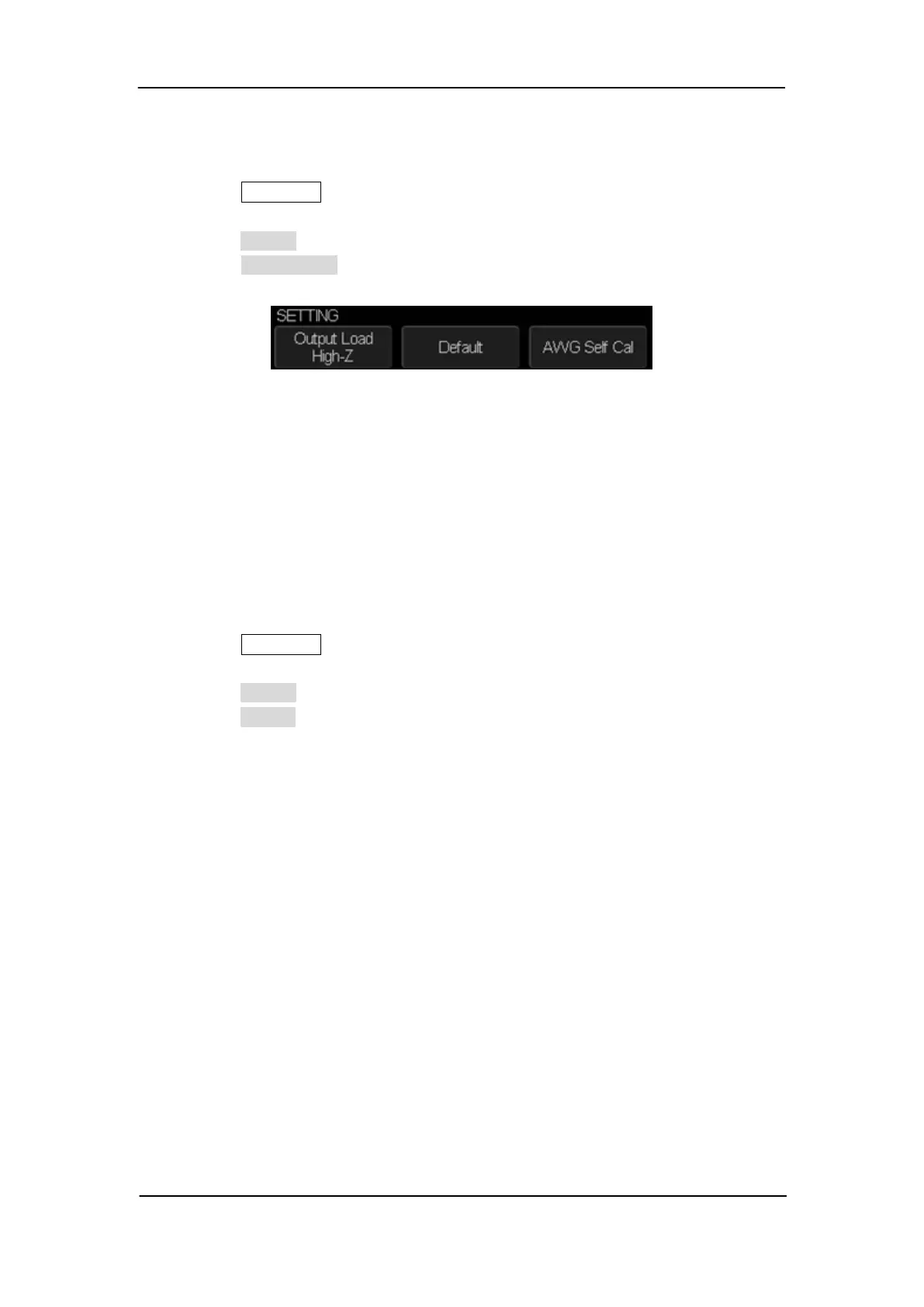
12. Press the Setting softkey to enter the SETTING function menu.
13. Press the Output Load softkey to select High-Z or 50Ω.
Figure 145: SETTING Function Menu
The output load of the Wave Gen must match with the oscilloscope, or the amplitude of
the signal will be incorrect.
Recover the Default Setup of AWG.
1. Press the Wave Gen button on the front panel to enter the WAVEFORM function
menu.
2. Press the Setting softkey to enter the SETTING function menu.
3. Press the Default softkey to recover the default values of Wave Gen (Sine, 1.000 KHz,
4.000Vpp, 0.0mVdc).










 To Next Page