SIGLENT
42 SDS2000X User Manual
To Select Acquisition Mode
The acquisition mode is used to control how to generate waveform points from sampled
points.SDS2000X provides the following acquisition mode: Normal, Peak Detect, Average
and Eres.
1. Press the Acquire button on the front panel to enter the ACQUIRE function menu;
2. Press the Acquisition softkey; then turn the Universal Knob to select the desired
acquisition mode and push down the knob to confirm. The default setup is Normal.
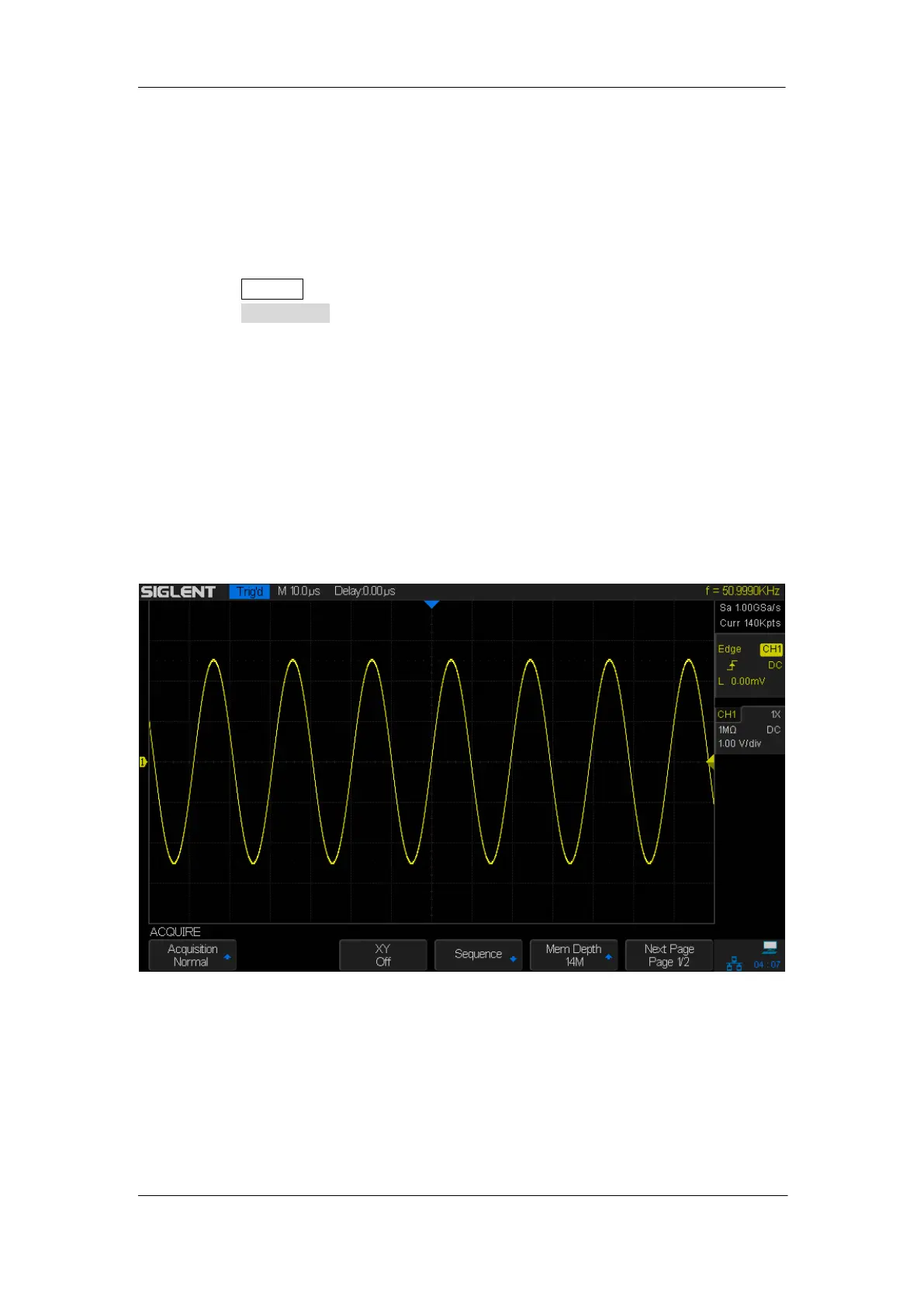
Normal
In this mode, the oscilloscope samples the signal at equal time interval to rebuild the
waveform. For most of the waveforms, the best display effect can be obtained using this
mode. It is the default acquisition mode.
Figure 14: Acquisition System










 To Next Page