SIGLENT
68 SDS2000X User Manual
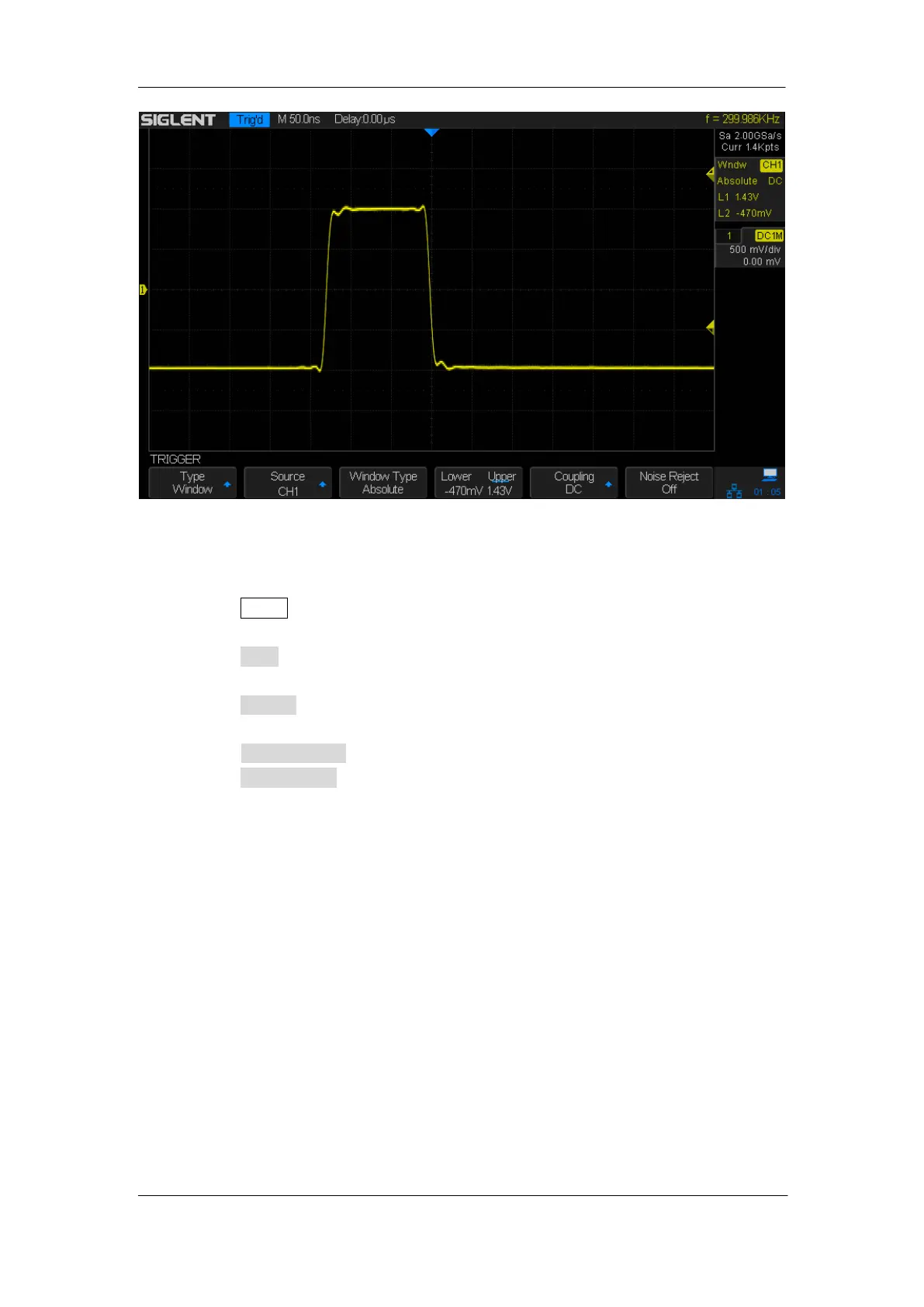
Figure 28: Absolute Window Trigger
To set window trigger via Relative window type:
1. Press the Setup button on the front panel to enter the TRIGGER system function
menu.
2. Press the Type softkey; then use the Universal Knob to select Window and push
down the knob to confirm.
3. Press the Source softkey; turn the Universal Knob to select CH1~4 as the trigger
source.
4. Press the Window Type softkey to select Relative.
5. Press the Center Delta softkey to select Center or Delta trigger level mode; then turn
the Trigger Level Knob to adjust the position. The Center and Delta values are
displayed at the upper right corner of the screen.
In the trigger state message box, C means Center, the center value of the lower and
upper trigger levels; D means Delta, the difference between the lower (or upper)
trigger level and the trigger level center.










 To Next Page