SIGLENT
12 SDS2000X User Manual
Front Panel Function Overview
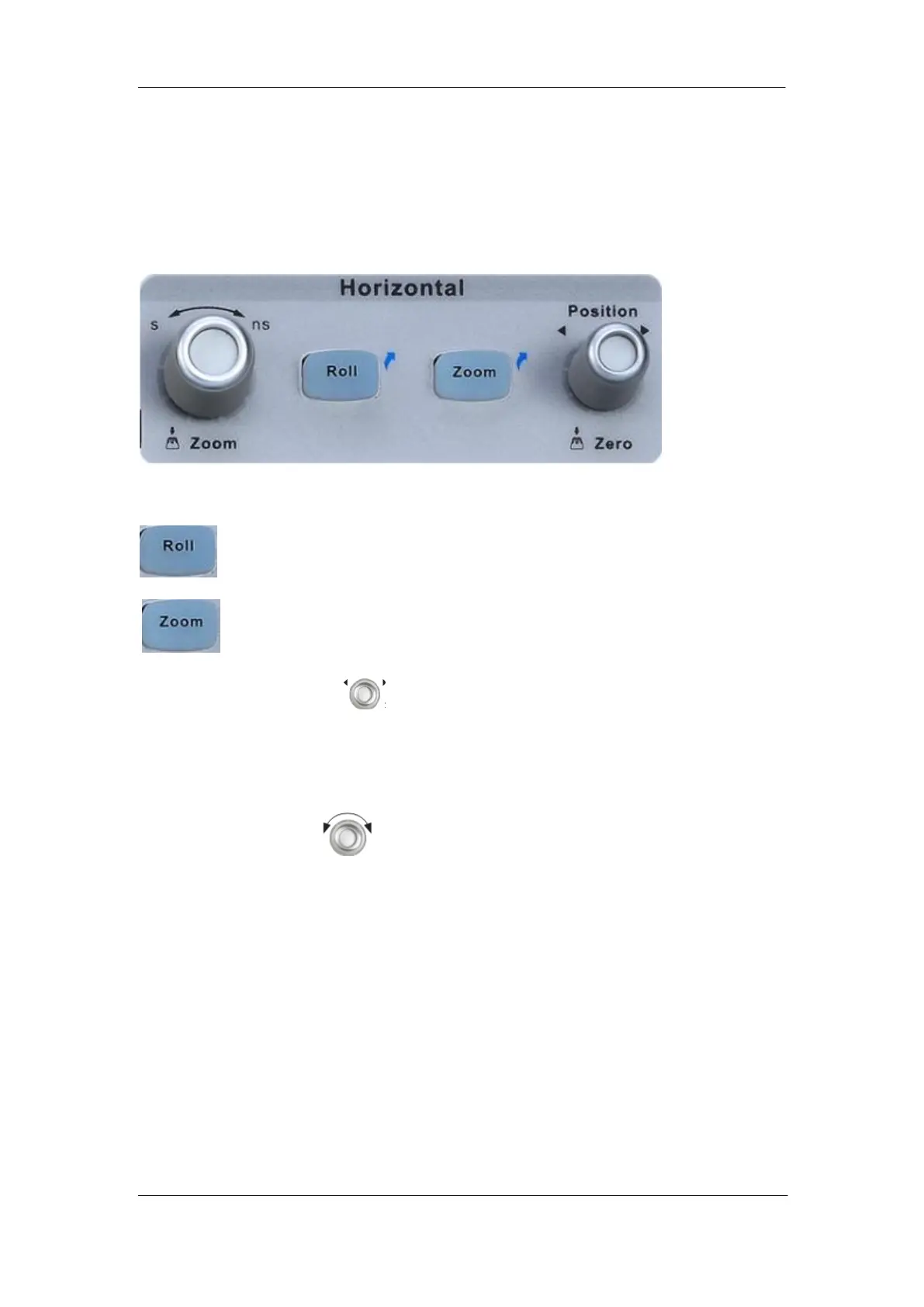
Horizontal
Quickly enter the roll mode. The timebase range is from 50ms/div to 50s/div.
Press the button to open the Zoom function and press again to close the
function.
Horizontal Position Knob: Sets the horizontal location of the trigger event on the
display. The waveform will move left or right when you turn the knob. Meanwhile, the
Delay value will increase or decrease as the waveform moves. Press down the knob to
reset the trigger delay to Zero.
Horizontal Scale Knob: Sets the timebase (horizontal sweep speed). Turn it
clockwise or counterclockwise to reduce or increase the timebase. The displayed
waveform will be expanded or compressed when the timebase changes. Press down the
knob to enter into the Zoom mode.










 To Next Page