SIGLENT
188 SDS2000X User Manual
modulation analysis.
14. Press the Type softkey, and then turn the universal Knob to select the type of
measurement to make in the modulation analysis.
Average
RMS –AC
Period
Frequency
Pos Width
Neg Width
Duty Width
Rise Time
Fall Time
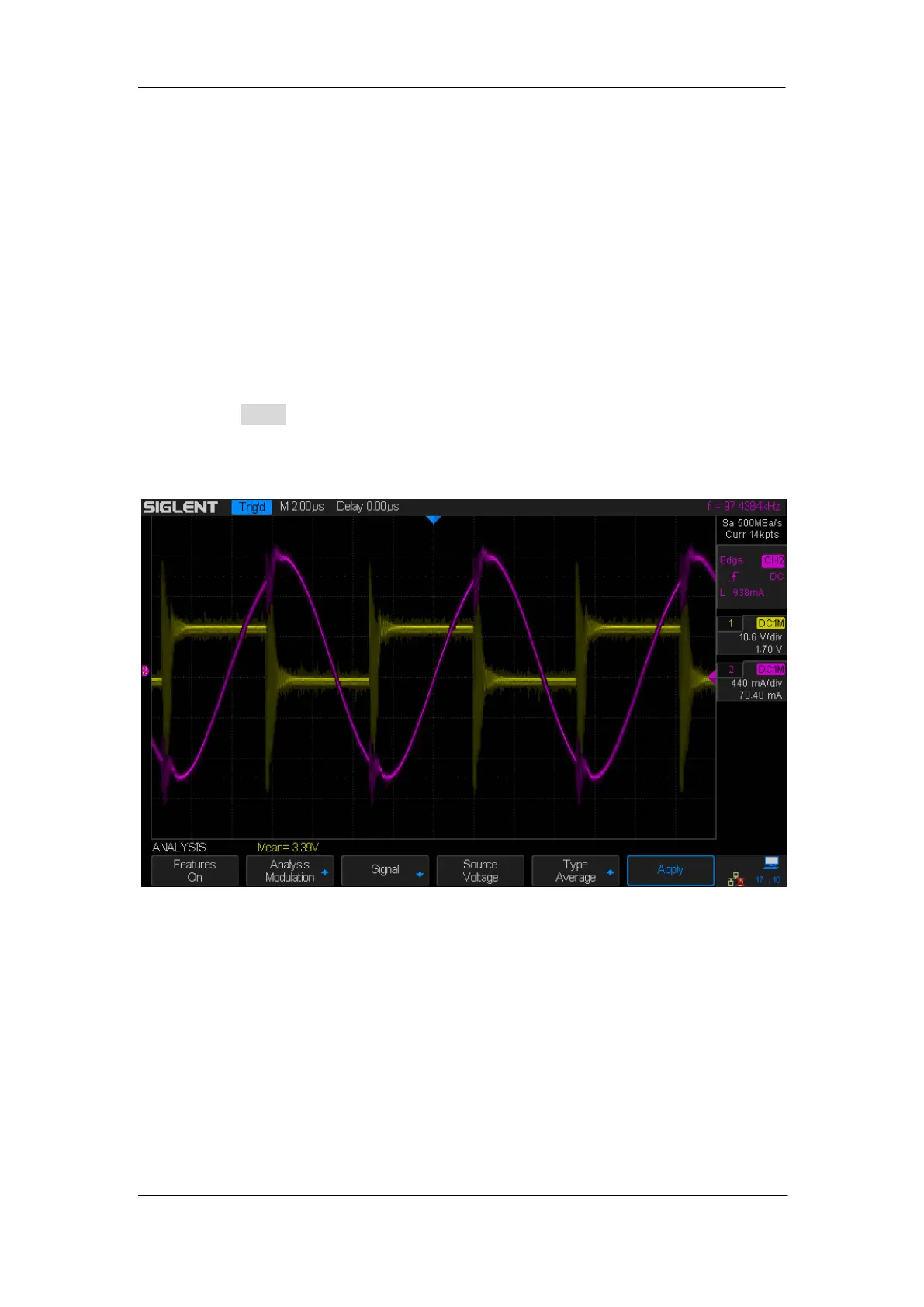
15. Press the Apply softkey to perform the analysis. When the analysis has completed,
the results are displayed along the bottom of the display. There are at most 4 sets of
measurements displayed at the same time.
Figure 120: Modulation Analysis
The measurement trend math waveform visualization is used to plot the measurement
variation for each cycle of the modulation waveforms.










 To Next Page