SIGLENT
120 SDS2000X User Manual
Note: The vertical Variable knob and the vertical Position knob only work for the
reference waveform and the math waveform. Please note the difference with
the channel vertical system.
To Adjust REF Waveform Display
1. Please refer to the ―To Display REF Waveform‖ above to display the desired
reference waveform.
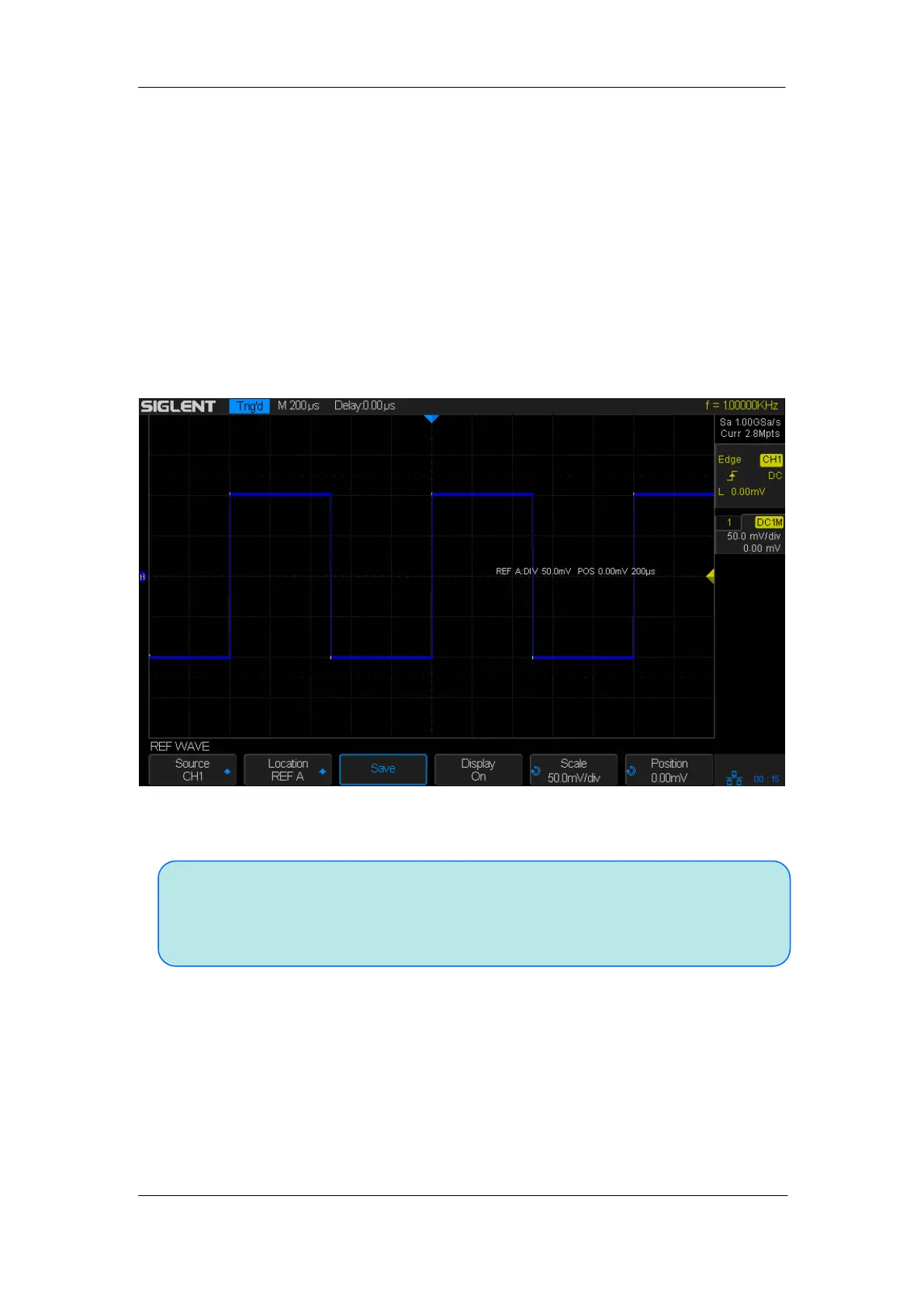
2. Use the Vertical Scale knob and Vertical Position knob for Math/Ref to adjust the
vertical scale and position of the reference waveform. The vertical scale and position
information displays at the middle of the screen.
The initial values displayed at the middle of the screen are the setups when the reference
waveform was saved.
Figure 65: Reference Waveform
To Clear REF Waveform Display
SDS2000X does not have the ―Clear‖ option under the REF WAVE function menu. To
clear the appointed reference waveform, you can save a new reference waveform to the
same location to replace it.










 To Next Page