SIGLENT
146 SDS2000X User Manual
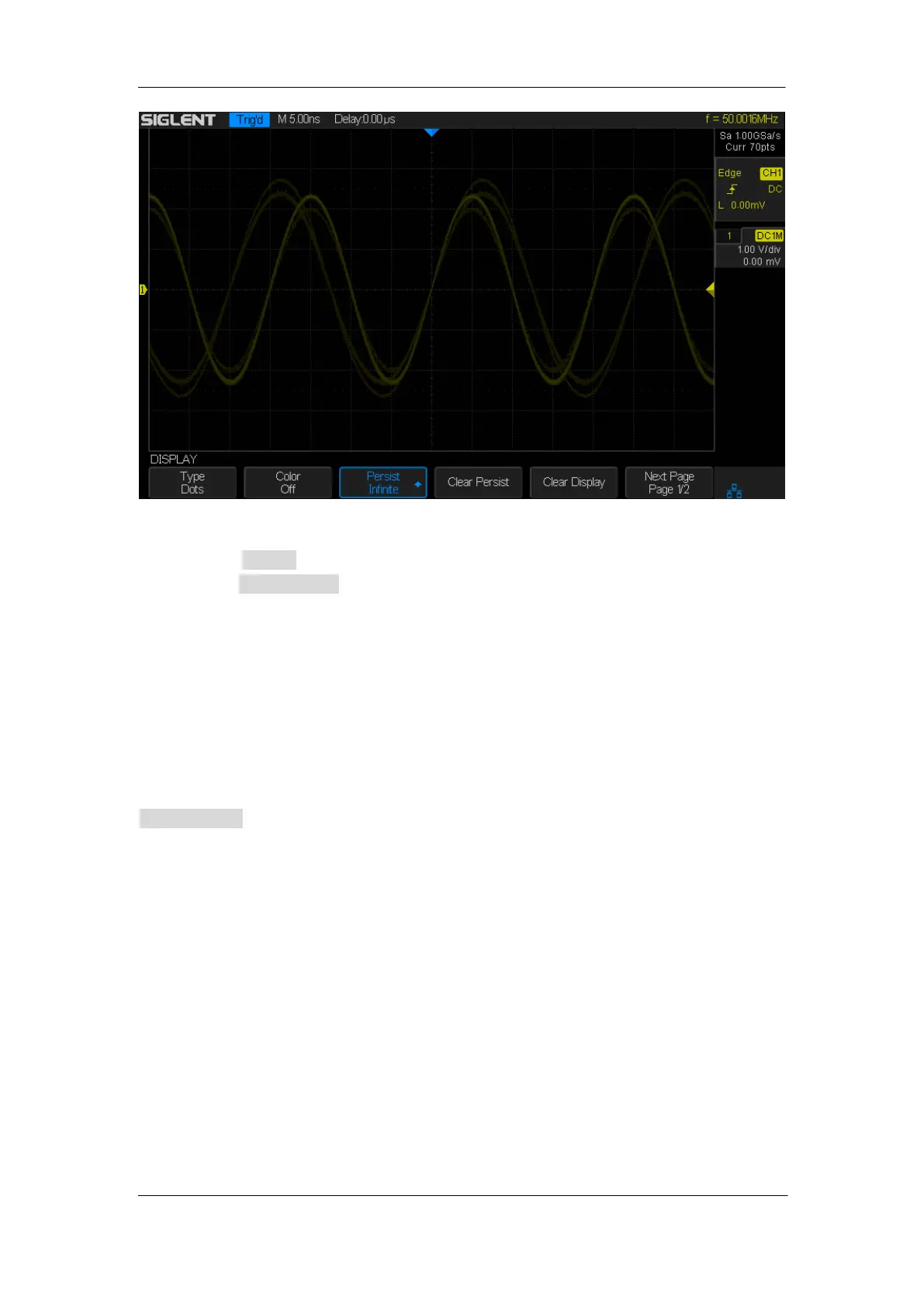
Figure 84: Persist Set to Infinite
3. When the Persist is On, to erase the results of previous acquisitions from the display,
press the Clear Persist softkey. The oscilloscope will start to accumulate acquisitions
again.
4. To return to the normal display mode, turn off persist and the previous acquisitions will
be clear at once.
To Clear the Display
Press the Display button on the front panel to enter the DISPLAY function menu; press the
Clear Display softkey to clear all the waveforms displaying on the screen, acquire and
display new waveforms.










 To Next Page