SIGLENT
SDS2000X User Manual 73
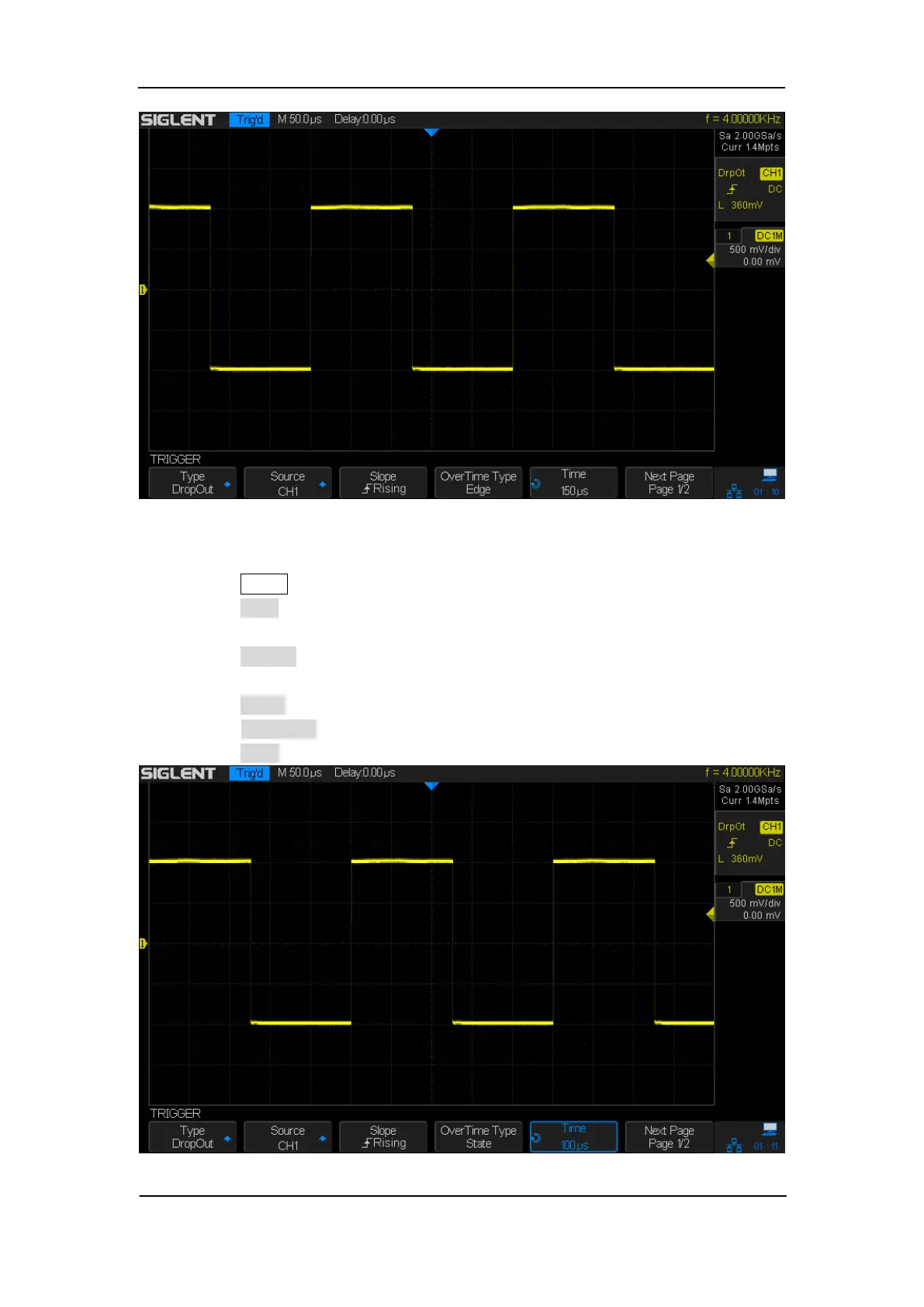
Figure 31: Edge DropOut Trigger
To set state DropOut trigger:
1. Press the Setup button to enter the TRIGGER system function menu.
2. Press the Type softkey; then turn the Universal Knob to select DropOut and push
down the knob to confirm.
3. Press the Source softkey; turn the Universal Knob to select CH1~4 as the trigger
source.
4. Press the Slope softkey to select rising or falling edge.
5. Press the OverTime Type softkey to select State.
6. Press the Time softkey; turn the Universal Knob to select the desired value.
Figure 32: State DropOut Trigger










 To Next Page