SIGLENT
88 SDS2000X User Manual
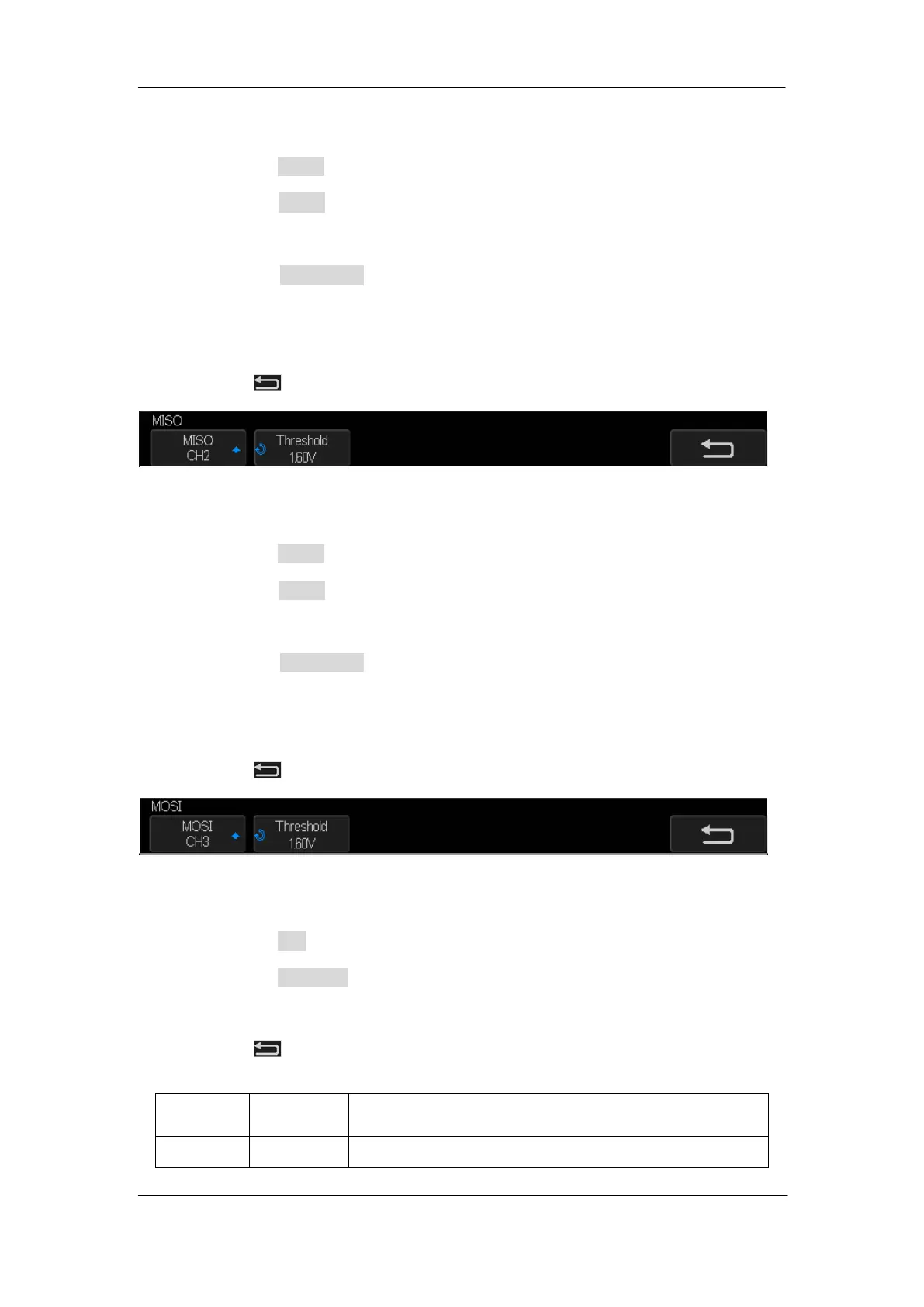
6. Set MISO:
a. Press the MISO softkey to enter the MISO menu.
b. Press the MISO softkey to select the channel that is connected to the SPI MISO
signal.
c. Press the Threshold softkey to set the SPI MISO signal threshold voltage level
by Universal Knob. The threshold voltage level is for decoding, and it will be
regarded as the trigger voltage level when the trigger type is set to serial.
d. Press softkey to return previous menu.
Figure 42: MISO Menu
7. Set MOSI:
a. Press the MOSI softkey to enter the MOSI menu.
b. Press the MOSI softkey to select the channel that is connected to the SPI MOSI
signal.
c. Press the Threshold softkey to set the SPI MOSI signal threshold voltage level
by Universal Knob. The threshold voltage level is for decoding, and it will be
regarded as the trigger voltage level when set the trigger type to serial.
d. Press softkey to return previous menu.
Figure 43: MOSI Menu
8. Set CS:
a. Press the CS softkey to enter the MOSI menu.
b. Press the CS Type softkey to select the chip select type.
c. Modify the CS type‘s value.
d. Press softkey to return previous menu.
Table 1 Menu Explanations of the Cs Type Parameters
Low voltage level of CS signal is available










 To Next Page