SIGLENT
60 SDS2000X User Manual
Slope Trigger
The slope trigger looks for a rising or falling transition from one level to another level in the
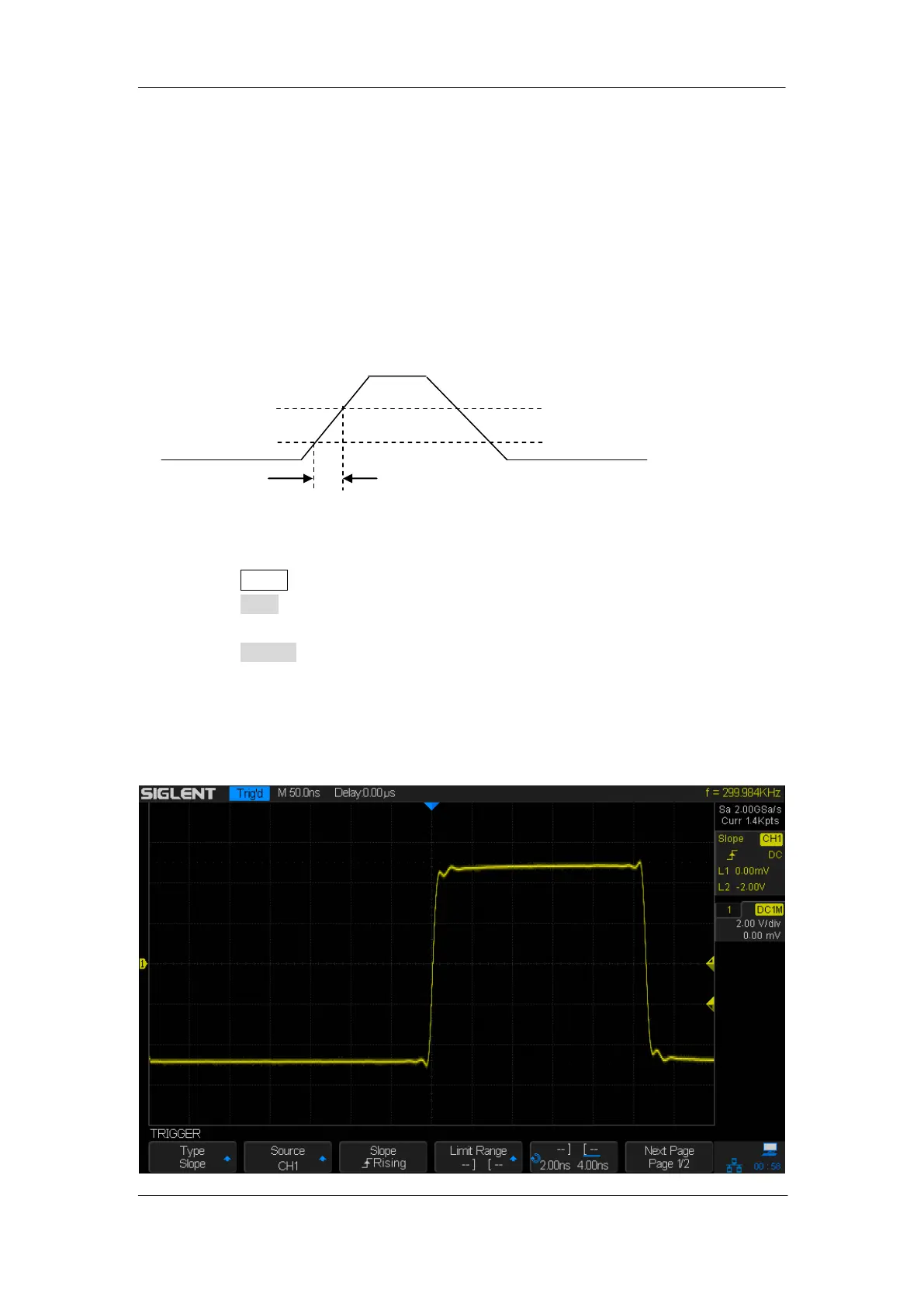
specified time range.
In SDS2000X, positive slope time is defined as the time difference between the two
crossing points of trigger level line A and B with the positive edge as shown in the figure
below.
A
The upper limit of trigger level
B The lower limit of trigger level
Positive slope time
1. Press the Setup button on the front panel to enter the TRIGGER function menu.
2. Press the Type softkey; turn the Universal Knob to set select Slop and then push the
knob to confirm.
3. Press the Source softkey; turn the Universal Knob to select CH1~4 as the trigger
source.
4. Press the Slop softkey; turn the Universal Knob to set select the desired trigger edge
(rising or falling), and then push down the knob to confirm. The current trigger slope is
displayed at the upper right corner of the screen.
Figure 25: Slope Trigger










 To Next Page