SIGLENT
44 SDS2000X User Manual
Average
In this mode, the oscilloscope averages the waveforms from multiple frames to reduce the
random noise of the input signal and improve the vertical resolution. The greater the
number of averages is, the lower the noise will be and the higher the vertical resolution will
be but the slower the response of the displayed waveform to the waveform changes will
be.
The available range of averages is from 4 to 1024 with a default value of 16. When
Average mode is selected, press Averages and turn the universal knob or press the
softkey continually to set the desired average time.
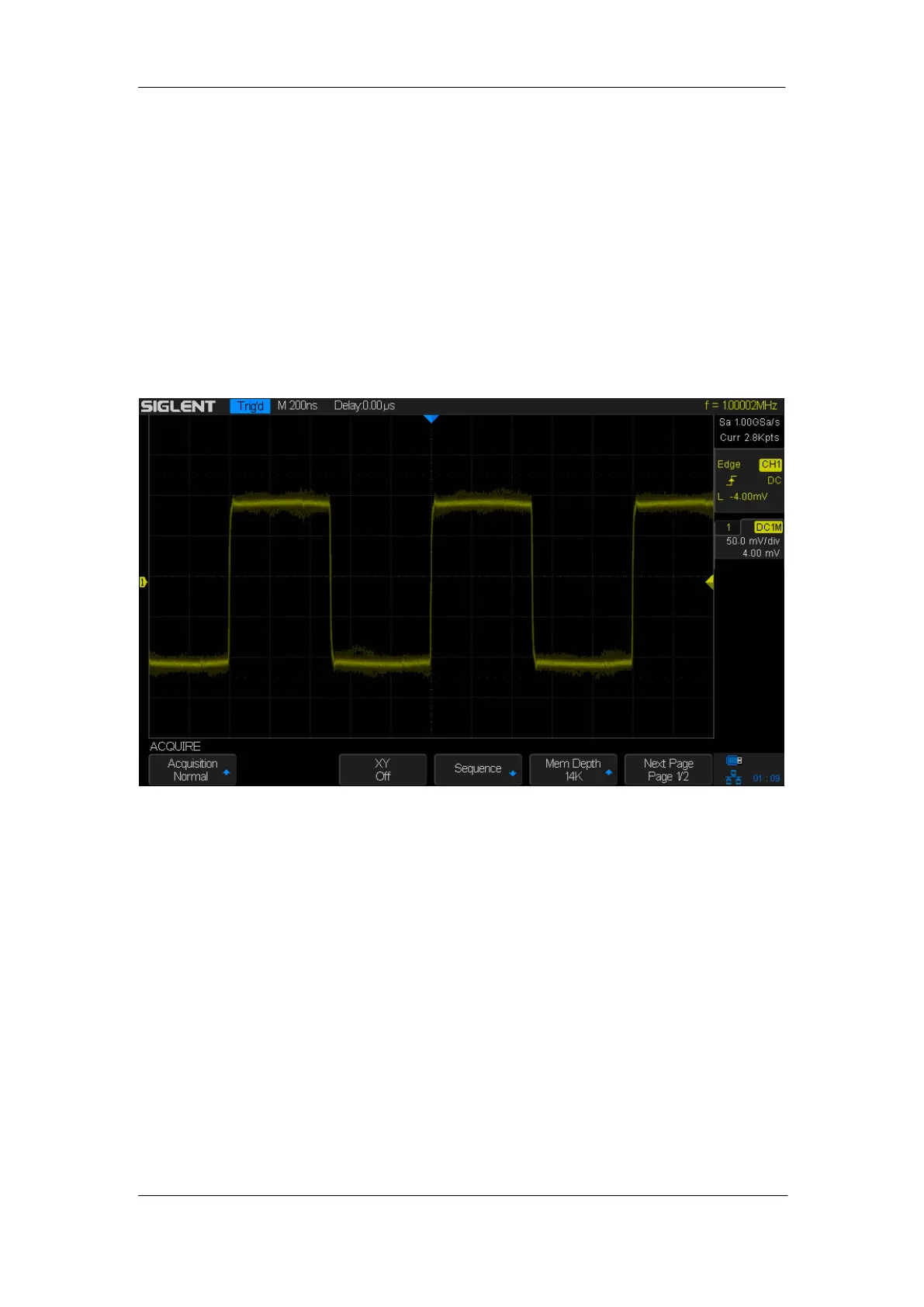
Figure 17: With Random Noise, Normal Mode










 To Next Page