SIGLENT
16 SDS2000X User Manual
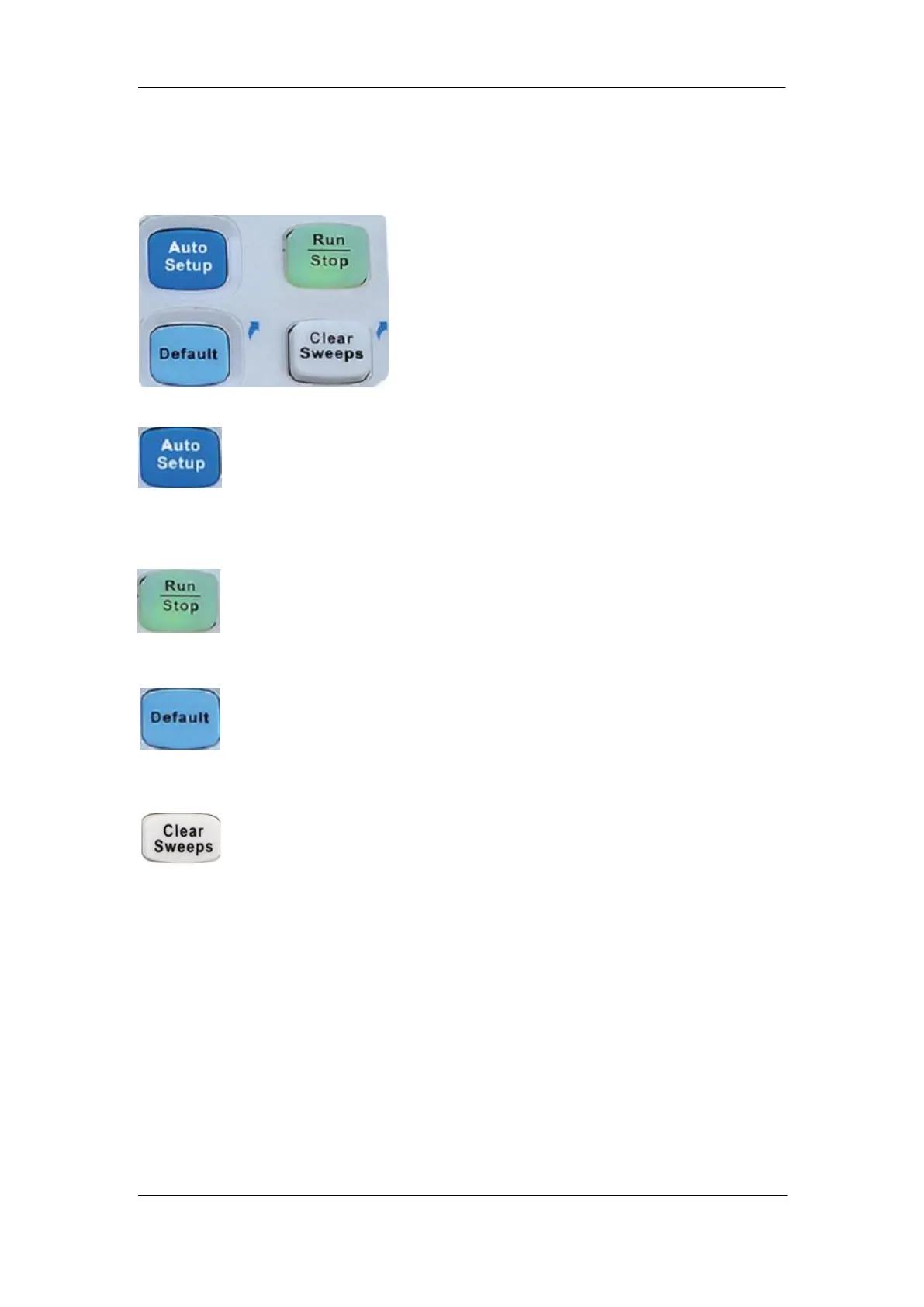
Run Control
Press the button to enable the waveform auto setup function. The
oscilloscope will automatically adjust the horizontal time base, vertical scale
and trigger mode according to the input signal to provide a triggered stable
display.
Press the button to set the state of the instrument to ―RUN‖ or ―STOP‖. In
the ―RUN‖ state, the button glows yellow; In ―STOP‖ state, the button glows
red.
Press the button to reset the oscilloscope to its default setup. The default
voltage scale and timebase scale are respectively 1V/div and 1μs/div.
This button is a shortcut key for clear function. When measurement statics
are being displayed, press this button to clear the count and begin a new
statistical count. When the screen persistence feature is turned on, press
this button to clear the persistence.










 To Next Page