SIGLENT
SDS2000X User Manual 15
Trigger
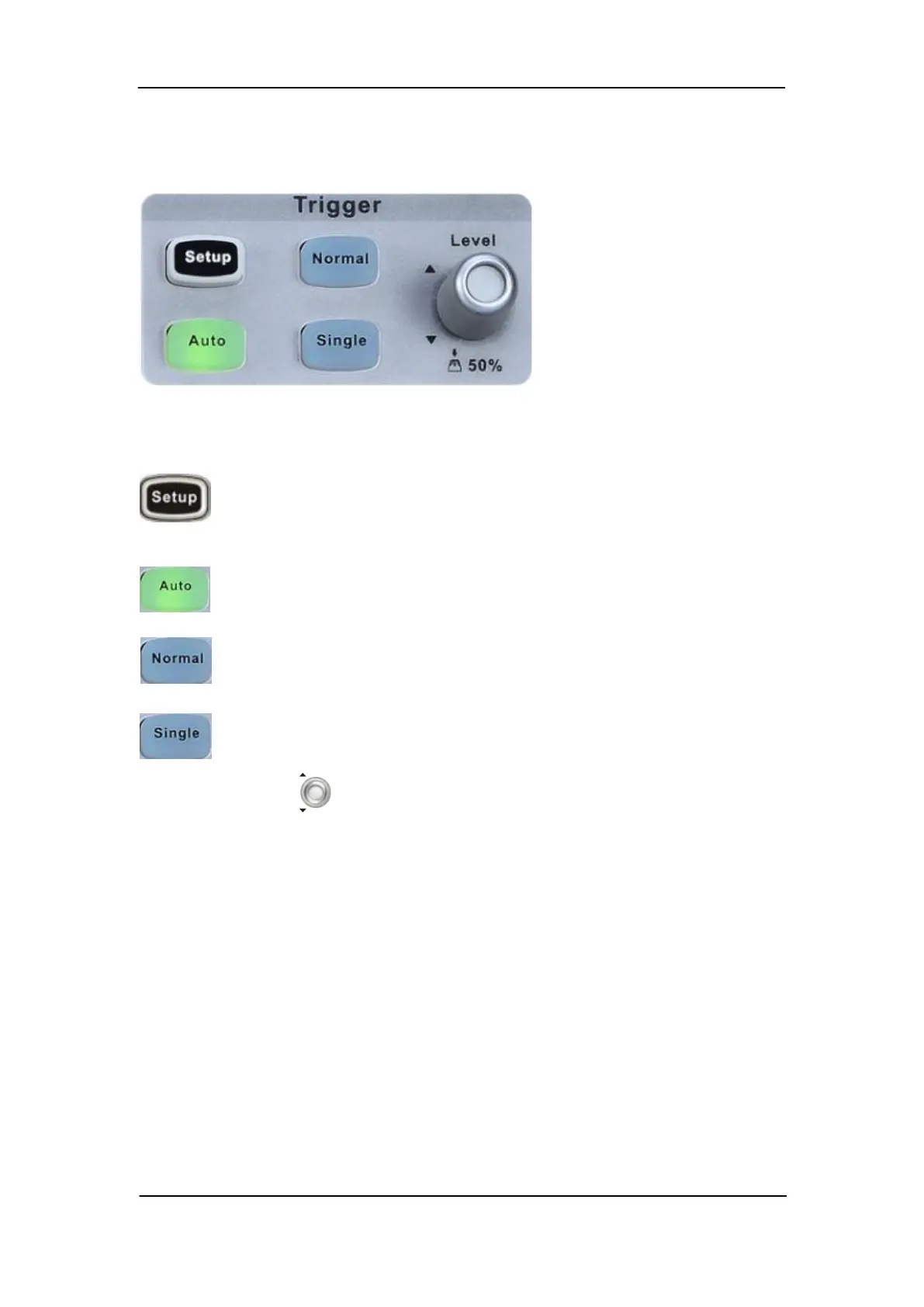
Press the button to open trigger menu. This oscilloscope provides various
trigger types: Edge, Slope, Pulse, Video, Window, Interval, Dropout, Runt,
Pattern and Serial Bus (I2C/SPI/UART/RS232/CAN/LIN).
Press the button to set to Auto trigger mode.
Press the button to set to Normal trigger mode.
Press the button to set to Single trigger mode.
Trigger Level Knob: Sets the trigger level. Turn it clockwise or counterclockwise to
make the level move up or down. In addition, the trigger level value is displayed in the
upper right portion of the display. Press the knob to quickly reset the trigger level to 50%
of waveform.










 To Next Page