SIGLENT
SDS2000X User Manual 115
To Switch a Single Channel On or Off
1. Press the Digital button on the front panel to open the DIGITAL function menu.
2. Press the Channel Control softkey, then turn the Universal Knob to select the desired
channel such as Dx and push down the knob to confirm.
3. Press the Dx softkey to select On or Off to switch the selected channel on or off.
To Switch All Digital Channels On or Off
1. Press the Digital button on the front panel to open the DIGITAL function menu.
2. Press the Channel Group softkey to select On or Off to switch all digital channels
which in this group on or off.
Also, under the DIGITAL function menu, press the Digital button on the front
panel to switch all digital channels off.
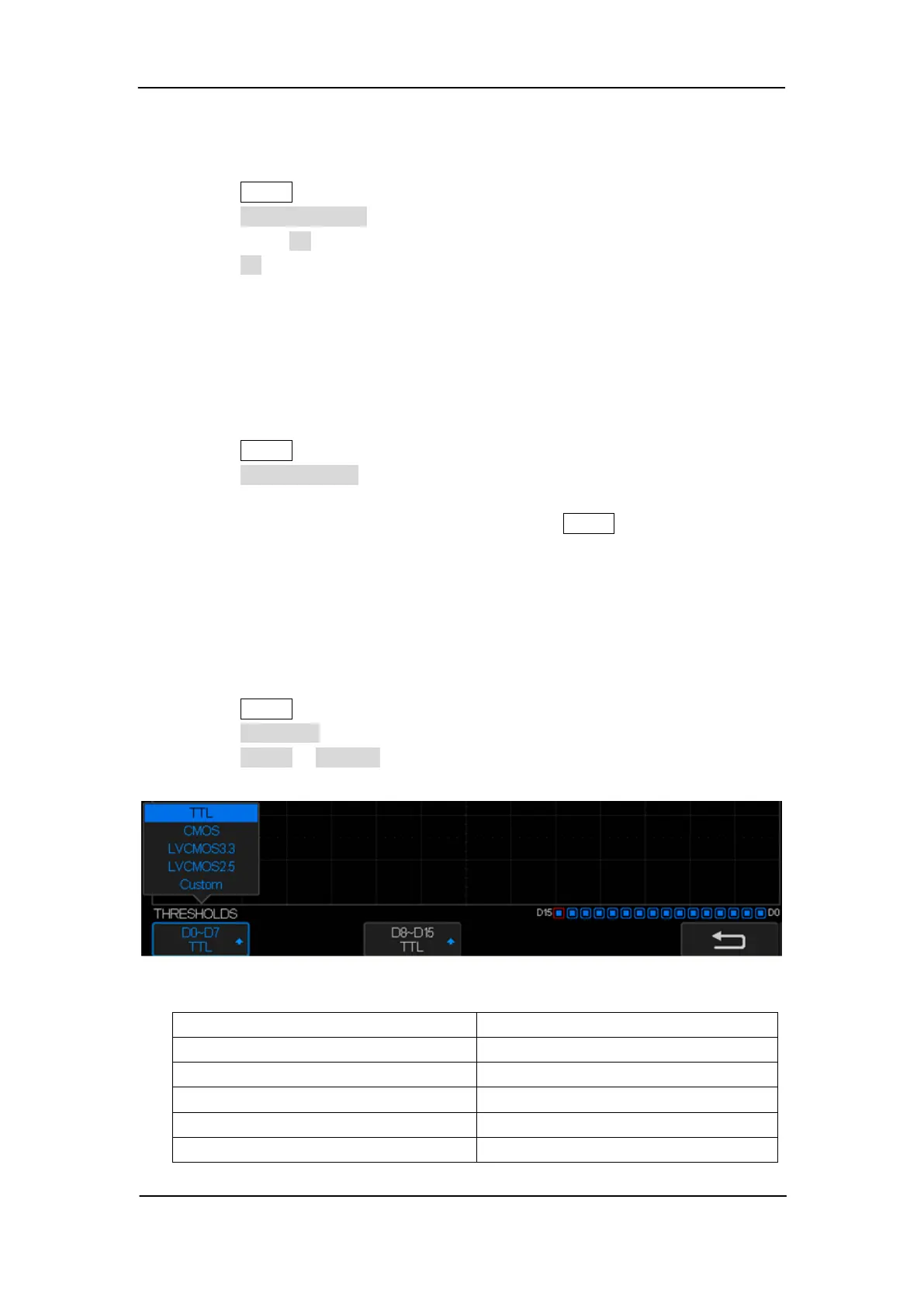
To Change the Logic Threshold for Digital Channels
1. Press the Digital button on the front panel to open the DIGITAL function menu.
2. Press the Threshold softkey to enter the THRESHOLDS menu.
3. Press the D0~D7 or D8~D15 softkey, then turn the Universal Knob to select a logic
family preset or select Custom to define your own threshold.
Figure 62: THRESHOLDS Function Menu










 To Next Page