SIGLENT
SDS2000X User Manual 161
To Do Self-Calibration
The self-calibration program quickly enables the oscilloscope to utilize the best working
state and to provide the most precise measurement values. You can perform
self-calibration at any time, especially when there has been a change in the external
ambient temperature of 5 ℃or more. Make sure that the oscilloscope has been warmed
up or operated for more than 30 minutes before performing the self-calibration.
Do the following steps to perform self-calibration:
1. Disconnect all the input channels.
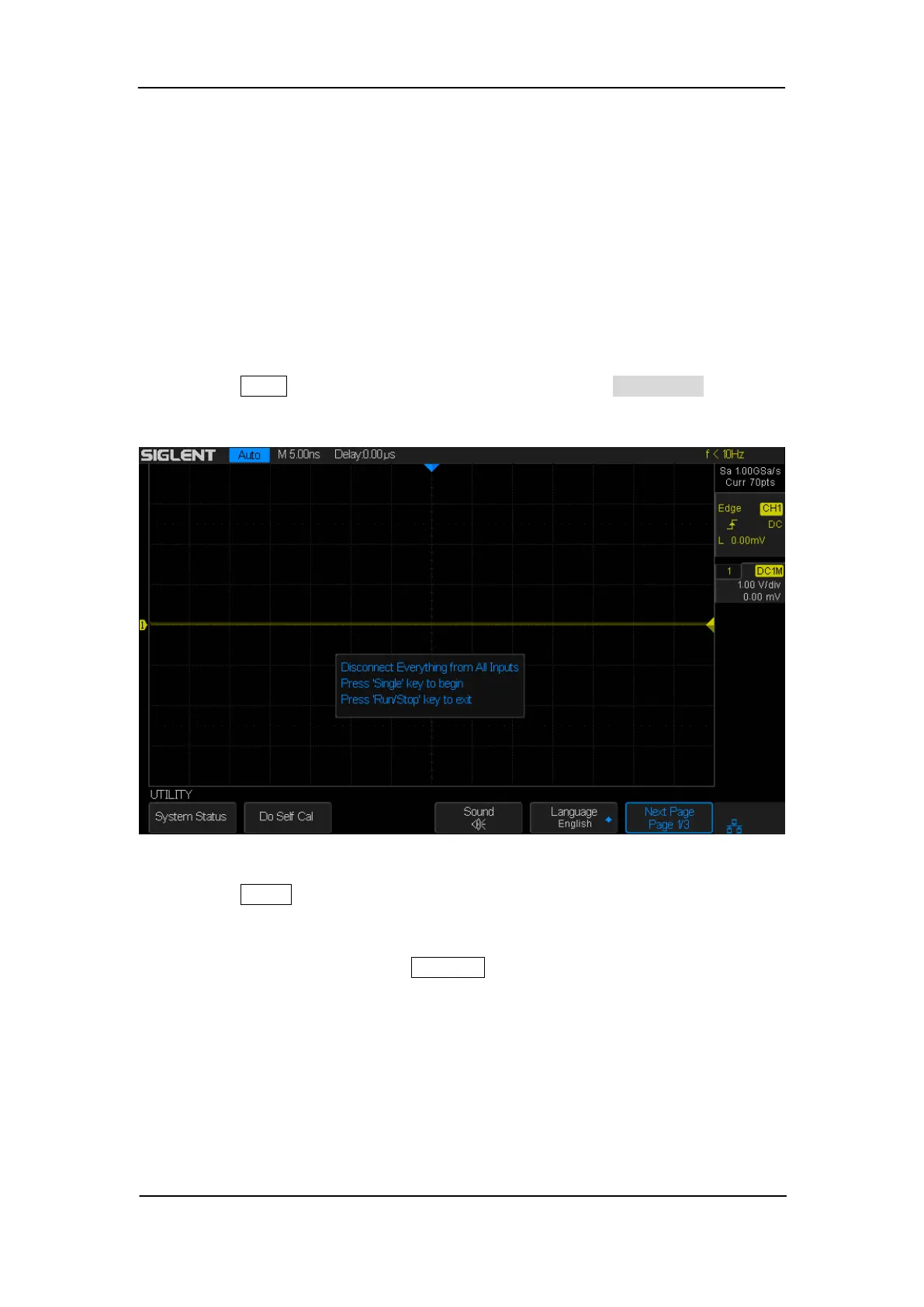
2. Press the Utility button on the front panel, and then press the Do Self Cal softkey,
and the oscilloscope will pop-out the message box shown as below:
Figure 92: Do Self Cal
3. Press the Single button on the front panel to perform the self-calibration program.
During the calibration, most of the keys are disabled.
4. When the self-calibration program is finished, it will display the message ―press
Run/Stop key to exit‖. Press the Run/Stop button on the front panel to exit the
calibration interface.










 To Next Page