EtherHaul Operation, Administration and Maintenance Manual
Page 22
General CLI conventions:
o Confirmation after each command correctly entered.
o Error-message with hint in case of wrong command
o Use Tab for Auto-complete
o Use Up Arrow and Down Arrow to display command history
o Use ? for help on possible configuration options and for exact command
syntax.
This chapter includes the following topics:
Connecting to system using the Web-Based Management
Connecting to system using the Command Line Interface
Web-Based Management Main Page
Quick Configuration Wizard
General Configuration Commands
3.1 Connecting to System Using the Web-Based Management
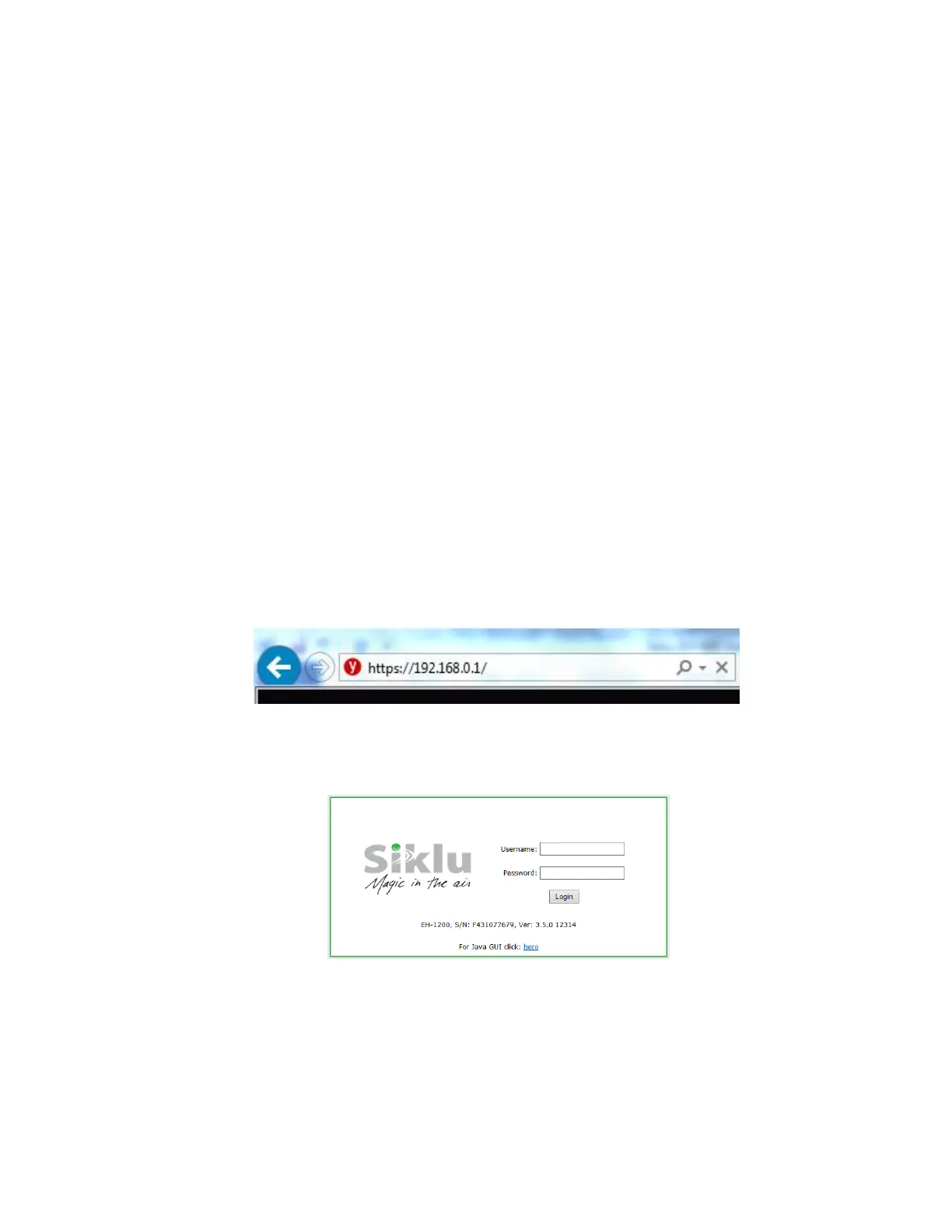
1. Launch an Internet Browser and enter https:// followed by the system’s IP
address. The system’s default IP address is 192.168.0.1.
Figure 3-1 Launching the Web-Based Management
2. When prompted, enter the username and password. Default: admin and admin.
Figure 3-2 Entering Username and Password



 To Next Page