EtherHaul Operation, Administration and Maintenance Manual
Page 34
5 Ethernet Ports Configuration and Monitoring
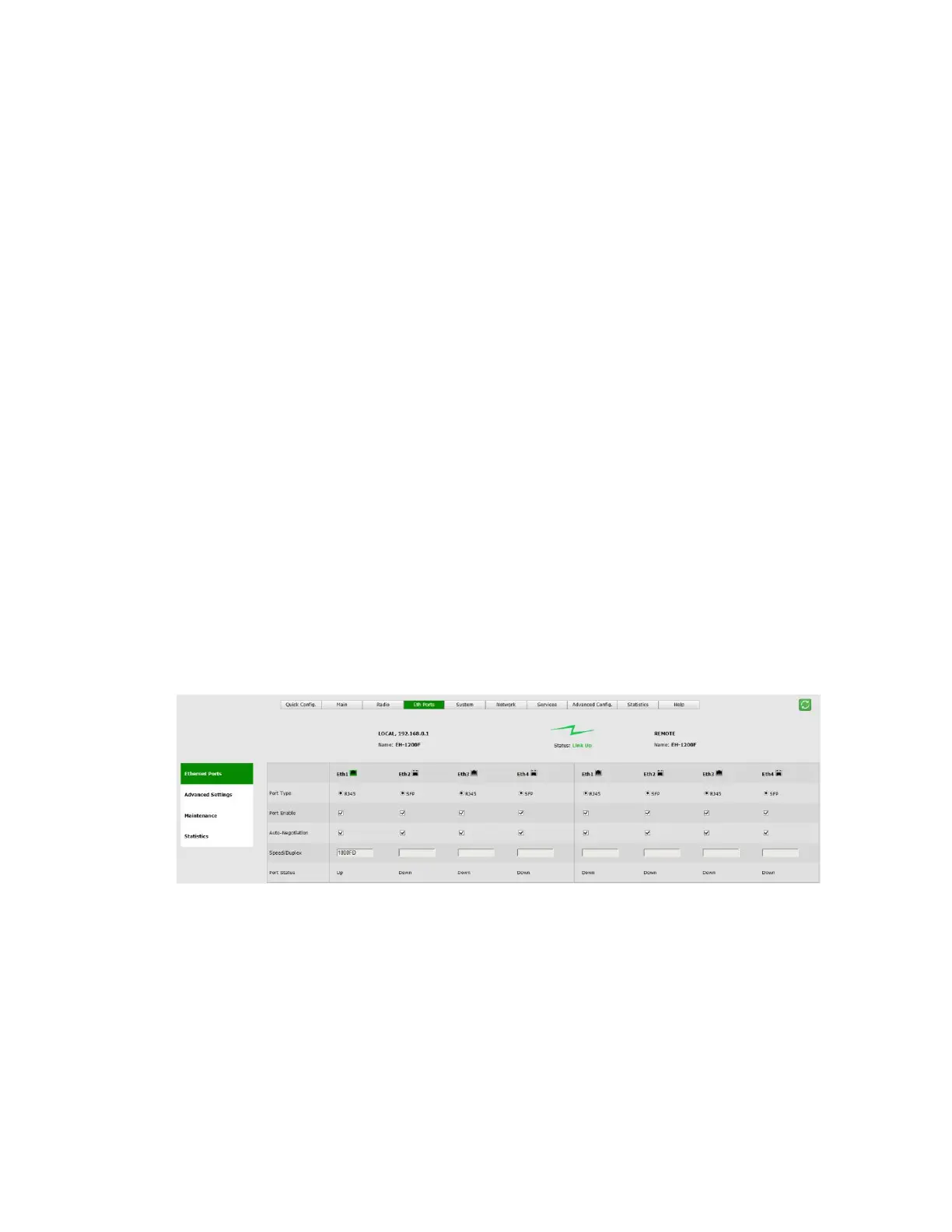
The Ethernet ports parameters and monitoring are managed in the Eth Ports page.
The EtherHaul system has the following Ethernet interfaces:
Host – Management interface
Eth0 – Radio interface (RF)
Eth1 – Line interface, port 1
Eth2 – Line interface, port 2
Eth3 – Line interface, port 3
Eth4 – Line interface, port 4
The number of line interfaces and their type (RJ45 or SFP) depend on the product used.
This chapter includes the following topics:
Settings
Advanced Settings
Maintenance
Statistics
CLI commands
5.1 Settings
Figure 5-1 Eth Ports Page: Settings
This section allows configuring the following parameters:
Port Type – RJ45 or SFP based on the physical port.
For EH-1200/TL systems with configurable port type, a radio-button allows
selecting RJ45 or SFP.
Port Enable – checkbox to enable the port.
Disable ports that are not in use so alarm will not be active (link down alarm).



 To Next Page