EtherHaul Operation, Administration and Maintenance Manual
Page 147
Internal Line Loopback
An Internal External loop returns the received frames to the radio side, enabling you to
test Ethernet traffic across the link.
The Ethernet traffic from the Customer’s end-equipment or Ethernet analyzer is looped
at the Ethernet interface of the remote system, enabling testing of the connection
(cable/fiber), the interface between end-equipment and the local system, both local and
remote systems and the radio transmission.
15.5.3 Radio (RF) Loopback
The Ethernet traffic from a customer’s end-equipment or Ethernet analyzer is looped on
the system’s radio output, enabling testing of the connection (cable/fiber), the interface
between the system and end-equipment and the local system.
The loopback is set with MAC Address swapping and on specific modulation profile set
by the user.
For error-free operation at high modulation profiles, no interference should be
present. Switch off or mute remote system before applying the RF loopback.
Alternatively, change remote frequency to eliminate risk of interference.
It will take the system to stabilize after loopback about 3 minutes before checking
ODU performance using the alarms and statistics.
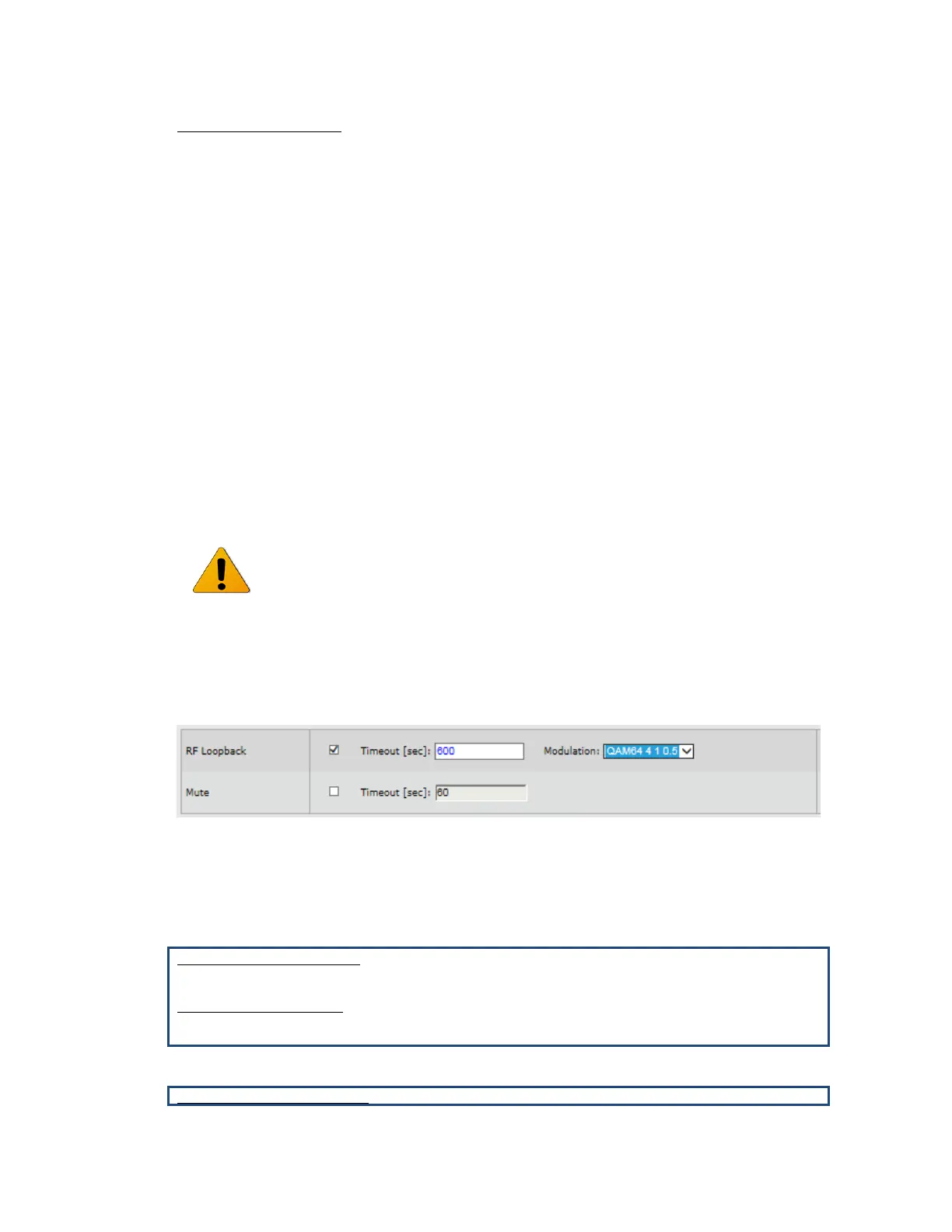
Enable the loopback and set the loopback-timeout in seconds (up to 24 hours, 0= no
timeout, recommended minimum of 600 seconds).
RF loopback can be set in the Maintenance section of the Radio page.
Figure 15-3 RF Loopback
15.5.4 Loopbacks CLI Commands
Loopback timeout:
set eth eth1 loopback-timeout 600
RF loopback timeout
set rf loopback-timeout 600
Activating loopback:



 To Next Page