EtherHaul Operation, Administration and Maintenance Manual
Page 23
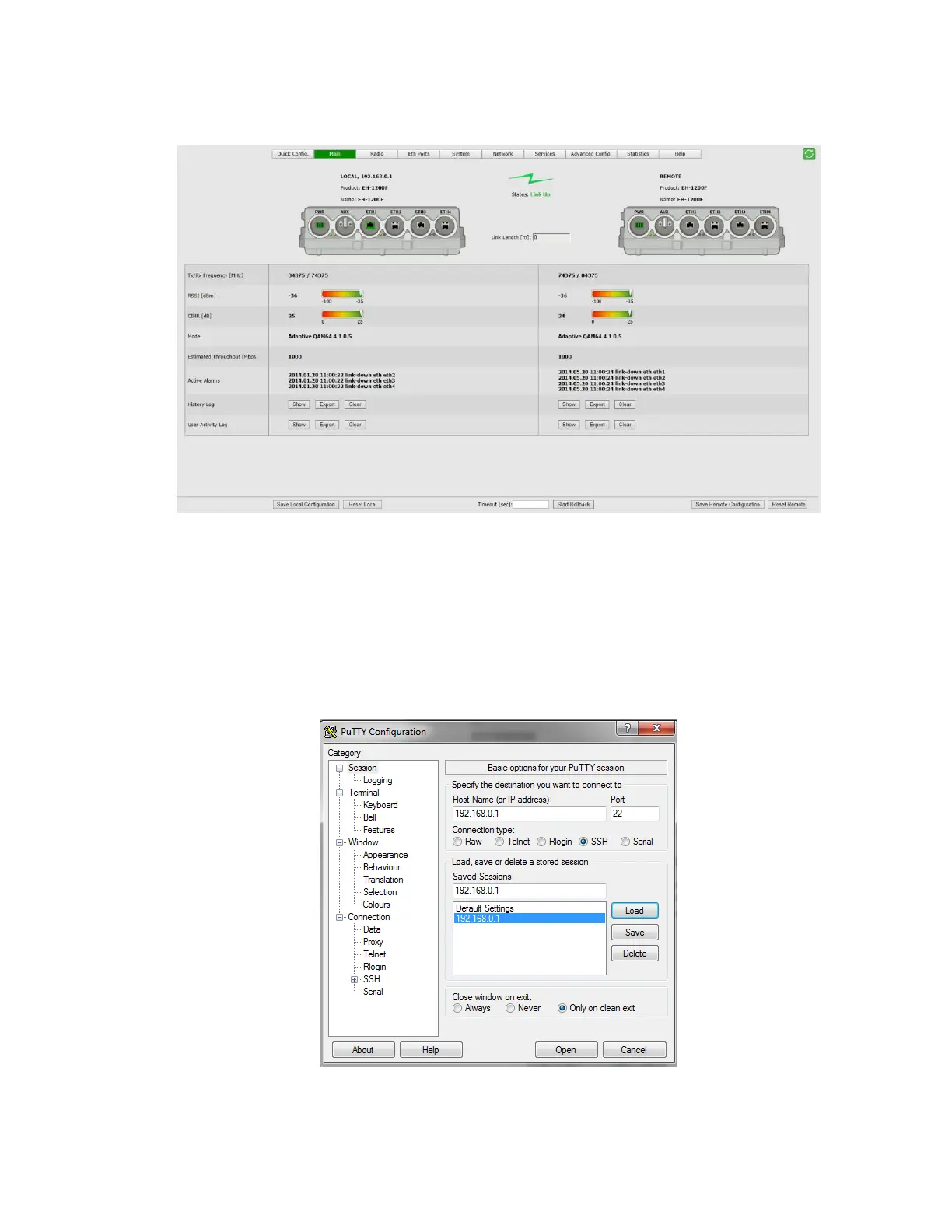
3. Once loaded, the Web-Based Management Main page is displayed.
Figure 3-3 Web-Based Management Main Page
3.2 Connecting to System Using the Command Line Interface
1. Launch standard SSH client. You can use any common, open source SSH client
program, such as PuTTY, available for download from the web.
Open an SSH session to the system’s IP address. The system’s default IP address
is 192.168.0.1.
Figure 3-4 Launching CLI



 To Next Page