EtherHaul Operation, Administration and Maintenance Manual
Page 50
Click the Add IPv4 or Add IPv6 to add an IP address.
Click the Trash icon to clear an IP. Note you cannot clear the IP address you used to
log in to the system.
7.1.2 Default Gateway and Static Routes
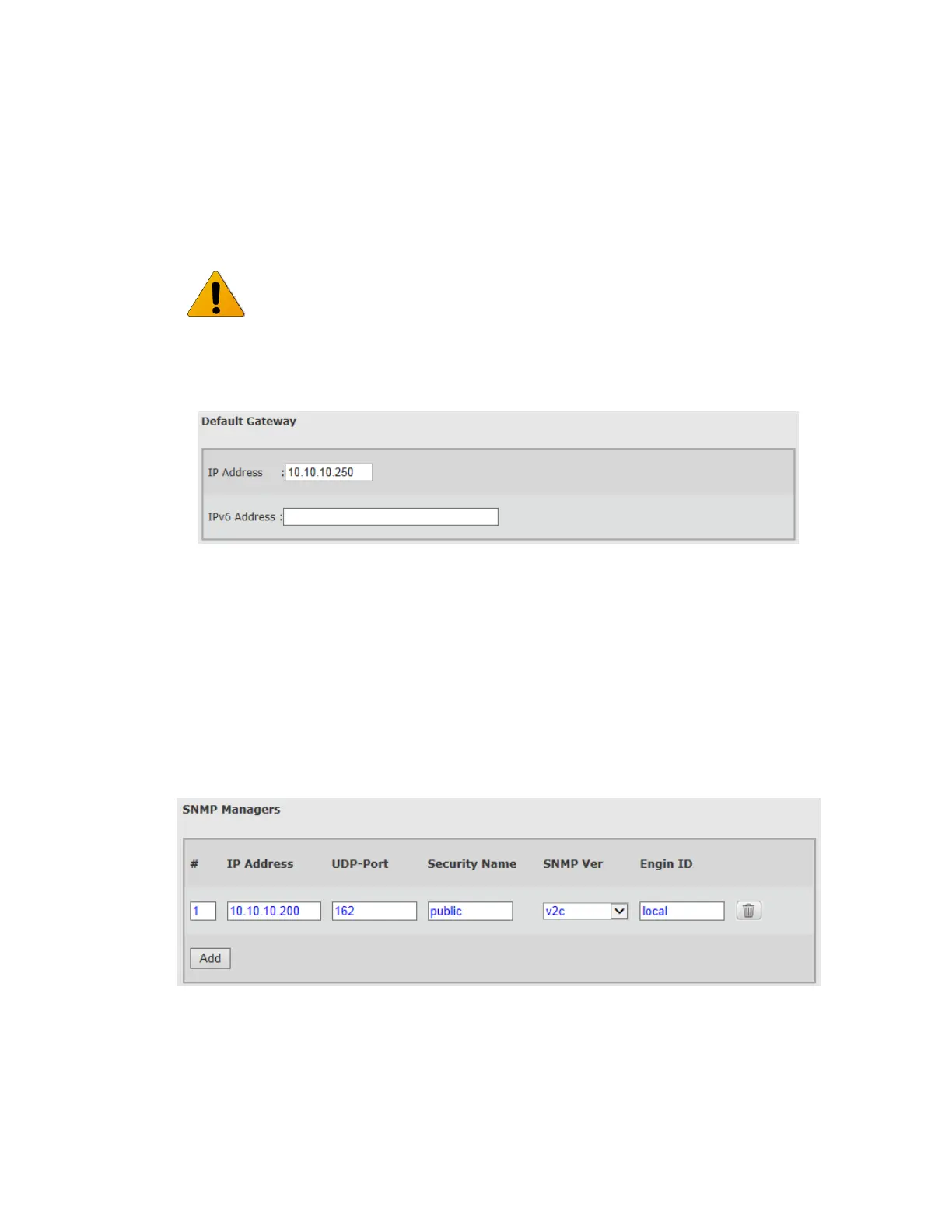
Figure 7-2 Network Page: General – Default Gateway
This section allows configuring a single default gateway for IPv4 and IPv6.
The EtherHaul allows defining up to 10 static routes, in which you can define the
network (Destination + Prefix-length) and the Next-Hop.
When entering default gateway, it is translated to a static route (#1).
Setting and viewing static routes is available via the CLI only.
7.1.3 SNMP Managers
Figure 7-3 Network Page: General – SNMP Managers
It is recommended to leave the default IP address (#1) and add the unique IP address
as #2. This will allow users to login to the system when on site even if they do not
know the configured IP of the system.



 To Next Page