EtherHaul Operation, Administration and Maintenance Manual
Page 33
CINR High – Upper threshold for stepping up in modulation profile (Adaptive
Mode).
Note that different modulation tables may apply according to product used, the
frequency channel used and ARQ status.
The modulation profiles and thresholds are optimized and should not be modified
(can be configured via CLI only after consulting Siklu support).
4.5 Statistics
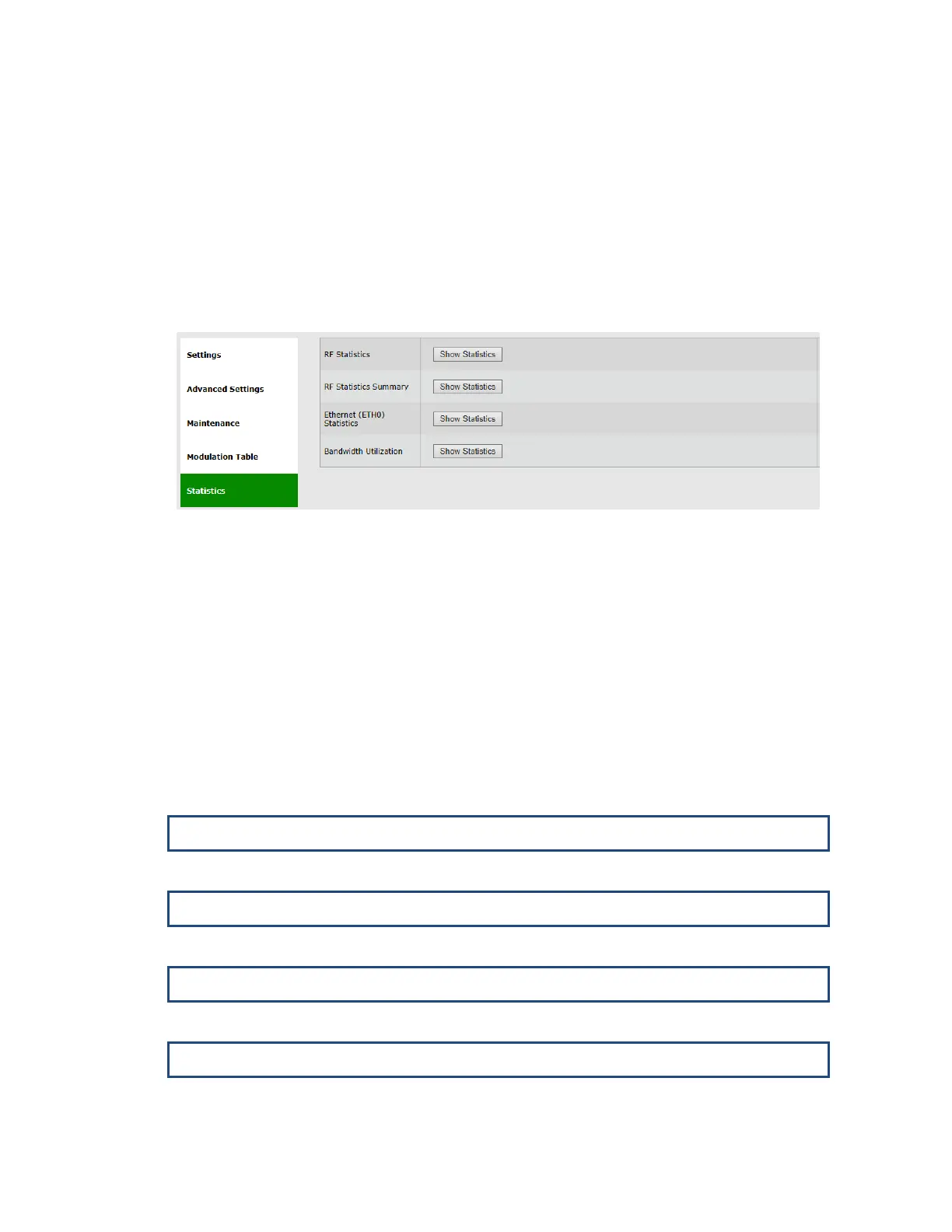
Figure 4-5 Radio Page: Statistics
Radio link’s performance can be monitored using the advanced statistics counters.
Click View Statistics to review the local and remote RF Performance Monitoring
statistics. Clicking View Statistics will open the Statistics page where all system’s
statistics can be reviewed.
Refer to the Statistics chapter of this manual for detailed description of the system’s
statistics.
4.6 CLI Commands
Monitoring the RF configuration and status:
Encryption configuration:
Viewing the modulation table (when ARQ is enabled):
Viewing the modulation table (when ARQ is disabled):



 To Next Page