EtherHaul Operation, Administration and Maintenance Manual
Page 38
Inventory – R/O fields. Serial Number and active SW version.
MAC Address – R/O fields for each port.
6.2 Advanced Settings
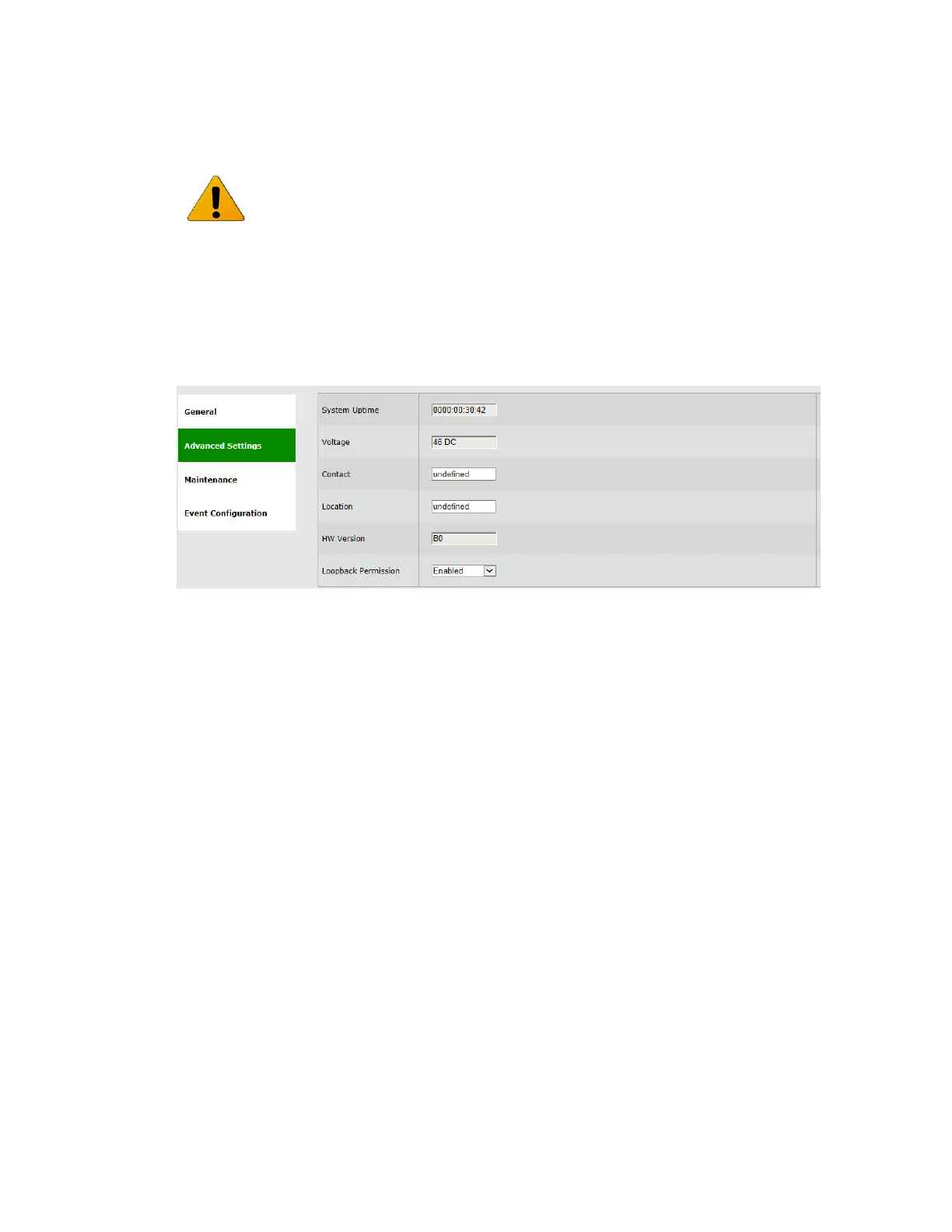
Figure 6-2 System Page: Advanced Settings
This section allows configuring the following parameters:
System Uptime – R/O field. Time elapsed from last power on.
Voltage – R/O field. Input voltage and indication DC or PoE.
Contact
Location
HW Version – R/O field.
Loopback Permission – control the permission to perform system loopbacks
o Enabled (default): all loops allowed.
o Disabled: no loops allowed.
o MAC-SWAP: only loops with MAC-SWAP allowed.
Full inventory information of the system is stored as a file (inventory.ini) in the File
System and can be retrieved by the user.



 To Next Page