EtherHaul Operation, Administration and Maintenance Manual
Page 35
Auto Negotiation – checkbox to enable auto-neg.
Speed/Duplex – speed (10/100/1000) and duplex (half/full) setting:
o When Auto Negotiation Enabled – R/O field indicating the current
speed/duplex.
o When Auto Negotiation Disabled – manual configuration of the speed and
duplex (for RJ45 ports: 10HD, 10FD, 100HD, 100FD, 1000HD or 1000FD; for
SFP ports: 1000XHD or 1000XFD).
Port status – Up or Down.
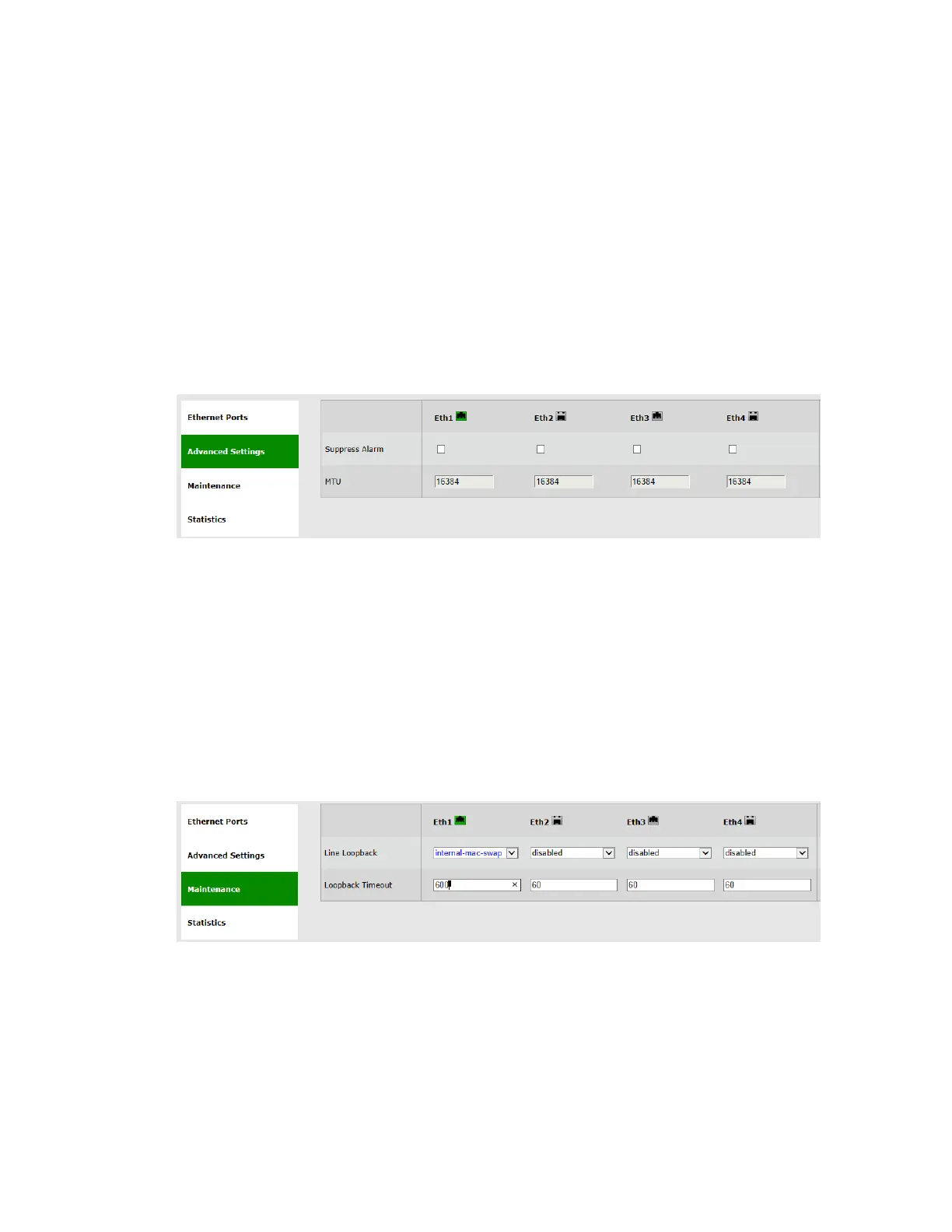
5.2 Advanced Settings
Figure 5-2 Eth Ports Page: Advanced Settings
This section allows configuring the following parameters:
Suppress Alarm – checkbox to enable alarm suppression (supported in EH-
1200F/FX and EH-600T systems).
When enabled, ports in Status: Down will not generate an alarm.
MTU – R/O field to indicate the Maximum Transmission Unit of the port.
5.3 Maintenance
Figure 5-3 Eth Ports Page: Maintenance



 To Next Page