Service Partner. It could be dangerous to
continue driving the vehicle.
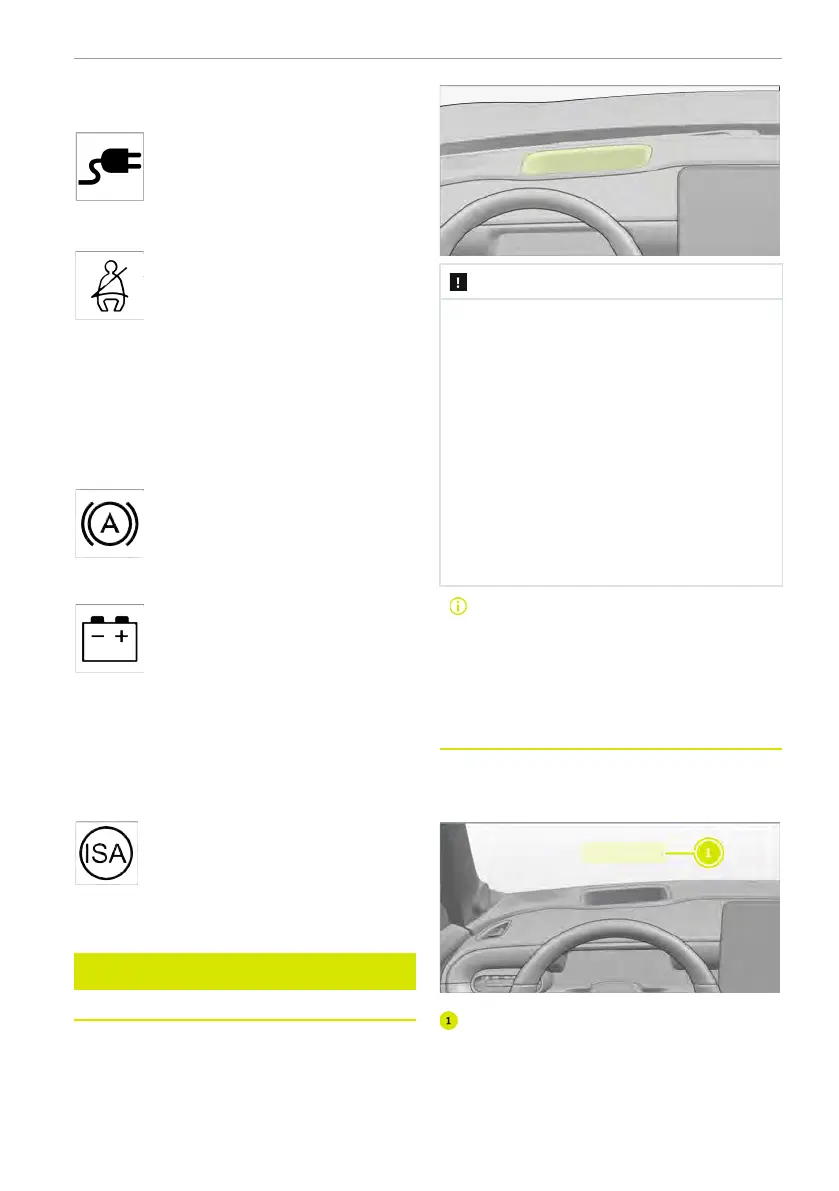
External charging gun connec-
tion warning lamp: when the charging gun
is connected, the warning lamp comes on.
Seat belt reminder warning lamp:
when the system detects that the seat
belt is not fastened, the warning lamp illu-
minates. Fasten seat belt correctly to
avoid personal injury in case of accident or
emergency braking. If the warning lamp
remains on after fastening the seat belt
correctly, contact a smart Authorized
Service Partner for inspection immediately.
Autohold indicator lamp: when
Autohold is enabled, the indicator lamp
illuminates.
12 V Battery Low indicator lamp:
if the warning lamp illuminates after the
vehicle is powered on, the charging system
may be malfunctioning. In case of the sit-
uations above during normal driving, park
the vehicle in a safe area and contact a
smart Authorized Service Partner for
inspection.
ISA fault indicator lamp: when In-
telligent Speed Assist is malfunctioning,
the warning lamp illuminates.
Head-up display
Notes on the head-up display
Gently wipe the head-up display projector
area with a clean and dry microfibre cloth.
If necessary, soak the microfibre cloth
slightly.
NOTE
► Avoid liquid entering the head-up
display projector area. It may cause
electrical failure.
► Never place any objects or stickers
in the head-up display projector
area or windscreen projection area.
Otherwise, the head-up display may
not work normally.
► Never touch the head-up display
projector or throw sharp edged ob-
jects or similar objects to it. Other-
wise, the head-up display may be
damaged.
The vehicle with head-up display is
equipped with a special type of
windscreen. The correct type of
windscreen must be installed to
meet the requirements of image
projection.
Overview of the head-up display
Head-up display projects image informa-
tion on the windscreen in front of the
driver.
Head-up display projection area
Head-up display projection area
When the driver assistance system and
navigation are not enabled, the head-up
display only shows the vehicle speed.
Driver display 141















 To Next Page