MV-32/64 Multiviewer www.snellgroup.com Connection to Other Equipment
Issue 1 Rev 11 Page 89 © 2014 Snell Limited
Step 2 - Select the GPI to use as the tally source
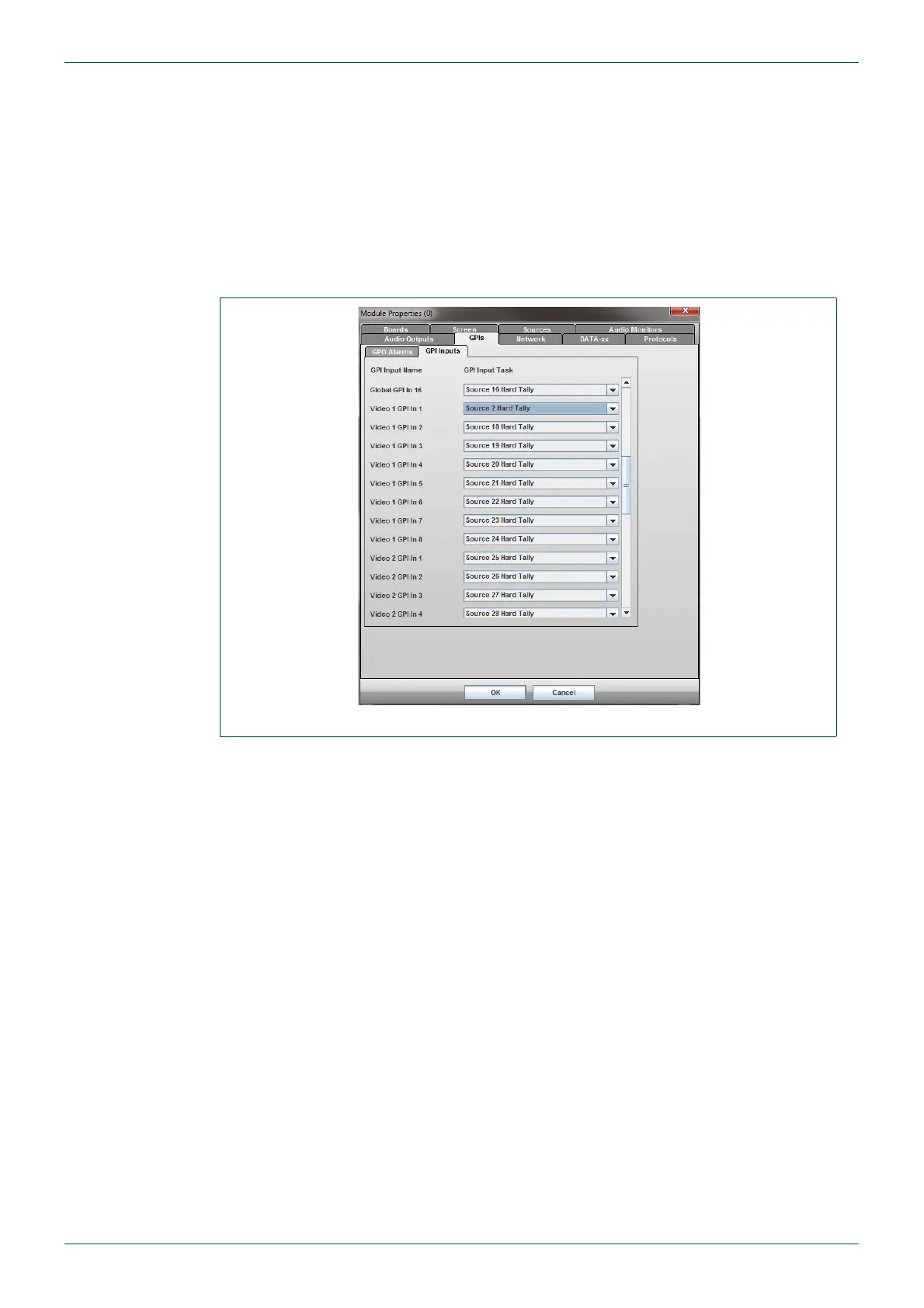
1. Go to the module properties (Module > Setup Module menu).
2. Select the GPIs tab, followed by the GPI Inputs sub tab.
3. Scroll down to the Video 1 GPI In 1 item and select Src 2 Hard Tally here.
4. This should now appear as shown in Fig 70.
5. Press OK, and upload the changes to the MV-32/MV-64 (Press the red arrow - update
layout - in the toolbar.
Step 3 - Hardware configuration
The tally that has been setup will now activate when approximately 3 Vdc or more is applied
to the relevant GPI input pin. 5 Vdc can be sourced from the global GPI connector to go
through a switch or relay (see section 5.1.2 for pinout).
Alternatively an external remote voltage source can be used, however in this case it will also
need a ground reference from the ground pin on the GPI connector.
Fig 70. Selecting GPI Sources for Tallies.



 To Next Page