13
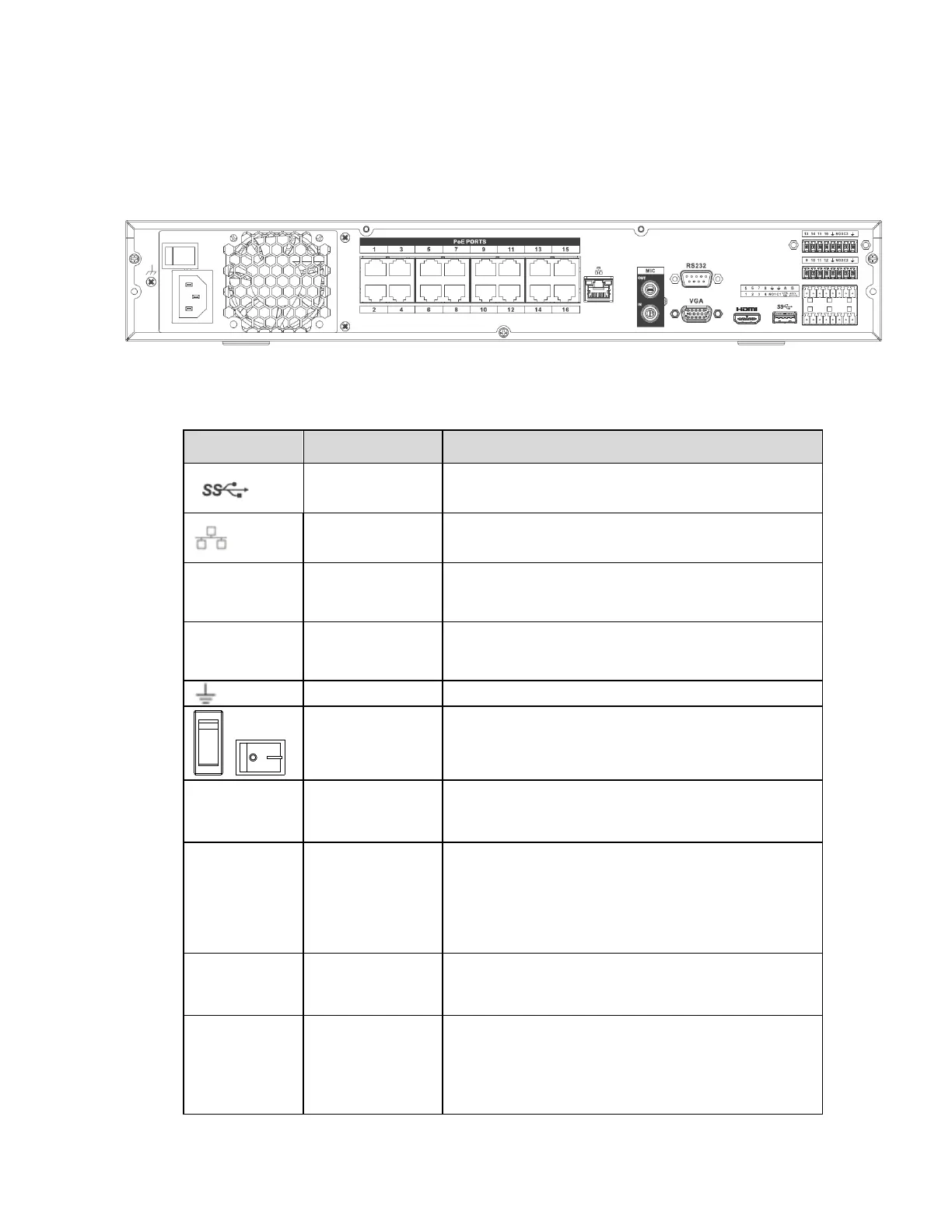
The 16ch unit’s rear panel is shown below in Figure 2-3.
Figure 2-3
Please refer to the following sheet for detailed information.
May be used for a mouse and external storage.
10M/100Mbps Ethernet port. Connect to a
network cable.
Used for video output to a monitor/display with
HDMI port
Used for video output to a monitor/display with
VGA port
Audio input port for two-way audio. Connect a
microphone.
Audio output port to a speaker
Two-way audio output.
Audio output on full screen live view.
Audio output on full screen playback.
Control port for PTZ keyboards, etc



 To Next Page