7
2019 Stenograph, L.L.C. All Rights Reserved.
7
Luminex Users Guide
Chapter 2 Hardware
Luminex is not connected to your computer via the USB cable) you need to touch the On/Off sensor
for 2 seconds in order to turn the Luminex On. To turn the Luminex off, touch the On/Off sensor until
you hear the beep.
Battery Charging Procedure
To charge your Luminex battery:
1. Plug the AC charger/adapter into a wall outlet.
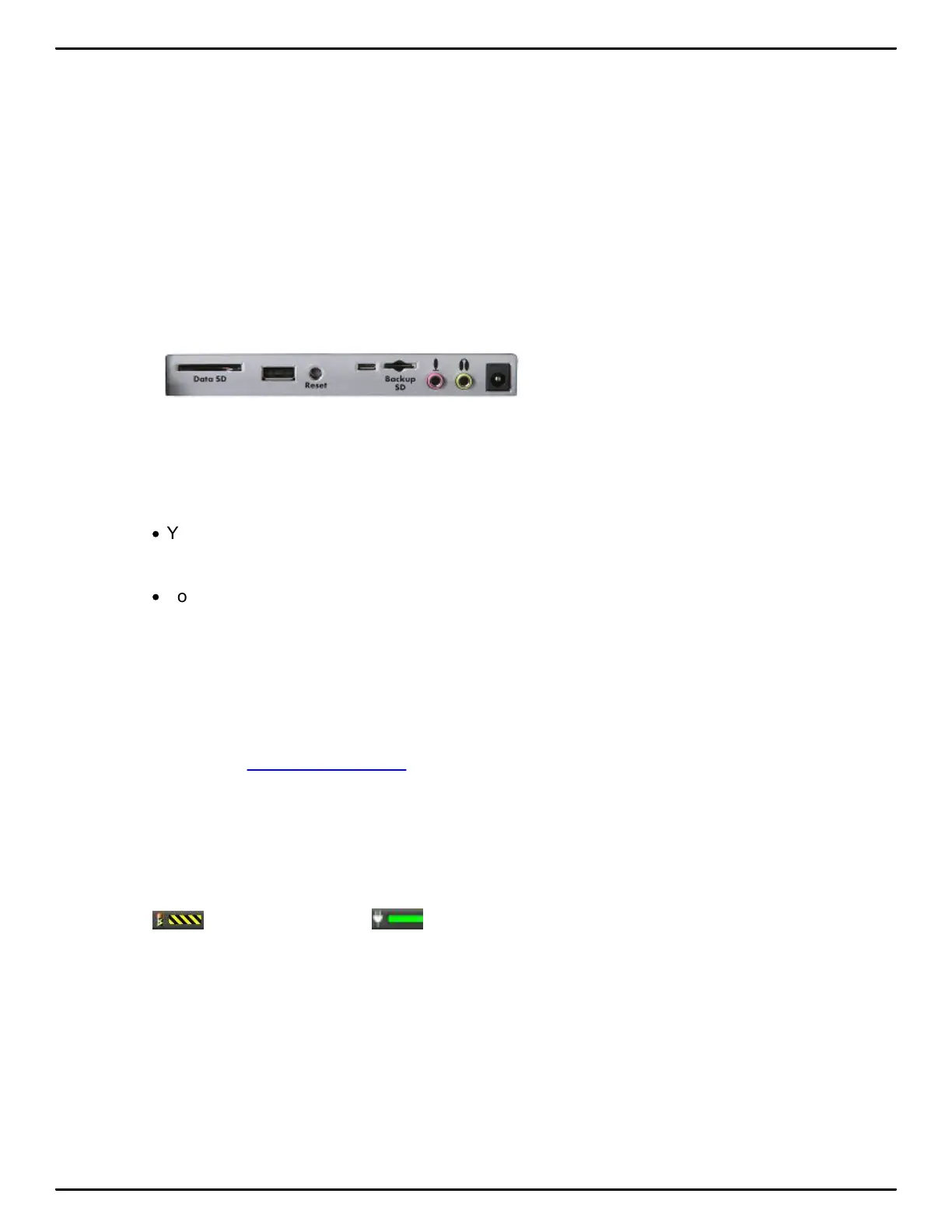
2. Insert the small plug on the AC adapter/charger cord into the AC adapter/charger socket on the
back of the Luminex.
3. The Luminex turns On. A black dot in the lower right corner of the Status LCD indicates the
Luminex is On. A row of running blocks indicates the battery is charging. If you plug your Luminex
in to charge and only the black dot displays, the batteries are charged. Charging is not necessary
and no charging occurs.
·
You can use the Luminex while the battery charges. The running blocks do not display while
writing but the Luminex continues to charge.
·
You can also turn off the Luminex while it is charging. The tilting screen turns off but the Luminex
remains On while charging as indicated by the black dot on the Status LCD.
Viewing Battery Charging Procedures
The Tilting screen and the Status LCD display graphic indicators reflect the charging status of the
battery. Use the Battery Voltage Level feature to see specific battery voltage levels, current charging
status and the most recent charging history.
When the AC adapter/charger is connected to the Luminex charging the battery, the title bar on the
tilting screen displays a battery icon with the battery gauge showing running black and yellow stripes.
When the batteries are fully charged, a plug icon replaces the battery charging icon until you
disconnect the AC adapter/charger.
Battery Charging Battery Fully Charged
When the battery is charging, the Status LCD displays black bars in running sequence from left to
right. The black bars are not visible when you are writing, but re-display when you close the job. When
the Luminex is finished charging, the black bars move from each side of the screen to the middle of
the screen in a “clapping” motion.



 To Next Page