33
2019 Stenograph, L.L.C. All Rights Reserved.
33
Luminex Users Guide
Chapter 3 Writing on the Luminex
Writing Jobs
The Luminex stores steno notes, timestamps, job dictionaries, audio files and J-Defines on the Data
SD card. The Luminex also saves steno notes, timestamps and audio files to the Backup SD card;
and saves steno notes and timestamps to memory.
The Backup SD card is not designed to be removed from the Luminex unless, in a rare occurrence, it
is necessary to locate a job that cannot be found in memory or on the Data SD card. The Backup SD
card must be in the Luminex in order for the steno machine to operate. Never remove the Backup SD
card while the Luminex is On.
To begin writing:
1. Turn the Luminex On. Touch the first function sensor on the left.
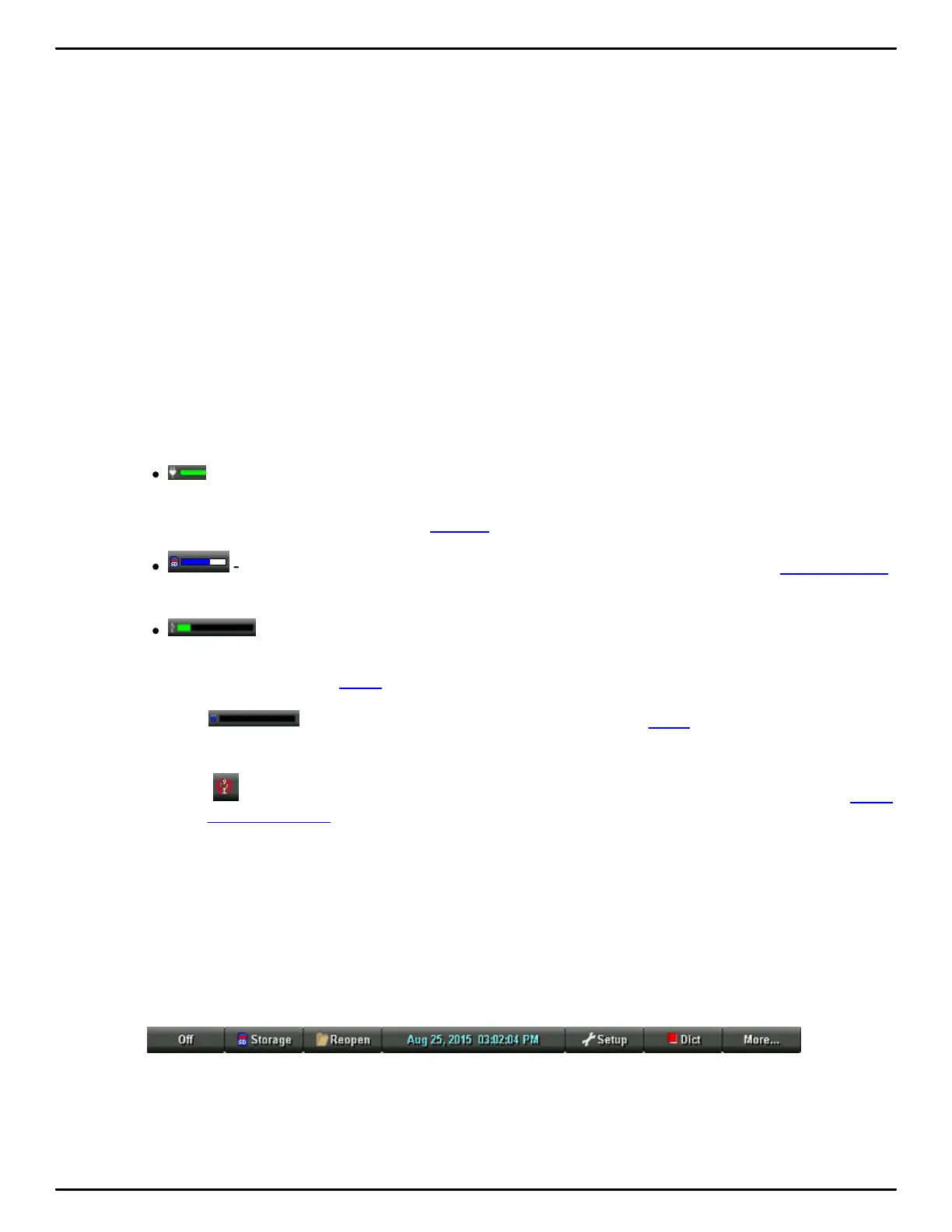
2. The Luminex logo displays briefly on the tilting screen followed by the title bar across the top of the
screen and the Opening menu at the bottom.
3. The Title Bar shows the following information:
·
- the approximate amount of charge remaining for the main battery. When the gauge is
completely green, the battery is fully charged. As the battery level changes or the Luminex is
charging, the gauge changes. See Battery for more information about Luminex batteries.
·
- the approximate amount of space remaining on the Data SD card. See Data SD Card
for more information.
·
- the microphone gauge displays when you begin writing and indicates the audio is
recording. The gauge shows the sound level for the recording input. The default for audio
recording is set to Off. Audio to turn audio recording On.
• - the double bars display when writing and the audio is paused by the Luminex
Auto Pause Resume feature or by a realtime Pause Audio dictionary definition.
• - the no microphone icon displays when no audio is recording while writing. See Audio
Hardware Setup for more information about audio setup.
• Strokes - the number of steno strokes written for the open file.
• SPM - the average number of strokes written per minute.
• Pages - the estimated number of text pages in the open file.
4. Luminex menus allow you to perform a function or select to display another menu.
The Opening menu is the first of two setup menus used to select options prior to writing.
5. When you write a steno stroke, the Luminex opens a new file and replaces the Opening menu with
the first to two writing menus.



 To Next Page