58
2019 Stenograph, L.L.C. All Rights Reserved.
58
Luminex Users Guide
Chapter 3 Writing on the Luminex
Create J-Defines Using Spell Mode
While writing on the Luminex, you can create J-Defines using the built in Spell Mode alphabet and
numbers.
1. Do one of the following:
·
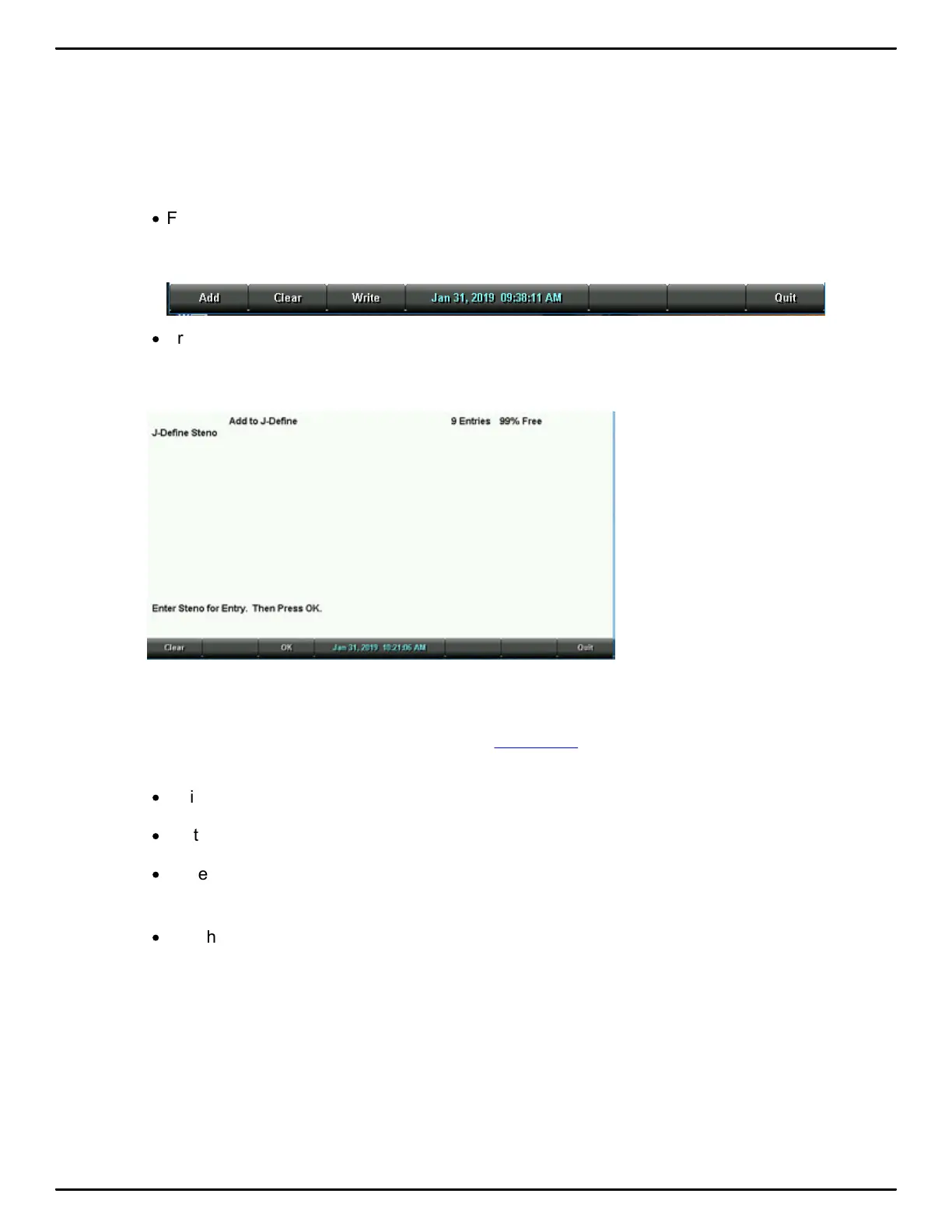
From the Opening Menu, touch Dict, J-Defines, Add.
The Add to J-Define screen displays. The total number of J-Defines entries and the amount of
remaining space for J-Defines shows on the right side of the screen.
·
From the First Writing Menu, touch J-Defines.
2. In the J-Define Steno field, write the steno stroke(s) for the J-Define. If you make a mistake, write
an * (asterisk) to delete the previous stroke or press Clear to delete all the strokes.
3. When finished entering steno outlines, touch OK.
4. In the J-Define Text field, write text for the J-Define. Use uppercase and lowercase letter letters,
punctuation and format symbols as defined in Spell Mode. or write steno defined in your dictionary
as the word or format symbol you are defining. For example,
·
Write the stroke in Spell Mode defined as a format symbol.
·
Write a stroke that is defined in a dictionary, such as <Question>.
·
Write a stroke that is defined in a dictionary and use the Spell Mode letters to complete the word.
For example, write the stroke for Peter and fingerspell "s" "e" "n" to make Petersen.
·
Use the Spell Mode letters to create a word that is not in the dictionary, such as “Kurkowski.”



 To Next Page