16
2019 Stenograph, L.L.C. All Rights Reserved.
16
Luminex Users Guide
Chapter 2 Hardware
Touch Screen
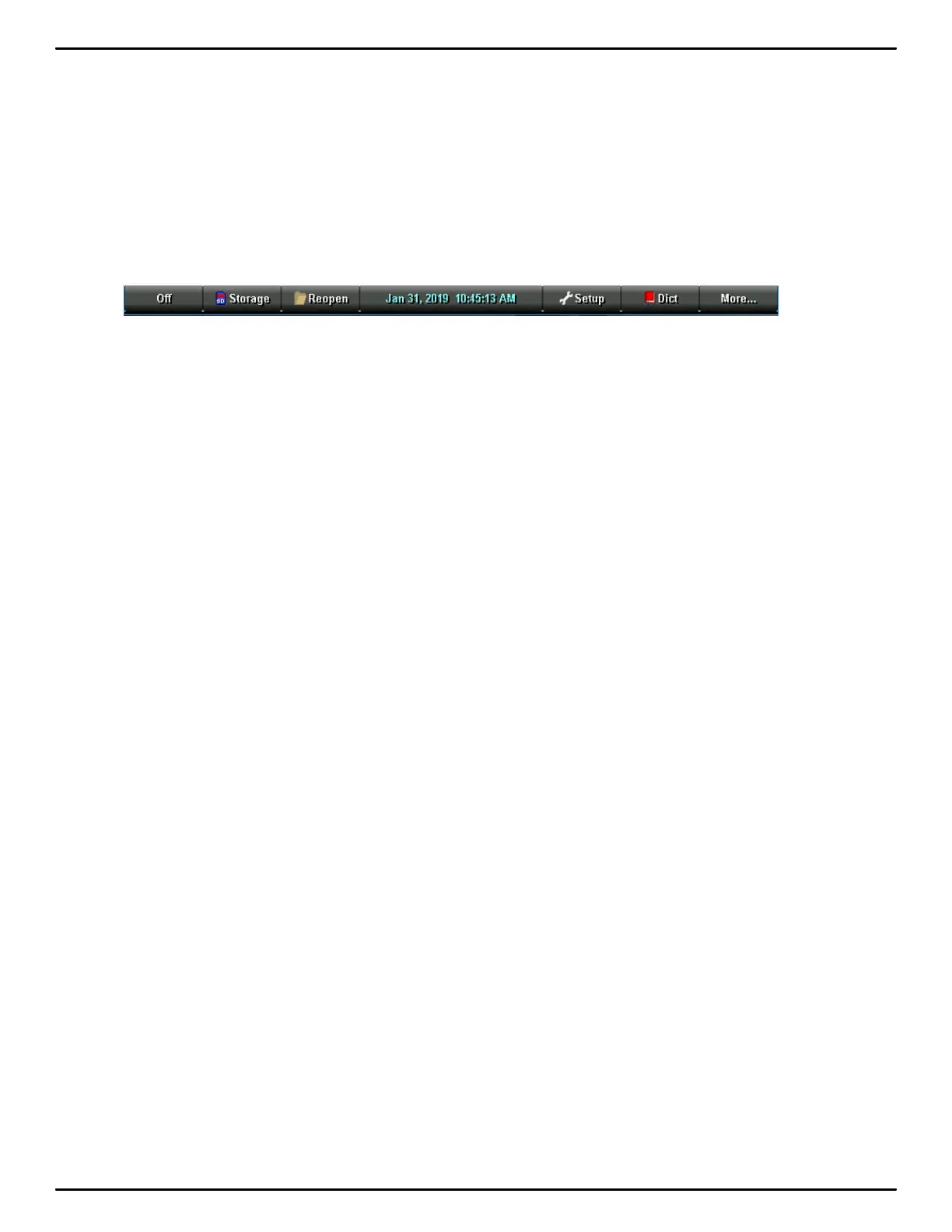
In addition to the Function sensors, you can also navigate through menus by touching the menu item
at the bottom of the tilting screen. As in the example before, on the Opening menu, if you touch the Off
menu item on the tilting screen for more than a second and then release your finger, the Luminex
turns off. If you simply touch the Off menu item, does not turn the Luminex off.
The Off sensor and Off menu item work the same. You must touch the first touch sensor or screen
menu for more than a second or two and then release to turn the Luminex off.



 To Next Page