30
2019 Stenograph, L.L.C. All Rights Reserved.
30
Luminex Users Guide
Chapter 3 Writing on the Luminex
Accessing Luminex Features
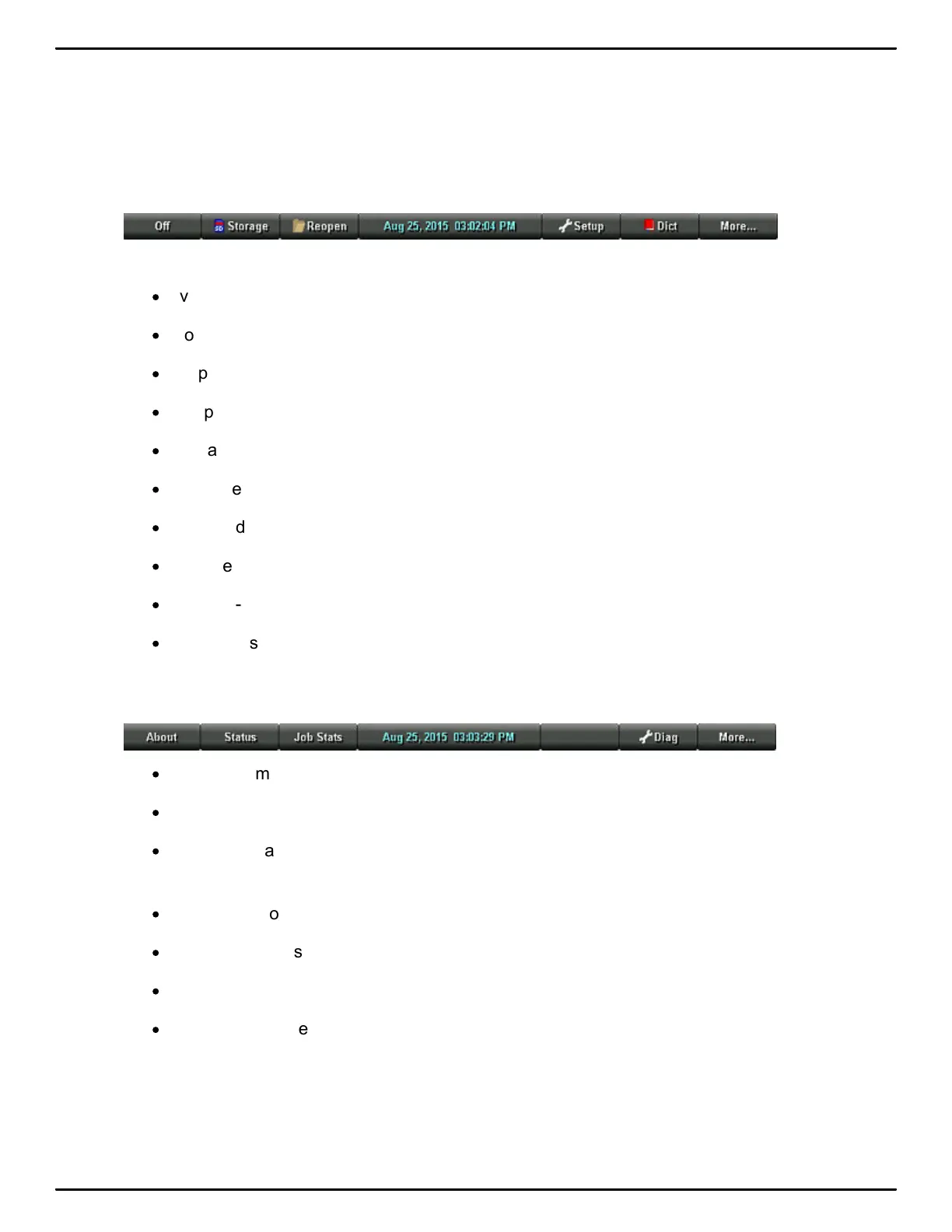
Opening Menu
When you turn the Luminex On, the Opening menu displays. The Opening menu is the first of two
main menus accessible when not writing on the Luminex.
The Opening menu provides access to features that allow you to:
·
view Data and Backup SD card, memory and thumb drive directories.
·
format Data and Backup SD cards.
·
copy files from memory.
·
reopen a file to append further testimony and playback audio.
·
set audio, display, translate and general Luminex options.
·
manage wireless settings.
·
make adjustments to Keyboard Settings and load keyboard profiles.
·
start test mode.
·
create j-defines.
·
open the second menu.
Second Menu
Touching More on the Opening menu displays the second menu:
·
display Luminex software version, free space on the Data SD card and wireless information.
·
display job data such job size, number of pages and the use of audio and a job dictionary.
·
display the approximate minimum, maximum and average strokes per minute for the job along
with a graphical representation of the varying number of strokes per minute throughout the job.
·
display the total number of strokes for all jobs taken.
·
perform diagnostics.
·
display battery status information.
·
return to the Opening menu.



 To Next Page