60
2019 Stenograph, L.L.C. All Rights Reserved.
60
Luminex Users Guide
Chapter 3 Writing on the Luminex
Clear All J-Defines
Depending on your Luminex options, J-Defines can be automatically cleared when ending a job, you
can be prompted to clear all J-defines when ending a job or turning the Luminex On or you can
manually clear all J-Defines from the Luminex memory. The automatic option for clearing/being
prompted for J-defines is available in the Options screen. The instructions below are for the manual
method of clearing all J-defines.
To delete all the J-Defines from dictionary in the Luminex memory:
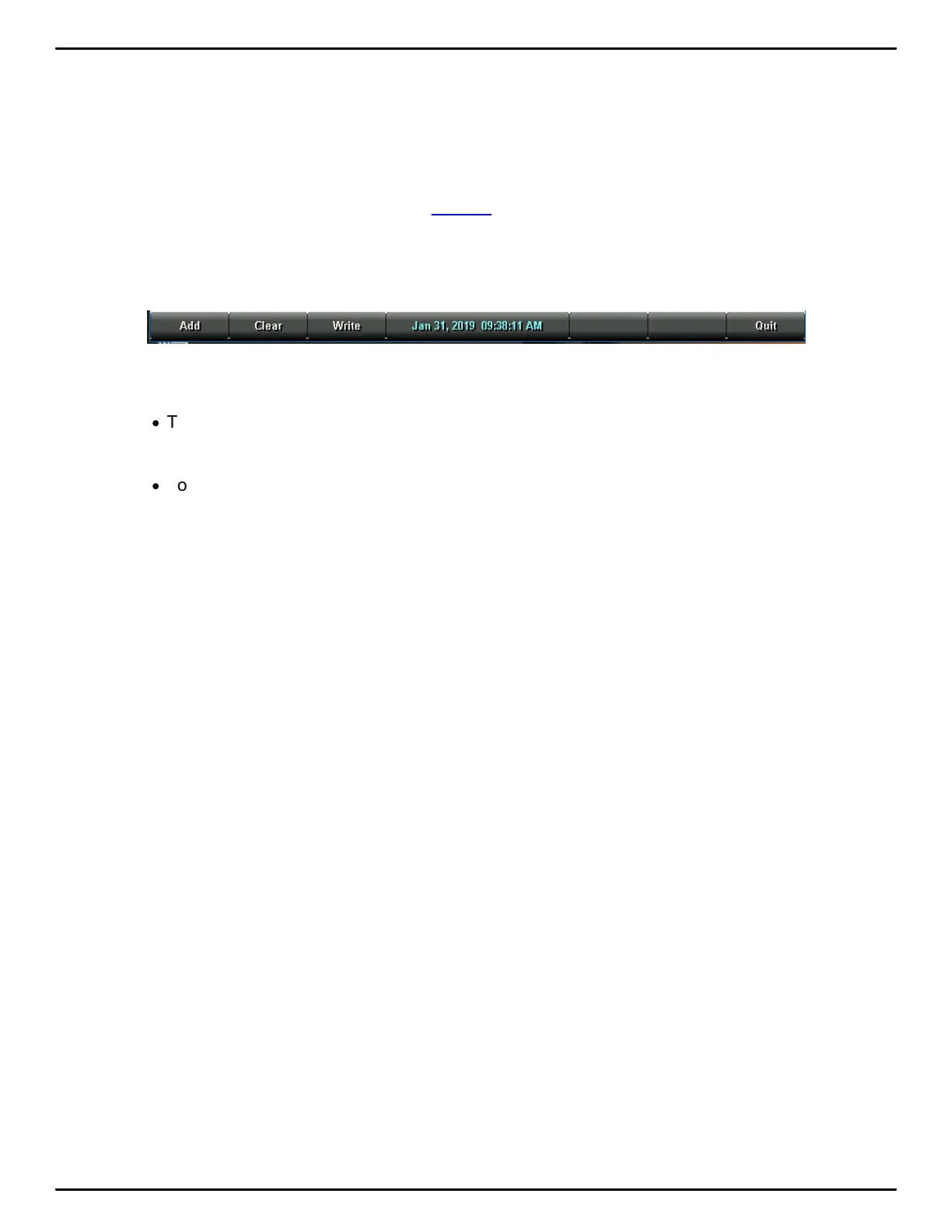
1. From the Opening Menu, touch Dict, J-Defines, Clear.
2. The following message displays prompting you to confirm the deletion: Ready to Delete All
J-Defines. Are You Sure?
·
Touch Yes to clear all J-Defines from the Luminex. The following message displays:
All J-defines deleted from this writer’s memory.
·
Touch No to retain the J-defines in memory.
3. To display the Opening Menu, touch Quit twice.



 To Next Page