52
2019 Stenograph, L.L.C. All Rights Reserved.
52
Luminex Users Guide
Chapter 3 Writing on the Luminex
Dictionaries
The Luminex uses Case CATalyst converted dictionaries or an RTF/CRE dictionary converted by the
RTF2Writer Dictionary Conversion program. Valid dictionaries include your personal dictionary, any
job dictionary and the Case CATalyst Power Define dictionary. You can also export the Case CATalyst
Spell Check Wordlist and Prefixsuffixrules.ini file when using Case CATalyst 8.05 or higher.
The Luminex can hold approximately 900,000 dictionary entries, depending on the size of the entries.
The total number of combined personal and job dictionary entries cannot exceed 900,000.
Load Dictionaries on the Luminex
The Luminex loads Case CATalyst dictionaries from your computer via the micro USB cable or a WiFi
connection. In order to export your Case CATalyst dictionaries via USB cable you must have installed
the Luminex USB driver on your computer.
Each time you load dictionaries, the newly loaded dictionaries overwrite all other dictionaries on the
Luminex. Dictionaries remain on your Luminex until you load dictionaries again. When loading
dictionaries, J-Defines held in the dictionary within the Luminex memory are not cleared. To prevent
previous J-Defines made on the Luminex from applying to future jobs, you must clear the J-defines.
You can manually clear the J-defines or have them automatically cleared.
To export Case CATalyst dictionaries to the Luminex:
1. Ensure your Luminex and computer are turned On and fully booted.
2. Start Case CATalyst.
3. On the Luminex, do one of the following:
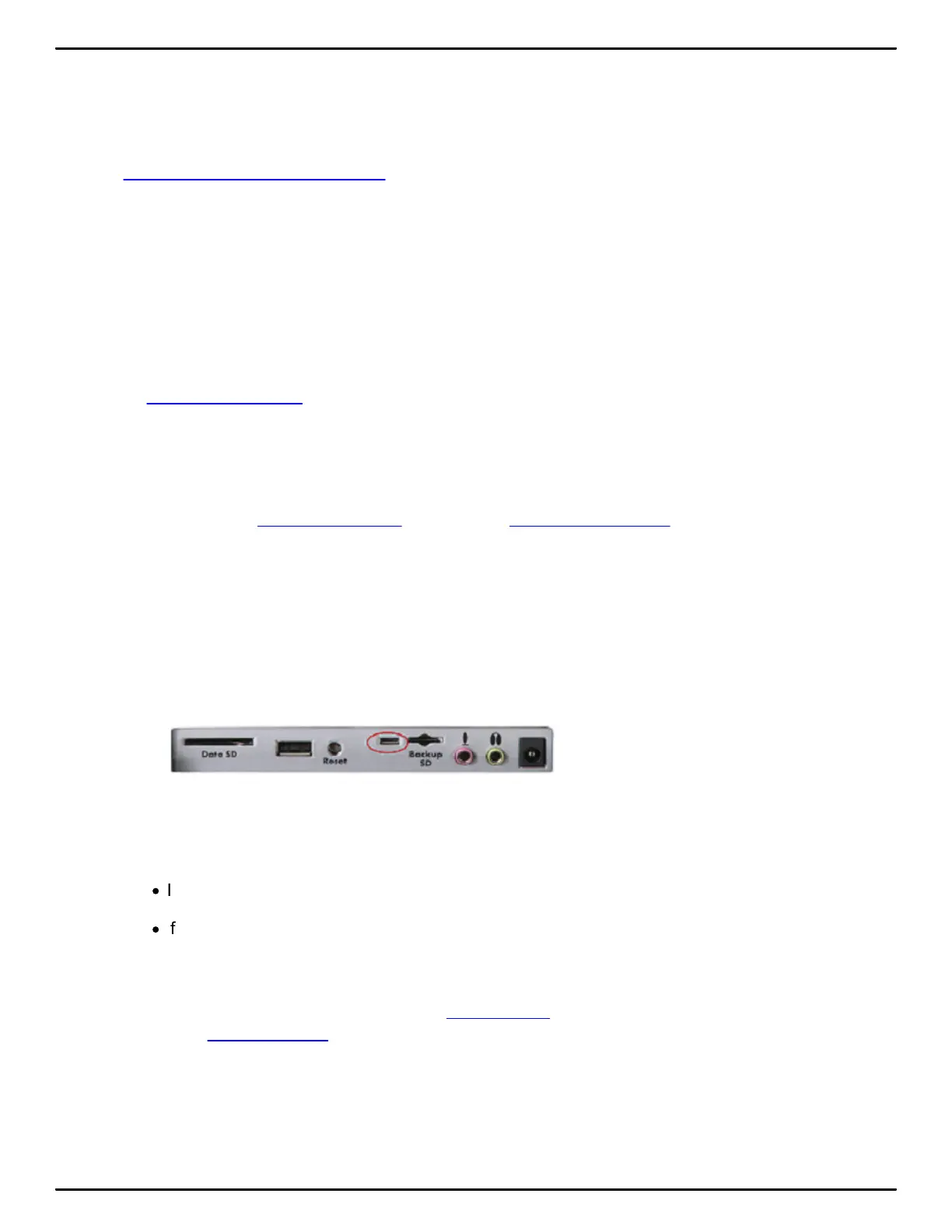
a. If using a USB connection, use the USB-C port on the back of the Luminex to connect the writer
to the computer.
b. If using a WiFi connection, ensure that your Luminex and the computer have a WiFi connection
to the same WiFi network access point.
4. In Case CATalyst, open the Export function and select the Stenograph Writer tab.
·
If using Case CATalyst V16.03 or lower, select the élan/Fusion/Luminex tab.
·
If using Case CATalyst V10.04 or earlier, select the élan/Fusion tab.
5. Select the dictionaries you want to load onto your Luminex. The Personal Dictionary is selected by
default to ensure the most recent version on your Luminex.
You can also select the Case CATalyst Power Define dictionary. To load the Spell Check Wordlist
and the Prefixsuffixrules.ini file, if applicable, check the appropriate box for each option. You must
be using Case CATalyst V8.05 or higher.
6. In the Export With section of the Export dialog box, do one of the following:
a. If using a USB connection, click the radio button USB.



 To Next Page