32
2019 Stenograph, L.L.C. All Rights Reserved.
32
Luminex Users Guide
Chapter 3 Writing on the Luminex
If the Use Brief It option in Trans. Opt. is set to Yes, touching More on the Second Writing menu
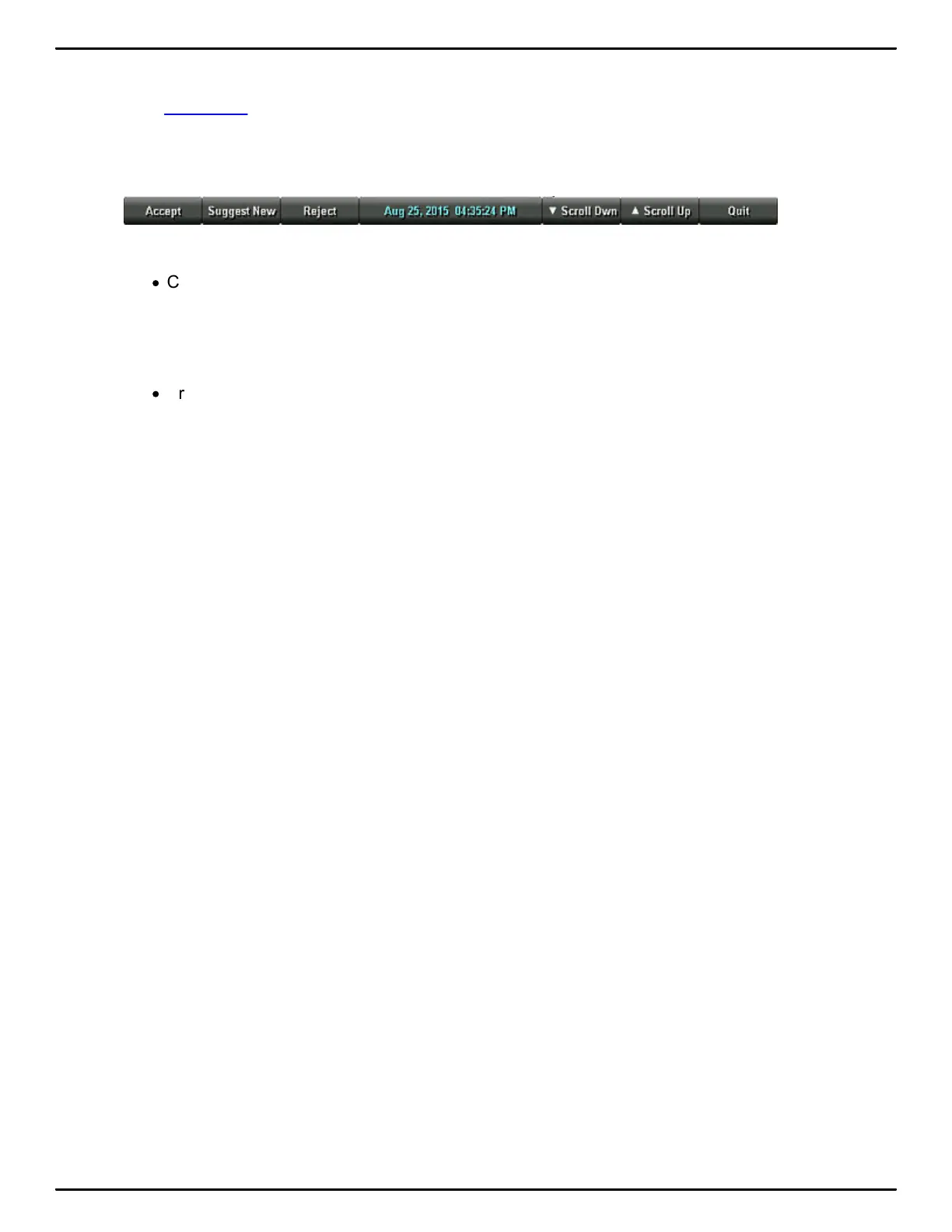
displays the Third Writing menu which includes Brief It. The Brief It option allows you to manually
accept or reject briefs and suggest new briefs. You can scroll up or down in the Brief It pane. The
following is an example of the Manage Briefs menu.
To Return to First Writing Menu:
·
Continue writing, pressing More on the second Writing menu or pressing Quit on the Brief It
menu returns you to the First Writing menu.
Return to Opening Menu:
·
Pressing End on the First Writing menu automatically closes the current job and returns you to
the Opening menu. If the Promote to End Job option is active, you are prompted with a
confirmation message to close the job each time you press the End sensor or touch screen
End.



 To Next Page