88
2019 Stenograph, L.L.C. All Rights Reserved.
88
Luminex Users Guide
Chapter 3 Writing on the Luminex
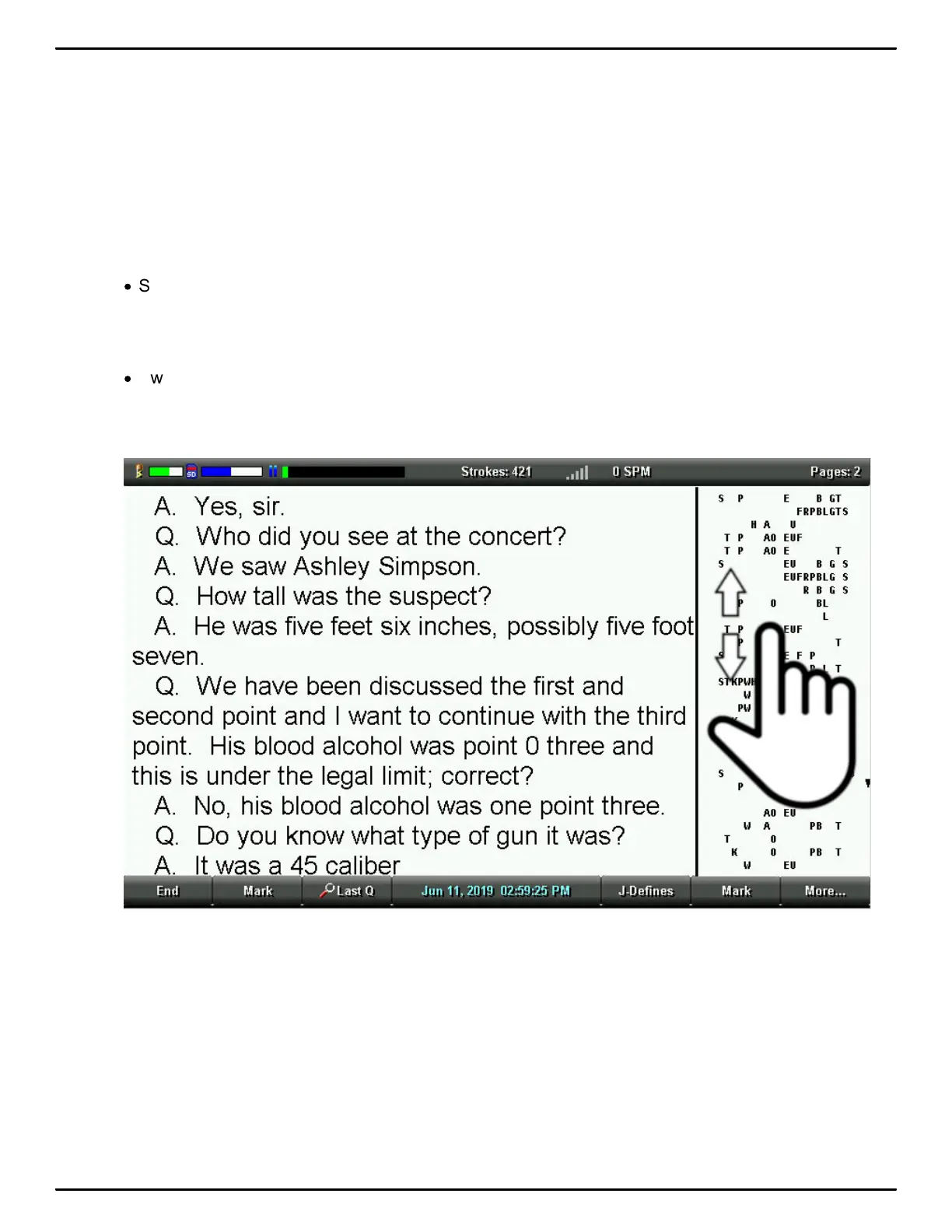
Swipe up in the vertical notes area on the writing screen to scroll the steno notes downward. Swipe
down in the vertical notes area on the writing screen to scroll the steno notes upward. The text area of
the writing screen may also scroll when needed to keep the steno notes and the associated text
translation together on the display. Use a single touch point. For example, your index finger. The
speed of the swipe and if your finger (touch point) stays in contact with the screen will affect the speed
and amount of scrolling that occurs.
To achieve smaller amounts of scrolling do the following:
·
Swipe up or down slowly while keeping your finger (touch point) in contact with the screen for the
entire swipe gesture.
To achieve larger amounts of scrolling do the following:
·
Swipe up or down quickly and let your finger (touch point) lift up from the screen at the end of the
swipe gesture.



 To Next Page